Help Center
Guides for the member dashboard and client portal: tools, troubleshooting, and safety. Use Quick navigation below to jump to a topic, or browse sections in order.
Getting Started
First Time Setup
- Click "Register" on the homepage
- Enter your email address and create a password
- Complete your profile information
- Log in immediately—no approval required
Account Creation
What happens after registration?
- Your account is created and ready to use
- Log in immediately with your email and password—no approval step
- Start using reflections, goals, check-ins, and chat from your dashboard
Install the app (PWA)
You can add NamedClearly to your device home screen as a Progressive Web App (PWA) for quicker access. What you see depends on your browser and OS.
- Chrome / Edge (desktop and Android): when signed in, use Install or Install app when the browser offers it—often from the address bar or an on-screen tip—to pin the main dashboard app.
- Per-chat shortcuts: open the chat you want, then install from there so the icon opens that experience—for example /dashboard/ai-chat (Universal chat), /dashboard/named-chat (NamedClearly Chat), /dashboard/commands-voice (Assistant chat), /dashboard/ask-the-word (Ask the Word), /dashboard/chat (Growth chat), /dashboard/therapeutic/chat (Therapy chat), or /dashboard/ai-assistant for a NamedClearly Chat shortcut with its own start URL.
- iPhone and iPad (Safari): tap Share, then Add to Home Screen. Open the chat or dashboard page you want before adding, so the shortcut lands where you expect.
- HTTPS: install works reliably on your live site; local development URLs may not show an install option.
If you use voice or the microphone in an installed app and audio is blocked, check microphone permissions for that app in system Settings and see Voice mode FAQ below.
Partner or household AI context: an installed shortcut does not change cross-account consent or expose extra transcripts—see Cross-account AI context.
Understanding Your Dashboard
Your dashboard is your home base for personal growth. It includes:
- Continue Your Journey - Quick access to recent activities
- Suggested Next Steps - AI-powered suggestions for your growth
- Impact Analysis - See how your actions affect others
- Communication Patterns - Visualize your communication style
- Readiness Level - Track your growth progression
- Customizable Sections - Arrange your dashboard to fit your needs
Customizing Your Dashboard:
- Click the settings icon to show/hide sections
- Drag sections to reorder them
- Your preferences are saved automatically
Welcome strip and Quick Access: Open Dashboard → Preferences for layout controls, or see Dashboard layout below.
Light and dark appearance
Use the theme control (sun/moon icon) in the top bar—before the help and notification icons—to switch light and dark on the dashboard. Your choice is remembered for that browser. Some tools (for example Bible study or AI chat) may also show a theme control in that page's header.

Dashboard layout (welcome strip & Quick Access)
Location: Dashboard → Preferences — Dashboard layout section.
Welcome strip: Choose Default top links for the site preset operators publish under Admin → Dashboard layout presets, or Custom to reorder links from the catalog. Reset to site defaults restores the published strip.
Quick Access (compass): Usage sorts tiles by how often you open tools, with Cycle Breaker, Find your tool, and Couples Connect pinned first unless you use a custom list. Custom lets you add from the full tool catalog and reorder. Reset to site defaults restores the operator home tile order.
Find your tool
Not sure which feature to use? The Find your tool wizard helps you choose the right feature by time (short term: right now; mid term: this week; long term: ongoing) and what you need (e.g. process a conversation, plan a message, track progress, safety check, study or pray, work on your relationship). Open it from the dashboard Quick Access (compass icon) or go to Dashboard → Find your tool.
The header Search pages and tools field supports Ctrl+K / Cmd+K, Ctrl+/ / Cmd+/, and / when you are not typing in a field. Cmd/Ctrl+K (and related shortcuts) open a shortcut list when the box is empty; click the field and type to run text search across pages, tools, and Help. Use arrow keys to move the highlight, and press Enter to open. Try everyday words (for example billing, schema, safety)—not just page titles. Universal chat, NamedClearly Chat, Assistant chat, Ask the Word, Therapy chat, and Growth chat reserve Cmd/Ctrl+K for in-page actions (new conversation or start-over) instead of dashboard search; Universal chat also reserves Cmd/Ctrl+/ for the composer. On those routes—and when Practice Management uses Cmd/Ctrl+K for its command palette—use Cmd/Ctrl+Shift+K to open this dashboard search palette. Communications Wizard reserves / alone.
Contact a practice
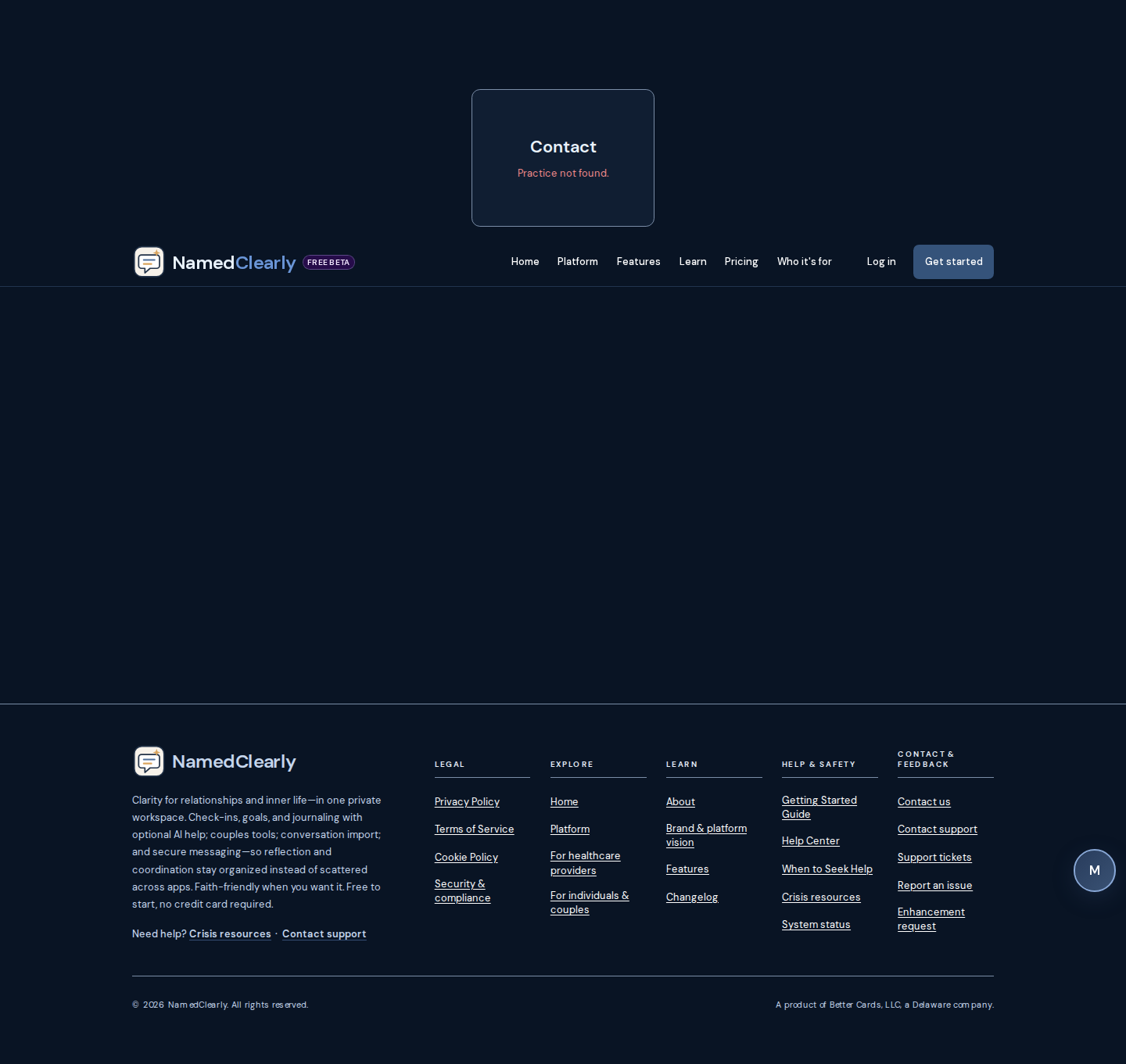
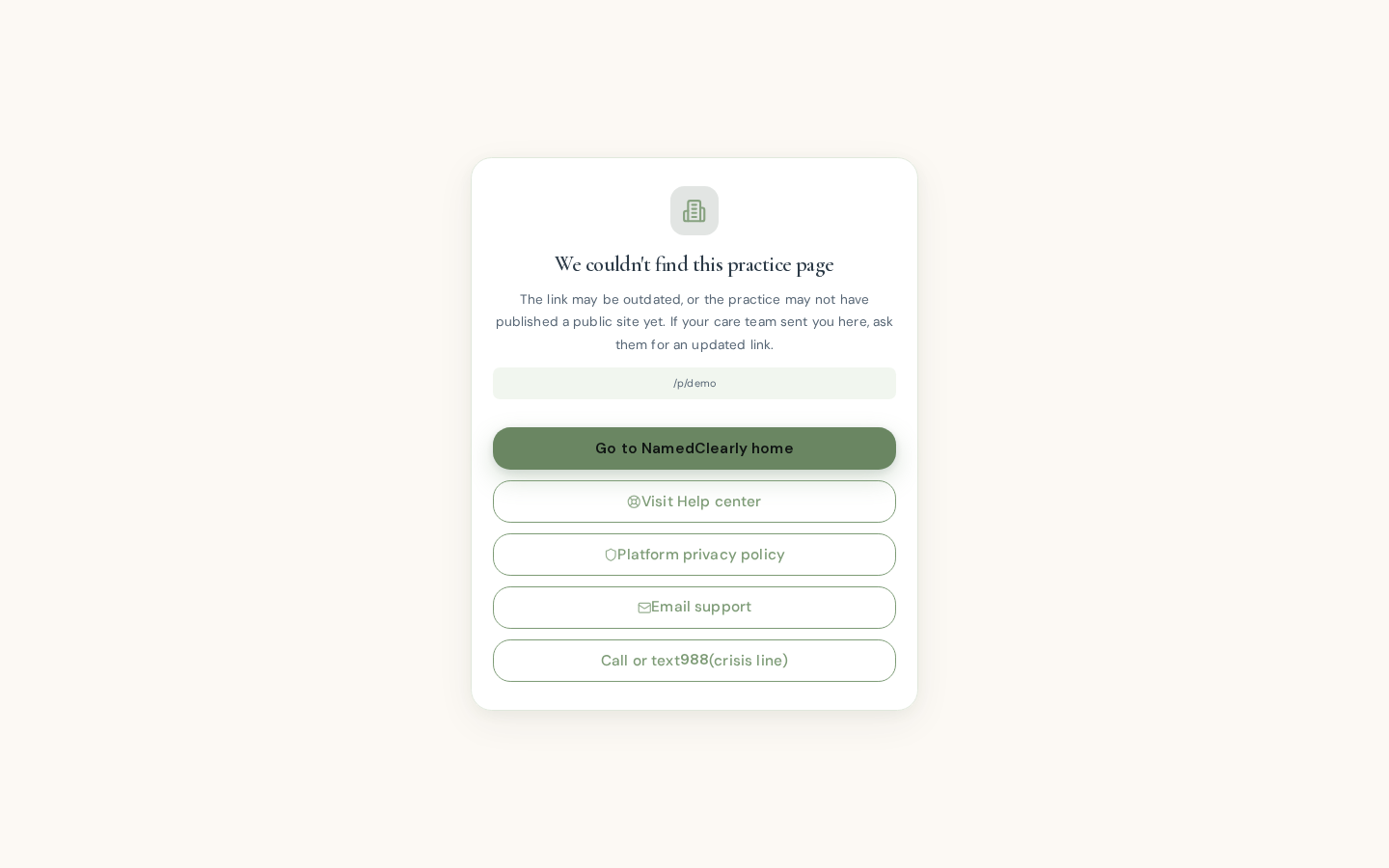
Add ?practice= with your provider's public booking slug (same as their scheduling link). Example: /contact?practice=demo.
You can also use the contact section on the practice's public site at /p/…#contact (use their site slug in place of the middle segment—the same value as in ?practice=).
Open the contact page without a slug to see these instructions there as well.
Public practice site, booking, and client portal
These paths are for patients and visitors working with a provider practice—not the full member dashboard.
- Public practice website:
/p/your-slug— marketing-style page; fonts and colors follow the provider's site template. Providers build the page in a drag-and-drop canvas builder at Dashboard → Practice → Practice Site — starting from a ready-made template or arranging sections, rows, and blocks (hero, tools, about, services, testimonials, service cards, story, lead capture, optional FAQ, contact) freely; the layout auto-stacks on mobile. When the provider enables FAQ, use/p/your-slug#faqfor scheduling- and privacy-focused Q&A (same themes as on the booking page). - Online scheduling:
/book/your-slug— same template styling as the public site; shows your provider's cancellation policy (free-cancel window and whether portal self-cancel is allowed). FAQ accordion at#faq. - Client portal appointment cancel:
/portal/appointments/…— signed-in clients can cancel scheduled visits inside the free-cancel window (Practice → Configuration → Public booking → Cancellation policy). Late or disabled cancels show a message to contact the practice. - Contact the practice: /contact?practice= with their slug, or /p/…#contact — see Contact a practice above.
- Client portal sign-in: /p/your-provider-slug/login — clients open the secure sign-in link from email— booking confirmation, a portal invite, or an appointment reminder (some practices also send reminder texts). There is no separate portal password. Optional Light / Dark appearance matches the practice template.
- Send portal invite (providers): Dashboard → Practice → Clients → select a client — email a magic link or Copy invite link for text. Public booking already emails a sign-in link when the client entered an email at
/book/…. - Legacy “register” URL: /portal/register — there is no self-service client signup. The page explains invite-only portal access (magic link from your provider) and links to portal sign-in, help, and forgot-access flows.
- Forgot portal access or member password? /portal/forgot-password explains portal magic links vs your full NamedClearly account and includes an email form to request a member password reset (same flow as the main site).
- Invite link opened on this host: /portal/accept-invite with
?token=forwards into the portal; without a token you get troubleshooting tips and a link to sign-in help. - Member password reset link on /portal: /portal/reset-password accepts the same reset
tokenas /reset-password (main site). If the link has no token, the page describes how reset emails are supposed to work. - NamedClearly member account link (optional): /portal/settings/member-account — when your portal chart email matches your NamedClearly member sign-in, you can connect accounts for linked journal/goals snapshots and tool sharing. Linking does not auto-share wellness tools; grants are separate under Share tools with your care team.
- Share tools with care team: /portal/settings/tool-access — requires a linked member account. Grant your coach or provider in-app access to selected Safety Check, schema, or relationship tools (revoke per grant anytime).
Providers and staff use Dashboard → Practice for clients, appointments, telehealth, and configuration. A static design showcase may be available at /design/reflect-design-system-showcase.html on some deployments (stakeholder / QA reference—not a patient workflow).
Developer-facing parity notes: docs/practice/REFLECT_DESIGN_SYSTEM_PORTAL_SCOPE.md.
Pricing & plans
The product offers tiers from free core growth features through paid plans that unlock more tools (for example couples features, Bible study, and enhanced AI where your plan allows). All plans include secure storage and the ability to export your data.
When you are signed in, your current subscription tier appears on the dashboard Your Plan card and on the Pricing page.
Request a plan change
To upgrade or downgrade, click Request plan change on the dashboard plan card or on the Pricing page (next to your current plan). Choose the plan you want, add an optional reason, and submit. An administrator processes the request and you are notified when it is complete.
Payment
Major cards are accepted; processing is handled by a secure payment provider (for example Stripe). Card details are not stored on NamedClearly's servers.
Marketing walkthrough & Listen narration
Before you sign up, the public Marketing and Features pages explain the full platform in plain language—real UI screenshots, optional Emily-voiced Listen narration (pre-generated audio, not live text-to-speech on the public site), and searchable walkthrough rows you can read at your own pace.
Two tiers on the long pages
- Listen tour — category overview cards at #marketing-product-tour. Use the horizontal jump nav pill Listen tour or scroll to the narrated product tour section.
- Full walkthrough — every named capability in the catalog plus every member dashboard tool from Find Your Tool at #marketing-full-walkthrough. Tabs switch between Capabilities and Dashboard tools; search filters rows without hiding the rest of the page.
Listen controls
When narration MP3s are deployed, Listenis ready on first load (no brief "Audio soon" flash on the product tour). A fixed narration dock appears while audio plays; pause from the dock or the row you started. If audio for a row is not generated yet, the row still shows its written walkthrough—you can read everything without Listen.
Maintainers regenerate narration with npm run marketing:product-tour-tts and npm run marketing:walkthrough-tts (see AGENTS.md marketing diligence notes).
Goals
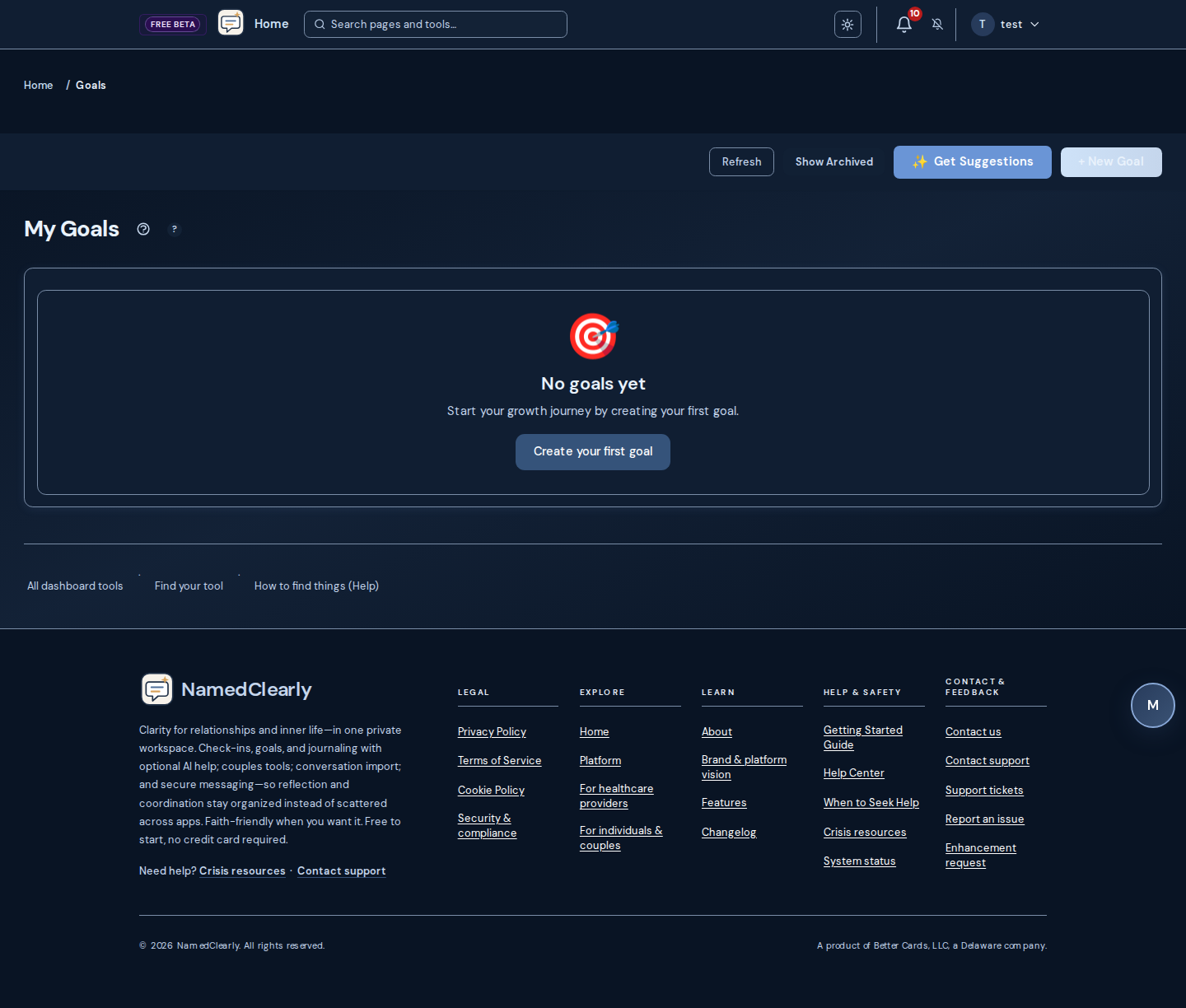
Goals help you track your personal growth journey. You can create goals in different categories like empathy, communication, boundaries, and more. The same overview appears when you open contextual help (?) on Goals.
Creating a Goal
- Navigate to "My Goals" from the dashboard
- Click "Create New Goal"
- Choose a category
- Enter a description and target date
- Save your goal
Growth chat
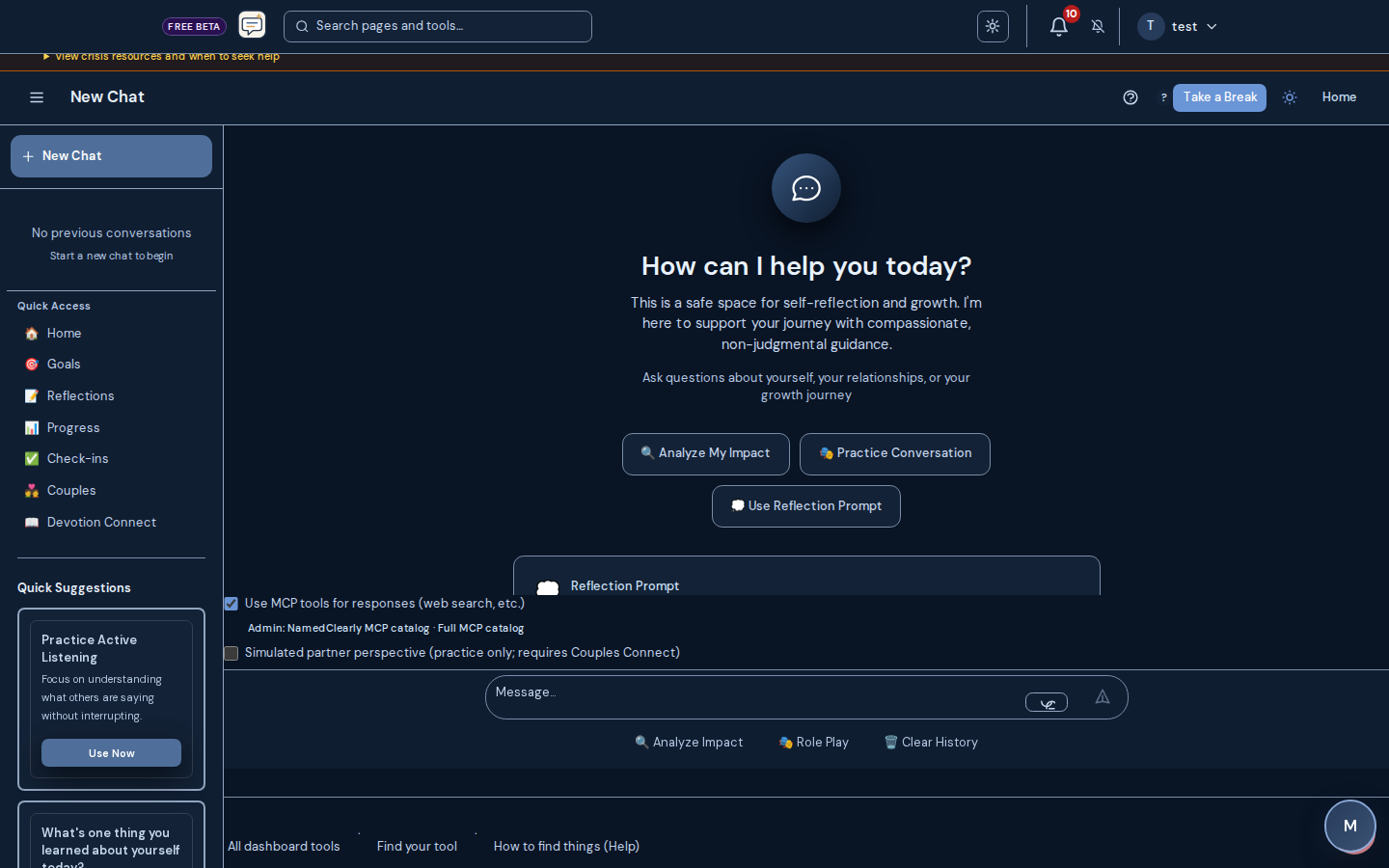
The chat feature provides an AI-powered assistant that helps you explore your thoughts, understand your impact on others, and get personalized guidance.
How to Use Chat
- Navigate to "Chat" from the dashboard
- Type your question or thought
- The AI will respond with personalized guidance
- Continue the conversation to explore deeper
What can I ask?
- Questions about personal growth
- Help understanding relationship patterns
- Guidance on difficult situations
- Reflection prompts
- Analysis of your communication style
Privacy & Safety:
- All conversations are private
- Crisis detection is built-in for your safety
- Trauma-informed responses
- No data is shared with third parties
Journal and Reflections
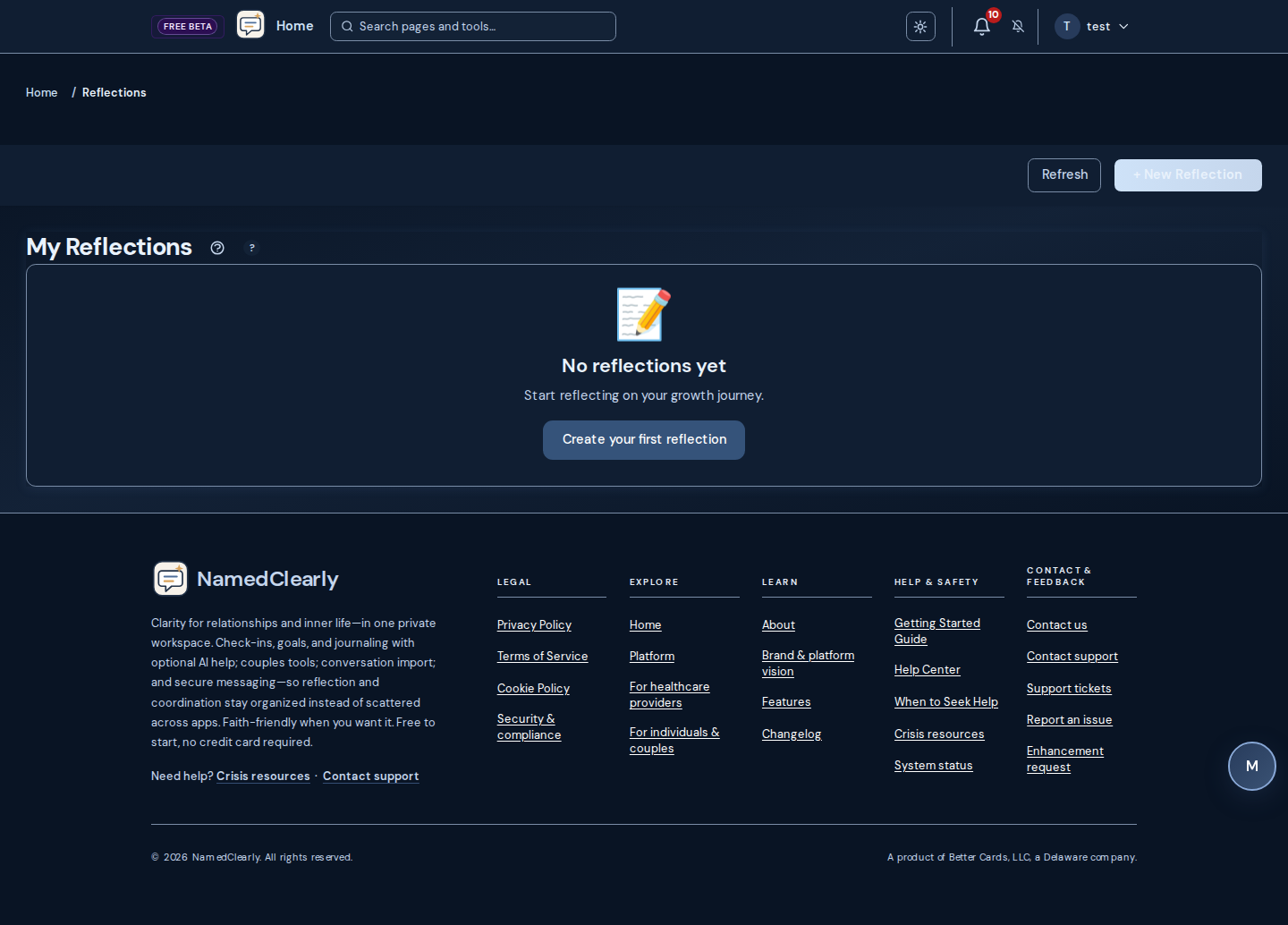
Journal (Dashboard → Journal) is your one place for writing: a unified timeline of freeform entries (blank page, morning/evening, gratitude) and guided reflections. You can create custom templates (Manage templates) with your own name and prompt; they appear as quick-action buttons. Export your timeline to Markdown or HTML (Export (.md) / Export (HTML)) for backup or printing. Add mood to entries and build a journal streak. Reflections are prompt-driven entries with AI-generated insights and optional Bible verse linking; they also appear in your Journal timeline.
Reflections are structured entries where you document your thoughts, experiences, and insights from your growth journey.
Creating a Reflection
- Navigate to "Reflections" from the dashboard
- Click "Create Reflection"
- Write about your experience
- Add any insights or learnings
- Save your reflection
AI-Enhanced Insights:
- After creating a reflection, AI generates personalized insights
- Insights include actionable steps
- Connect your reflection to your overall growth journey
- Get encouragement and support
Progress Tracking
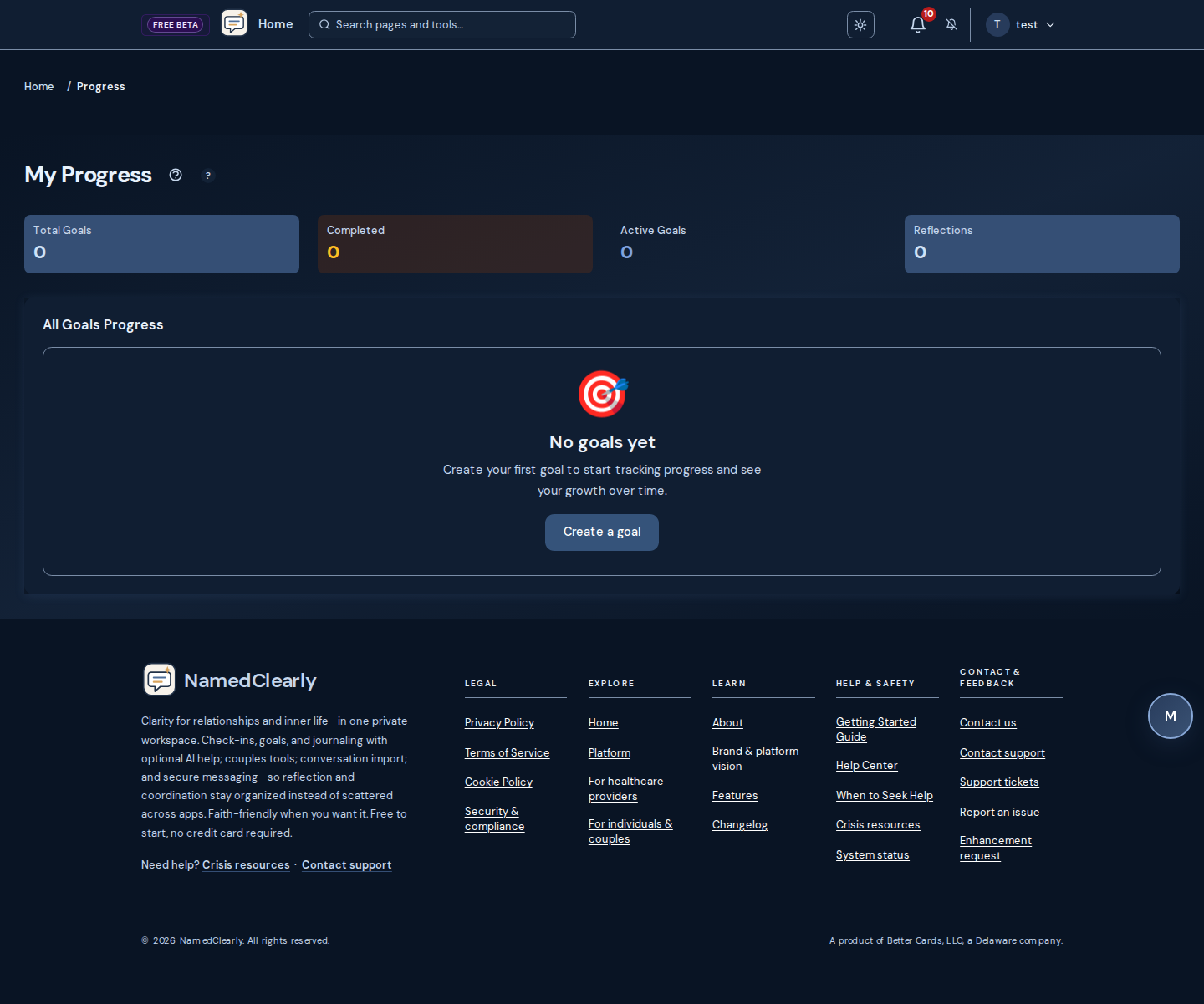
Progress tracking shows you visual charts and statistics about your growth journey over time.
What you can see:
- Goals by category
- Progress over time
- Completion statistics
- Activity summaries
- Growth trends
Viewing Your Progress:
- Navigate to "Progress" from the dashboard
- View charts and statistics
- Filter by date range or category
- Export your data (if needed)
Growth report builder
Dashboard → Growth report builder (/dashboard/report-builder) builds governed charts from your Safety Check runs, schema profile snapshots, journal and goals activity, and AI usage—scoped to your account only.
Data sources
- Safety Check — runs, severity mix, patterns, relationships, trends
- Schema & YSQ — profile snapshots and dominant domains
- Journal & goals — entries, moods, goal completion
- AI & chat usage — events, features, tokens
How to use it
- Open Growth report builder from the dashboard or header search
- Pick a template or use Query builder (source, metric, chart type, days back)
- Run report, then export CSV or JSON if needed
Daily Check-ins
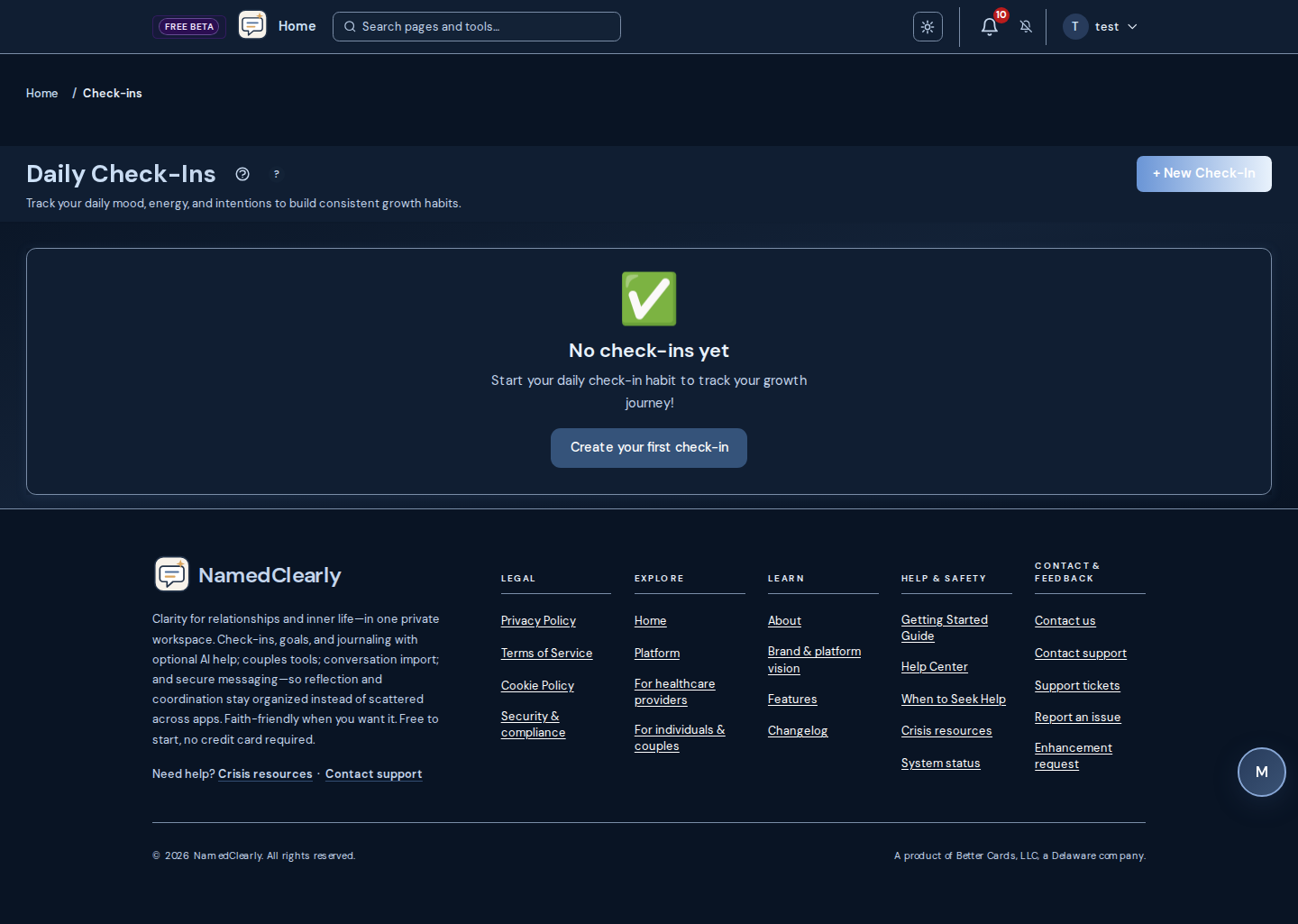
Daily check-ins help you track your mood, energy, and intentions each day, building consistency in your growth journey.
How to Check In
- Navigate to "Check-ins" from the dashboard
- Select today's date
- Rate your mood and energy
- Set your intentions for the day
- Add any notes
- Save your check-in
Benefits:
- Build daily awareness
- Track patterns in your mood and energy
- Set daily intentions
- See trends over time
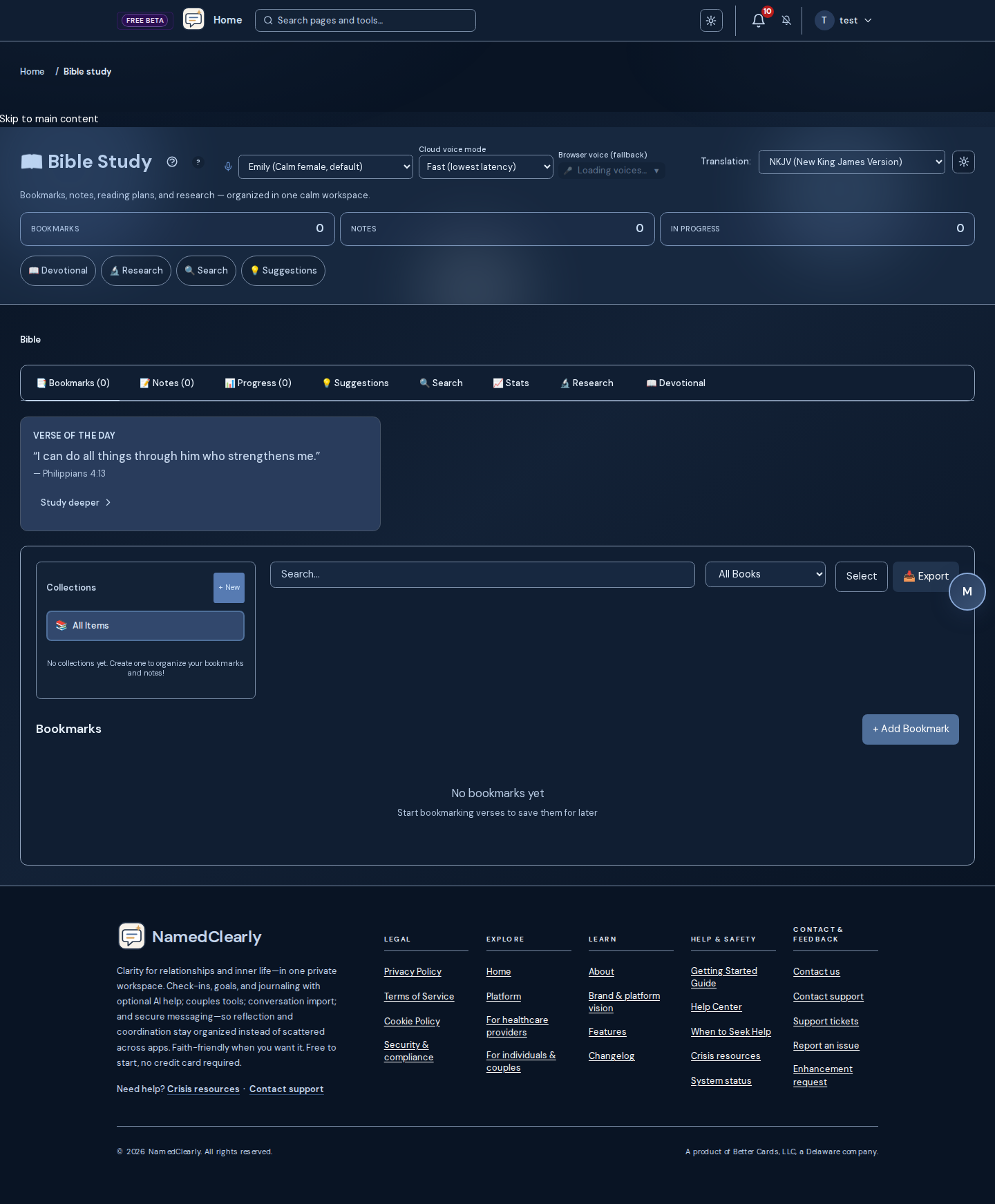
Bible Study
Features:
- Verse Linking - AI suggests relevant Bible verses for your goals and reflections
- Collections - Organize verses into collections
- Statistics - Track verses read, memorized, and linked
- Memorization - Spaced repetition system for verse memorization
- Reading Plans - Manage Bible reading plans
Getting Started:
- Navigate to "Bible Study" from the dashboard
- Explore suggested verses
- Create collections
- Start a reading plan
- Practice memorization
For more detail, see the Help Center sections above or the Bible Study page on your dashboard.
Therapeutic Exercises
Evidence-based exercises for self-awareness, emotion regulation, and relationship skills. This is a personal growth tool—not therapy or mental health treatment. For professional care, see When to Seek Help.
Hub (Dashboard → Therapeutic): One page with a progress summary when you have data, then AuDHD & neurodivergence (AuDHD hub and reflection check-in), Mutual influence (couples literacy) (Accepting influence track— modules, inventories, practice kit), structured schema assessment (schema program entry), Reflective conversation (seven tools: hard conversations guide, Therapeutic Chat, when triggered, 30-day curriculum, guided session, belief audit, Safety Check), and Exercises(Schema Work, Empathy Training, Affect Labeling, plus DBT: TIPP, STOP, DEAR MAN). When you have progress, you see a short summary; use "View full progress dashboard" for detailed markers. From nested pages, use "Back to therapeutic hub" to return.
Therapeutic Chat: Reflective conversation with pattern awareness; patterns are tracked for your progress. Same safety and crisis screening as the rest of the platform.
Progress: Summary (sessions, exercises completed, stage, days), learning pace and defense trends, circuit targets, and suggested next exercises. Each exercise has multiple steps; use Back/Next and click Complete on the last step. Difficulty adapts to your performance.

Accepting influence track
Where: Dashboard → Therapeutic → Mutual influence (couples literacy) — hub at /dashboard/therapeutic/accepting-influence.
Six psychoeducation modules (mutual openness, safety and coercion before persuasion skills, over-accommodation, culture and power, neurodivergent-affirming framing, schema modes and repair), a self inventory, a couples perception inventory, a practice kit (templates and reflection prompts), and clinician-oriented decision scaffolding. Exercise flows use a session safety check-in; inventory drafts default to your browser, with optional save-to-account snapshots when you are signed in.
Not therapy, diagnosis, or mediation. If you may be unsafe, use Conversation Safety Check and appropriate professional or emergency resources.
AuDHD portal (long read + optional narration)
Where: Dashboard → Therapeutic → AuDHD (hub). Long read with optional listen and download links when narration is deployed: From the Inside.
Psychoeducation about AuDHD (autistic and ADHD traits together)—for reflection only; not diagnosis, treatment, or legal or medical advice. If you only see the article text, optional narration may not be enabled on your server.
Schema Therapy Program (YSQ-R)
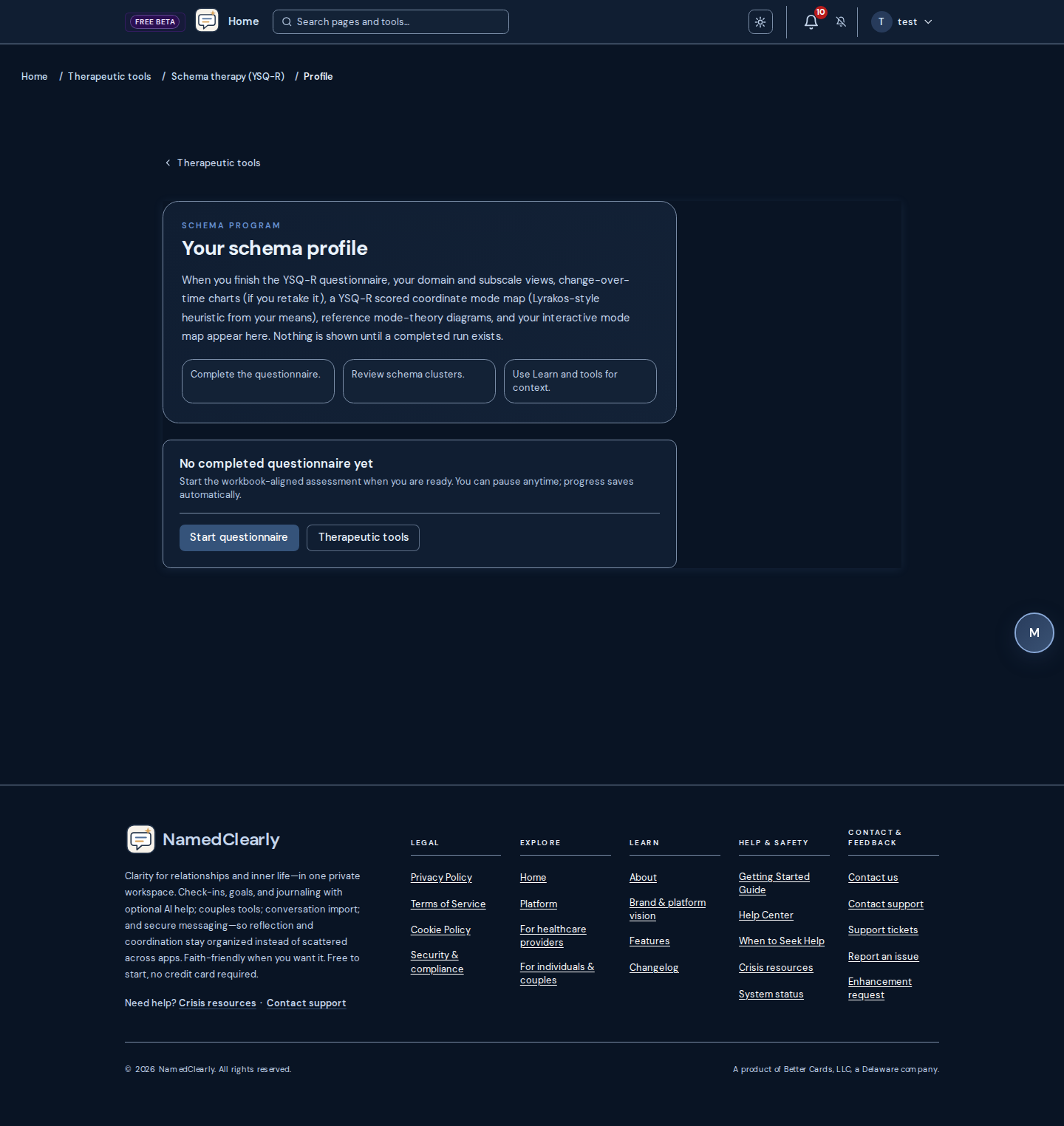
From Dashboard → Therapeutic → Structured schema assessment (or Schema program in the schema hub), open the YSQ-R flow: complete the questionnaire (autosave), then use Schema profile for domain charts, longitudinal summaries when you have multiple completions, mode theory reference diagrams (dimensional two-leg model and coordinate mode map) with YSQ-R–derived mode instrument scores mapped onto the template when a profile is loaded, a dedicated YSQ-R scored coordinate mode map (same Lyrakos-style placement as the clinical report, from your subscale means—not a separately administered SMI), an interactive mode map with optional trigger notes, plus a Schema self-help path card (mode check, regulation, need framing, repair action, saved weekly checklist, and completion trend across assessments), a grouped schema recovery plan that separates starter steps, ongoing healing-card practice, and deeper imagery work—and Clinical report for the same reference diagrams, scored map section, print-friendly layout, and Download PDF options (chart images include the scored map). On phones and narrow windows, primary actions stack and wide charts scroll horizontally so nothing is clipped.
Mode theory wording: Schema profile uses member-oriented language (e.g. your run, the scored map, and the interactive mode map). Clinical report and PDF chart capture use clinical-record framing for the same figures—this assessment / this completion, formulation, supervision, and clinical judgment (not a substitute for interview).
Practice workspace: When your organization includes client YSQ-R, open the same style report from the client chart (YSQ-R list → report for a specific completion). Item wording is protected by copyright; the app uses item codes unless your deployment supplies licensed text in the instrument spec. Chart flags use a workbook-style rule (a subscale is flagged when a large share of its items are rated 5–6); other numbers on the profile support reflection and remain self-report, not a clinical assessment. If no subscale meets that workbook flag, you may see a short note inviting conversation about medium endorsements. This is psychoeducation and self-reflection—not diagnosis or treatment.
Sharing your schema profile: On Schema profile you can create a timed public link and use Email link to send that link directly to someone—no confirmation email to your own inbox first. You can still copy the link manually. (Safety Check and relationship practice profile sharing still confirm to your email first.)
Partner compare link: With an active couples connection and a completed YSQ-R for both of you, Schema profile offers Partner compare link: a time-limited public URL with side-by-side charts. Names on the page default from each account (or you can type how you want to appear). You can list active compare links, copy, revoke, raise max opens, or extend expiry from the same area. Viewers see open counts and expiry on the page (no separate email verification step for this link type).
Kids Connect (optional reminder vs static prompts): On Family Communication, Activities, Co-parenting, and Biblical parenting, a signed-in parent may see a private aside when GET /api/schema-therapy/ysq/history returns scored workbook data—the browser shows a few theme-area hints for your reflection only. The meeting prompts and frameworks on those pages are static lists; they are not rewritten to embed YSQ domains. See Kids Connect in this Help file.
Official YSQ-3 long/short forms and other schema inventories are copyrighted by the Schema Therapy Institute and sold through their order center. Theory and inventory overview: Schema Therapy Institute. This portal uses a Rasch YSQ-R style implementation for self-reflection—not those licensed forms.
Schema psychoeducation (Schema learn)
Signed in: plain-language schema psychoeducation lives under Dashboard → Therapeutic → Schema learn (overview): Why you react, What mode am I in?, Two-leg model reference, and Understanding results (orientation before viewing questionnaire results). Without signing in, the same long-form articles are mirrored under /onboarding/schema-learn (overview and links); Understanding results matches /onboarding/your-patterns. Legacy /learn/* URLs redirect to the dashboard routes (sign in). Plain-language background — not diagnosis or treatment.
Schema therapy toolkit
When signed in, open Dashboard → Therapeutic → Schema program → Schema therapy tools (bookmark /tools still works; it redirects to the same hub). The hub complements YSQ-R; it does not replace the questionnaire, profile charts, or clinical report.
How the couples module idea maps here
- Strategically ordered couples Schema Therapy often starts from the mode cycle you can name and observe between you — rather than a long “diagnose first, intervene later” delay before the interactional pattern is addressed.
- A core formulation: many stuck fights recycle a default mode cycle — a dysfunctional interactional pattern where the topic changes but the dance feels familiar. The cycle is framed as a shared problem both partners contribute to (while each person still owns repair and behaviour change).
- Skills are practiced in the present moment of the interaction: short structure, pauses when flooded, and stepwise moves toward a balanced, needs-based way of talking.
- Deeper schema work in the published pathway leans on imagery and conjoint exercises more than long abstract storytelling — so emotional learning can land with support from the observing partner when that fits your situation.
- The long-range aim in the module pathway is everyday problem solving using habits such as connection dialogues — after the cycle can be seen, interrupted, and softened enough for a steadier “Healthy Adult-led” stance to lead.
- Phase 1 — Catalog and worksheets: Schema assessment, mode mapping, and couple cycle tools use a shared catalog; some flows save rows on your account so you can create timed share links for a mode profile or couple cycle. Saved rows can include provenance fields
source_tier(A/B/C) andsource_refs(source URLs or doc paths). - Phase 2 — AI-assisted practice: Coping cards, mode-language reframes, and schema chemistry use the host AI configuration; if AI is unavailable, those actions may fail while worksheets and static pages still load.
- Phase 3 — Deeper work: Limited reparenting, guided visualizations, and imagery rescripting are separated from starter tools. Imagery includes readiness and sensitivity framing; use professional support when trauma intensity, dissociation, active abuse, or overwhelm is present.
Toolkit shares use /share/mode-profile/… and /share/couple-cycle/…. Same limits as the rest of the schema program: psychoeducation and self-reflection—not diagnosis or treatment.
Safety Check schema lens healing cards: When the optional schema lens is included in a Safety Check report, the report can show short healing cards for the top conversation-informed themes. These cards name one immediate regulation prompt, one longer practice, and a linked schema tool. They are reflection supports, not YSQ-R scores or a formal schema assessment.
Crisis and professional support: If you are in immediate danger, contact local emergency services. For crisis-oriented resources in the app, open Crisis resources. For when to seek licensed care, see When to Seek Help. Imagery and other high-intensity pages include sensitivity notices—pause or stop if you need to.
Provenance: Worksheet labels and cycle templates follow a tiered source model (primary couple-module materials, secondary book-level summaries, and background schema-therapy literature where needed). The app does not claim full-book ingestion unless licensed text is deployed on the host. Where persistence/history endpoints apply, provenance appears as source_tier and source_refs.
Operators: maintainer checklist and API roadmap notes live in the repository at docs/features/SCHEMA_TOOLS_V3_COMPLIANCE.md.
Present for the Next Generation
A Personal Growth section (Dashboard → Present for the Next Generation) for processing your upbringing and strengthening presence with your kids. Not therapy or diagnosis—reflective prompts only. Two cards open Therapeutic Chat with a guided prompt:
- Processing your upbringing — Validate what was missing, name the impact, and connect to what you choose to do now, including playfulness and presence.
- Being present for your kids — Small, concrete ways to show up, 10–15 minutes of purposeful or playful time, rituals, and repair when you miss the mark; stepfamily-aware.
For professional support, see When to Seek Help.
Father-Son Repair
Father-Son Repair is a God-centered tool under Present for the Next Generation. It is not therapy or diagnosis. It includes:
- Assessment — A short, scripture-anchored questionnaire. Your answers are stored for your progress view.
- Guided steps — A link to Therapeutic Chat with a Father-Son Repair prompt: Scripture (God as Father, reconciliation, forgiveness), prayer, and one concrete commitment.
- Progress — Your latest assessment summary and milestones you add (e.g. had a conversation, prayed together, commitment to regular time).
Open it from Dashboard → Present for the Next Generation → Father-Son Repair. For professional support, see When to Seek Help.
AI Chat Sessions
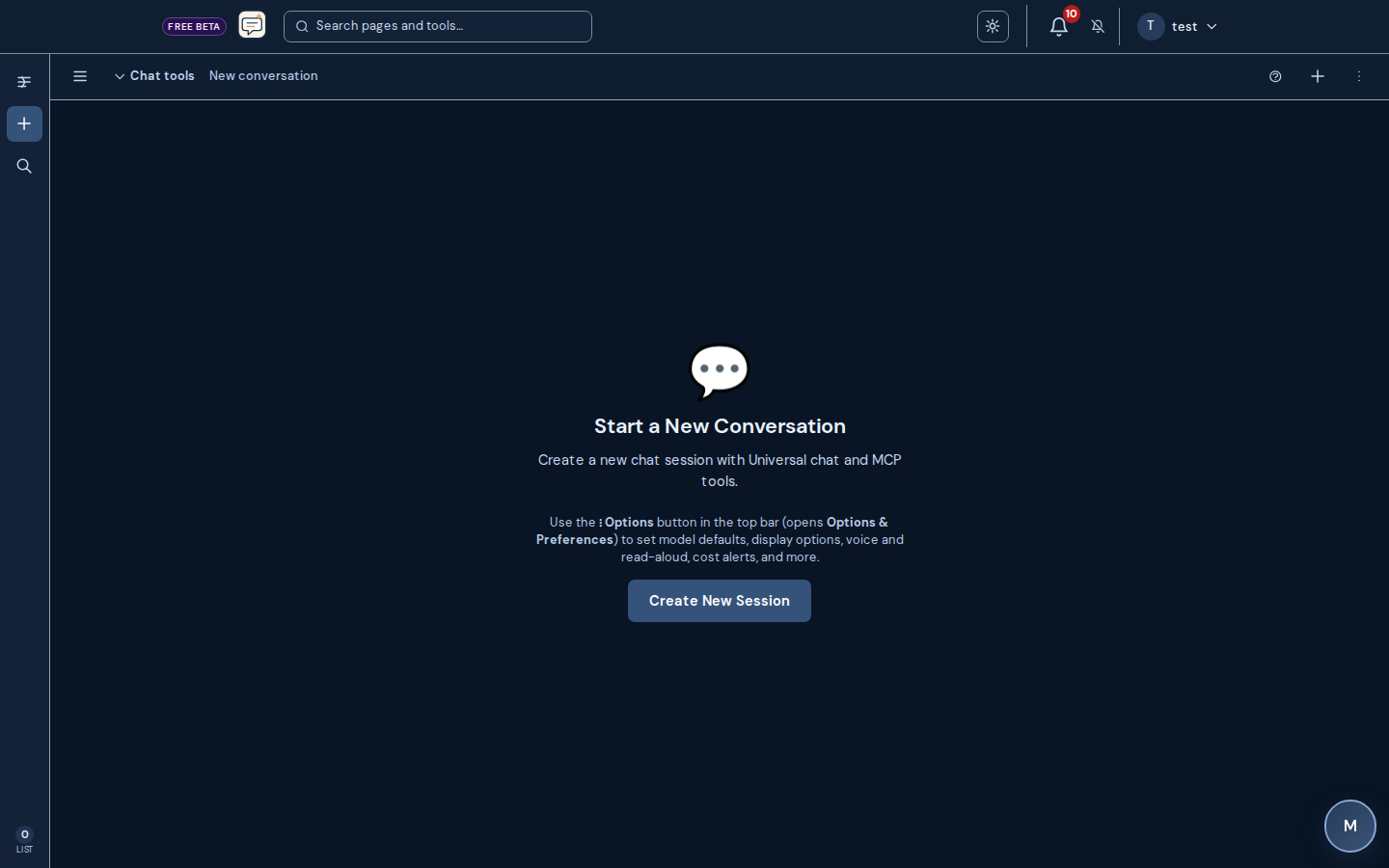
AI Chat is a dedicated chat experience with session history, model selection, and usage limits. Use it for deeper conversations, follow-up threads, or general questions—separate from the reflection Chat on your dashboard.
How to Use AI Chat
- Navigate to "AI Chat" from the dashboard
- Start a new session or continue an existing one
- Choose a model (if your plan allows)
- Type your message and send
- View session history and switch between sessions
Universal chat, NamedClearly Chat, Assistant chat, and Ask the Word support optional voice and Voice chat where exposed in each shell. The first time you enable Voice chat or start the mic with Voice chat on in NamedClearly Chat, a short dialog explains that the browser or device will ask for microphone access. Full walkthrough: Voice mode FAQ (also troubleshooting).
AI history and canvas: Use Import AI history to upload official ChatGPT or Claude.ai exports after consent. The AI history canvas lets you pick which imported sources can become model context. Include app context and per-session Interconnect all areas for AIdefault on unless you turn them off in that chat's settings; account-wide Context amount (Minimal through Ecosystem — interconnect all areas for AI) is saved under Dashboard → Preferences → AI Context. Cross-account partner or household previews also require AI context and sharing consent on each account (Settings → AI context and sharing consent). The composer shows user-created prompts rather than global/admin defaults.
Open the canvas from Universal Chat: /dashboard/ai-chat#ai-history-canvas opens Options & preferences and jumps to the AI history canvas section; links that include ?canvas=1 do the same before the query param is cleared from the URL.
Projects (Universal chat): Open Universal chat settings to assign the active session to a named project, create or rename projects, and upload plain-text reference files (for example .txt, .md, or .csv) for context. Sessions in the same project stay grouped under your account.
Routing: The host uses a fallback chain of models. If a provider returns repeated authentication errors, it may be skipped for a while and another configured model answers—so the first reply can take longer and the visible model may differ from your pick until keys are healthy. Administrators review under Admin → AI providers and Admin → API Keys.
Research mode (web search + citations)
On Universal chat, NamedClearly Chat, Assistant chat (/dashboard/commands-voice), and Ask the Word, turn on Research above the composer. Each send asks for numbered citations and a Sources section, and shows clickable source chips under the reply. With Research on, the composer shows whether web search is ready. When Brave Search MCP is configured, operators enable it under Admin → MCP servers and set BRAVE_API_KEY under Admin → API Keys (or on the host). When Brave MCP is not ready but PERPLEXITY_API_KEY is set, research uses Perplexity Sonar automatically. MCP-based research needs a native tool-calling model (MCP tools guide).
Research activity panel
While Research runs, a Research panel lists live steps (Search, Read, Synthesize, or other tool phases). On wide screens it docks beside the thread; on phones it appears above the composer. The finished answer and Sources still appear in the thread. Close with X or Escape.
Long sends, timeouts, and recovery
AI chat and Safety Check use longer client timeouts than routine API calls so research and tool rounds can finish. If the browser times out but the server already saved your message, reload the session or refresh the session list—the app recovers the turn instead of dropping your text. Multipart Safety Check runs may still use Resume on the Safety Check page when a queue was saved.
MCP tools, models, and streaming
When MCP tools are enabled in Universal chat settings, the assistant can use configured integrations plus NamedClearly product tools (names starting with nc__). MCP-on sends require native tool-calling models (OpenAI, Anthropic, Google, or gateway ids like openai/…). With MCP on, replies use the non-streaming path so tool rounds can finish. Therapeutic Chat and schema assessment chat keep external MCP off—product tools only. Case Prep (attorney preparation) is available via nc__case_prep__* tools—for example list or create sessions and open Case Prep (help).
Voice mode FAQ
Voice in NamedClearly is web-based: your browser turns speech into text, then chat works like typing. Read-aloud uses server speech when your host enables it, otherwise device text-to-speech. This is not a separate native "live audio-to-model" app—behavior depends on browser, OS, plan, and host settings.
At a glance
- Input: Microphone → browser speech recognition → plain text in your chat (same rules as typed messages).
- Output: Assistant replies stay in the thread as text; optional read-aloud plays via server audio when configured, or browser/OS speech when not.
- Voice chat can send automaticallywhen you stop speaking and optionally resume listening after the assistant finishes speaking—turn it on in each chat's preferences when available.
- Dictation fills the composer so you can edit before send—useful for exact wording or sensitive topics.
- Always verify important facts; transcription and models can both be wrong.
Where to use voice
- Universal chat — sessions, model picker, MCP tools when your plan allows; full voice preferences.
- NamedClearly Chat and Assistant chat — same conversation history; Assistant chat is optimized for voice-first layout and slash commands.
- Ask the Word — scripture-grounded chat with optional Voice chat and read-aloud where enabled.
- Practice and portal help assistants may offer a simpler voice path (record → send) under the same browser limits.
Preflight checks (permission, recognition API, playback): Dashboard → Voice diagnostics.
Quick start
- Open one of the chats above and sign in if prompted.
- Open that chat's settings or options panel and enable Voice chat (and read-aloud / audio output if you want spoken replies).
- Tap the microphone. Allow the browser or installed app to use the mic when asked—without permission, nothing can hear you.
- For Voice chat, speak naturally; when you pause, your text sends like a normal message. For dictation (Voice chat off) on Universal, NamedClearly Chat, Assistant chat, and Ask the Word, you can still edit live in the box—stopping the mic sends the message like Send.
- If playback is silent, check volume, mute, and whether the tab is allowed to play sound; run the audio test on Voice diagnostics. If the page shows no voices listed, the OS browser test cannot run in that environment—use Run cloud voice test when voice replies are enabled, or try Chrome or Safari on a normal device.
Dictation vs Voice chat
| Topic | Dictation | Voice chat |
|---|---|---|
| Composer | Fills the text box as you speak. | Still driven by speech, but tuned to send on pause. |
| Send | On Universal, NamedClearly Chat, Assistant chat, and Ask the Word: stopping the mic sends (same as Send). Other chat surfaces may still require tapping Send after you review. | Message can send automatically when recognition ends (same quotas as typing). |
| Conversation loop | Each turn: stop the mic to send on Universal, NamedClearly Chat, Assistant chat, and Ask the Word (or tap Send). Other surfaces stay manual send. | Can chain with assistant read-aloud and reopen the mic when enabled. |
| Best for | Precision, long edits, mixed typing and speech. | Hands-free back-and-forth when ambient noise is low. |
First-time Voice chat on NamedClearly Chat shows a short explanation, then the browser requests microphone access.
Read-aloud and voices
- Per-message play or download (where the UI offers it) prefers server-generated audio when your host configures speech—often higher quality than the browser.
- Voice conversation read-aloud similarly prefers server speech when the assistant message is saved to the session; if the request fails, is disabled, or hits a limit, the app falls back to browser text-to-speech.
- Preset names such as Emily (calm female, default) and Rachel (calm young female) come from the server when speech is enabled; the exact sound still depends on host configuration.
- Universal Chat: under Options and preferences, choose Cloud voice (ElevenLabs) when voice replies are on—the same preset is used on Voice diagnostics for the cloud test. Other chats keep their own saved presets per shell.
- Autoplay rules: some browsers block audio until you interact with the page—tap the composer or play control once if speech never starts.
Operators can turn off server voice globally (environment or admin toggle). If read-aloud suddenly disappears for everyone on a deployment, that is a host-side setting—not your personal mute alone.
Reply in audio (where to turn it on)
- Automatic playback after each assistant reply: open that chat's options / preferences. Turn on Voice conversation, then enable Read assistant replies aloud under Voice input and output (Universal chat: Options and preferences → This chat — context and voice). Optional: Sync voice conversation to all routes copies voice-conversation mode to every AI chat route in this browser (it does not turn on microphone or read-aloud by itself).
- One message at a time: use Read aloud on the assistant row when the control is shown.
- Cloud (ElevenLabs) read-aloud requires operators to enable Universal AI Chat voice replies under Dashboard → Admin → Settings. If that is off, automatic cloud read-aloud stays unavailable (browser speech may still apply when the UI allows).
Controls and settings
- Each chat exposes Voice chat, audio input, and often read-aloud / audio output in its settings—defaults vary by product surface.
- Stop or cancel from the same toolbar you used to start listening; stop playback with the message or global stop control when shown.
- If the assistant is speaking and you start talking, use headphones or pause playback to avoid the mic picking up the speaker.
Browsers and mobile
- Chromium (Chrome, Edge, many Android browsers) and Safari generally offer the best Web Speech support; Firefox may be limited or inconsistent on some desktops—try another browser if recognition never starts.
- On phones and tablets, use the latest OS browser or your installed NamedClearlyweb app; microphone permission may live under site settings or the app's system settings.
- If you installed the dashboard as a PWA and the mic is blocked, open the device Settings app, find this app, enable Microphone, then fully restart the app.
Recognition language is typically aligned with US English in the client; mixed languages or heavy accents may need slower speech or typing as backup.
Troubleshooting
- Run Voice diagnostics first: confirm permission, recognition support, browser TTS, and (when voice replies are on) the cloud voice test. HTTP 401 on cloud playback means sign in again—the portal rejected the request, not ElevenLabs billing.
- Mic never opens: Click the lock or site-settings icon in the address bar and set Microphone to Allow, then tap the mic again (a full reload is usually only needed if the site still shows Blocked). On installed apps, enable Microphone in device Settings and restart the app. Try a non-private window if extensions block media.
- Recognition starts then stops immediately: Check network (some engines use cloud recognition), reduce noise, try headphones.
- "Network" or speech-service errors from the mic: Many browsers send audio to a vendor cloud to transcribe speech. That path can fail when the device is offline, on a strict Wi-Fi or VPN, or the speech service is overloaded—even if the rest of the dashboard loads. Retry the mic, try another network, or type the message.
- Assistant silent: Unmute, raise volume, click the page once, retry read-aloud; confirm Voice chat audio output is enabled in chat settings.
- Echo or double-trigger: Lower speakers, enable OS voice isolation if available, or switch to dictation with push-to-send.
Administrators can inspect provider health under Admin → AI providers and keys under Admin → API Keys—voice input still works when models are healthy; server speech additionally needs host speech configuration.
Limits and outages
- Every spoken message consumes the same model and plan limitsas typing—there is no separate "voice minute pool" in the product.
- Server speak endpoints may rate-limit heavy use; wait and retry or read visually.
- Hosts tune quotas in Admin → Token limits when you administer the deployment.
If text chat works but only read-aloud fails, suspect speech service configuration or disablement rather than your microphone.
What we don't offer in dashboard voice mode
- No continuous live video or screen stream to the model as part of voice mode—attachments use the normal composer flows (for example images where the chat already supports them).
- No separate proprietary "orb only" voice shell—everything stays inside your logged-in web chat UI.
- Tooling (MCP, code, uploads) follows that chat's text rules; if a tool is unavailable while listening, finish speaking or switch to typing.
Accuracy and language
Transcripts reflect what the browser thought you said—not a courtroom-grade record. While the mic is still on, you can edit live in the box; on Universal, NamedClearly Chat, Assistant chat, and Ask the Word, stopping the mic sends—so finish wording before you stop, or tap Send only if you prefer. In Voice chat, follow up with a typed clarification when precision matters (names, numbers, dates, quotes).
Wrong-language captions usually mean the engine misclassified phonetics; slow down, reduce noise, or switch to typing. You can still ask the model to answer in your preferred language in text.
Accessibility
The authoritative record in your account is the thread text, which works with screen readers and copy/paste. Read-aloud is a convenience layer; if it conflicts with your assistive tech, disable audio output in chat settings and use text-only.
Privacy
Speech recognition runs in the browser (Web Speech API or vendor-specific equivalent). NamedClearly receives text like any other chat send. Server read-aloud sends assistant textto your host's speech provider to synthesize audio—it is not a bulk upload of raw microphone audio through the chat API. Your browser vendor and OS still define additional telemetry or processing for microphone use—review their privacy notices if that matters to you.
Account retention, export, and training depend on host policy—see Privacy and Terms.
Case Prep
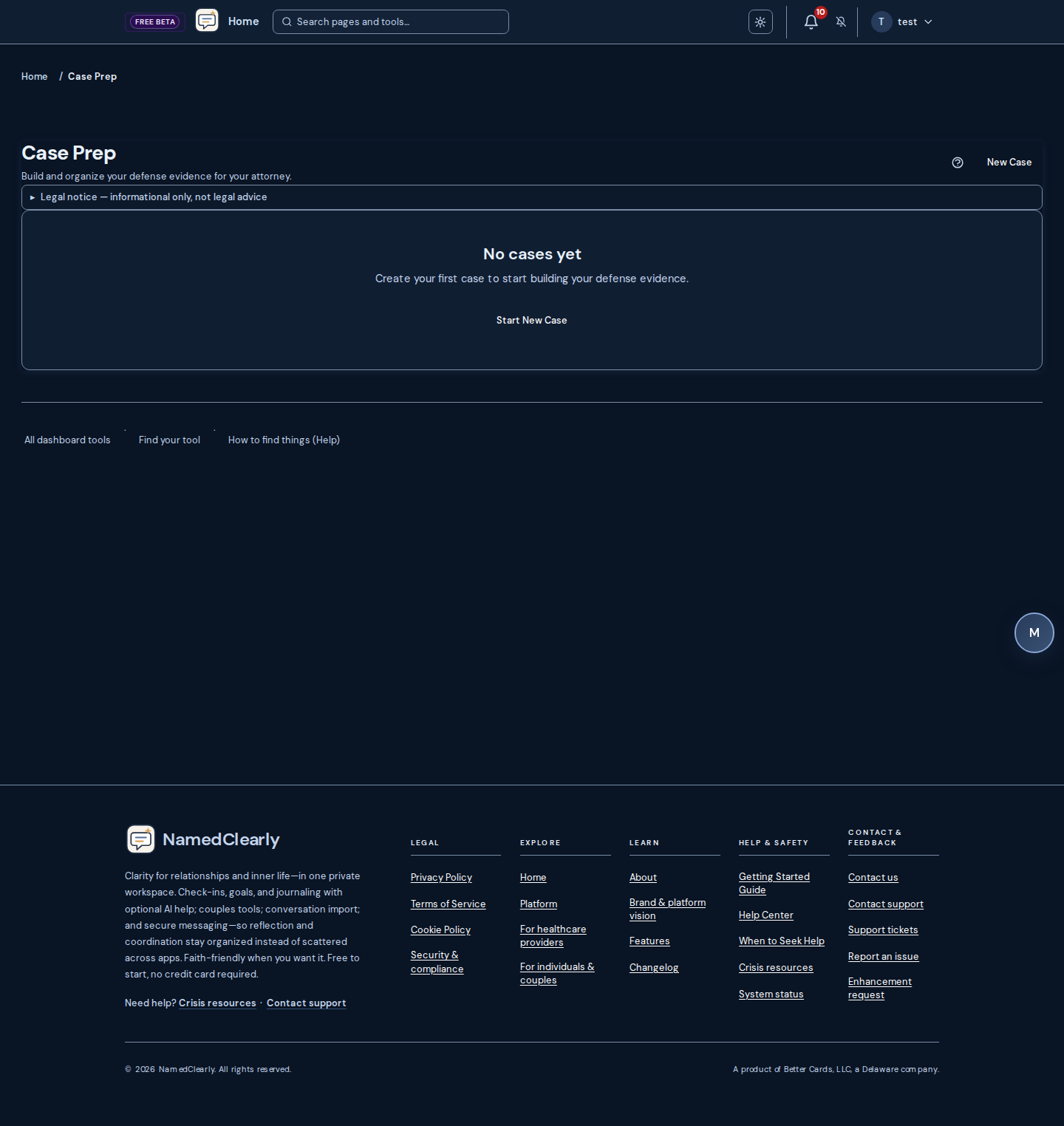
Case Prep ( Dashboard → Case Prep) helps you organize evidence for your attorney when you are responding to serious allegations—for example domestic violence or coercive-control narratives. It is not legal advice, therapy, or a substitute for counsel.
What you can do
- Create a case with title, allegations, names, relationship, and jurisdiction
- Upload text messages, testimony PDFs, court minutes, legal documents, and notes
- Follow the guided "What to submit next" prompt
- Run analysis and review contradiction tables, patterns, and evidence gaps in the attorney brief
- Export the brief as plain text or HTML for your lawyer
Text-message evidence may use analysis behind the scenes; you stay in the Case Prep workspace—you do not open a Safety Check report there. For reflective conversation review, use Safety Check.
Safety Text Coach
Safety Text Coach is a Telnyx SMS relay at Dashboard → Safety Text Coach. You configure one peer phone number and text through the NamedClearly coach line. Each message gets incremental safety coaching and reply drafts—not a full Safety Check on every SMS. You must tap Send for each outbound text. The contact sees the NamedClearly number, not your personal SIM. Not therapy, legal advice, or emergency response.
- Available to active members when your deployment has Safety Text Coach enabled (operators can restrict access with server configuration).
- For a full report, export the thread and run Safety Check.
- For on-device SMS drafts instead, see Mobile device SMS companion.
Safety Check
Safety Check is a reflection tool that lets you run a conversation or message through our system to see how it might be experienced by the other person—tone, intensity, and potential triggers. It is not therapy or professional advice; it helps you communicate more clearly and safely.
How to use Safety Check
- Navigate to "Safety Check" from the dashboard
- Paste or upload the conversation you want to check
- Select who the other person is (e.g. Ex-partner, Mom) and enter a name or label for them (required). Use the same name each time for the same person so we can show trends for that relationship. "Compared to your recent checks" uses only your last runs for this relationship.
- Run the analysis and review the feedback
- Use the insights to refine how you communicate
Standard vs In-depth
Standard runs a faster analysis. In-depth uses more AI models and more conversation context for a thorough report. In-depth does notuse a separate credit balance or one-time packs—it shares your plan's AI usage with Universal Chat and other AI tools (daily and monthly limits). If in-depth is unavailable, use Standard, wait for your usage window to reset, or upgrade your subscription on Pricing.
Optional context for regulation and communication (Safety Check)
You can optionally save a short user-written line about regulation needs, sensory load, or communication style. When you turn on inclusion, future Safety Check runs can pass that line into the analyst background as optional context. This is not a diagnosis and does not replace evidence in the transcript; NamedClearly does not infer neurodiversity from your pasted messages—you choose the words and the toggle.
What it calibrates (examples): self-reported ASD-1, ADHD, or AuDHD; direct or blunt phrasing; long structured messages; caps or rapid follow-ups when stressed; requests for written plans, sensory breaks, or processing time; RSD, meltdown/shutdown, or masking language. These describe regulation and access needs, not abuse—unless quoted lines from the other person show invalidation, threats, or coercive control (for example weaponizing your diagnosis: “you’re too sensitive because you’re autistic”).
Reader-only: Framing applies to you (the person who requested the check), not the other participant, unless their own messages disclose a comparable profile.
Edit or clear it anytime from Dashboard → Preferences (Safety Check section), Settings, the AuDHD hub, the main Safety Check page, and the attachment-type wizard when you use the matching consent step.
Screenshots and image files: The server reads text from pictures using Gemini when configured, with Google Cloud Vision and OpenAI vision as fallbacks. If preview says image text extraction is unavailable, paste the thread as text or attach a PDF/text export, or ask an administrator to configure keys under Dashboard → Admin → API Keys.
SMS backup timestamps:Android SMS Backup & Restore (and similar tools) usually store a numeric date (Unix ms) and a human readable_date. The app uses the numeric instant when present so the calendar date and time match your backup; the transcript may show AM/PM or 24-hour depending on your browser locale. String dates with a trailing UTC or GMT are parsed as that timezone.
People in this report: Some results list both speakers with Your side and Other person. Avatars use initials by default; Portrait from thread appears only when that speaker had an inline image in the pasted conversation—it is normal if only one side shows it.
Sharing and export
You can save and share the full report with a friend, partner, or therapist. On the main Safety Check page and on designs results (for example the step-by-step wizard from the design selector), you get the same tools: Share with partner, a timed public link (create, copy, and change expiry, max opens, viewer email, and optional view options without revoking the link when one already exists), and Email link—you enter the recipient's email, then confirm via a link we send to your email; the recipient receives only the link (no report content in the email). If you analyze a long conversation in multiple parts (a separate report per part), the share panel applies to whichever part you have selected. PDF, text, and CSV exports include the full report when available (patterns, risk assessment, immediate guidance, coping strategies, notes). Recent checks appear in history; click a row to open the full report. Note: we applied a one-time reset of safety check data; older share links no longer work—run a new check to generate a report.
Analysis safeguards in exports: When you print or download PDF, text, or CSV, the bundle can include an Analysis safeguardssection listing structured pipeline checks (for example transcript shortened for processing, or a simplified report when full analysis was unavailable). In Save & share, turn this on or off with Analysis safeguards (quality notes) separately from Confidence / limitations notes. It is for transparency, not a clinical label.
Past checks (framing): When the deployment stored which global LLM framing mode was used for a saved run, each row in Past checks can show a small label (for example Dual-party support or Neutral relational). The default Abuse-informed label is shown to administrators for diagnostics; members usually only see labels for non-default modes.
Timing patterns: After at least three stored checks for the same relationship, the result may include a short summary of when past analyses were run (weekday and month in UTC)—descriptive only, not a prediction of risk. The same summary can appear in text and printable HTML exports when it applies.
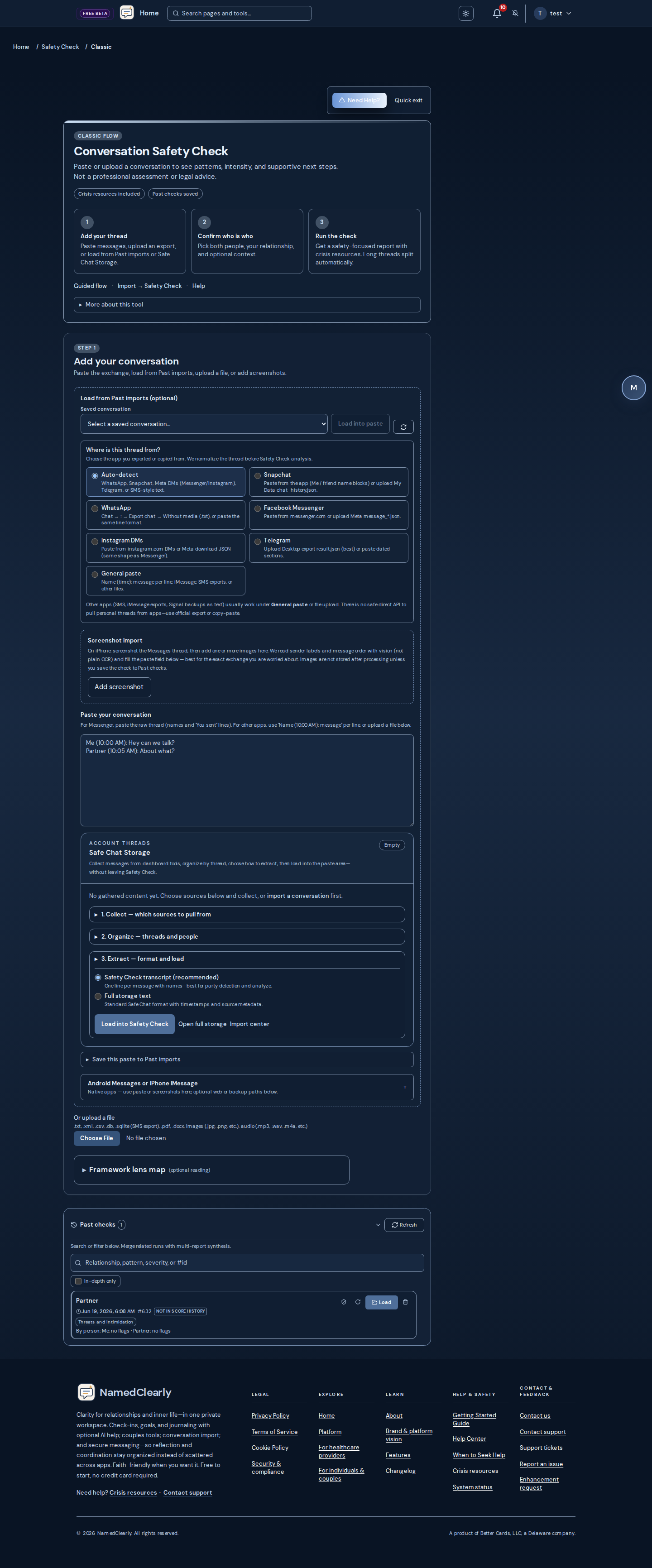
Multi-part resume: If a split run stops before all parts finish (for example a timeout), use Resume or Dismiss on the Original flow (Safety Check designs → Original flow, or /dashboard/safety-check/classic) or on the Wizard when you chose a separate report per part—restart from the failed part or an earlier part, or dismiss to clear the saved queue.
Clinical and survivor-centered references: Safety Check uses behavior-focused language and is non-diagnostic. See APA DSM resources and the abuse terms glossary below for definitions used in-product.
Getting started
Open Original flow (classic) for Step 1 paste, Past imports, streaming, and multipart Resume. Use the step-by-step wizard for guided intake or designs to pick Cards, Quick, or Guided modes. Long exports: Import → Past imports then Send to Safety Check.
Which flow should I use?
- First paste or SMS screenshot: classic Step 1, Standard run
- Very long thread: Prepare/split or Import → Send to Safety Check
- Re-open saved report: Past checks → Load (wait for Loading…)
- Share with therapist:Save & share after results load
Step 1 — paste and prepare
Pick Where is this thread from? (Auto-detect, WhatsApp, Telegram, Messenger, SMS, General paste). Use Messenger import & Import help for copy-paste and Past imports. Android SMS backups: numeric date (Unix ms) defines the instant; display may be 12h or 24h in your browser.
Past checks
Sidebar on large screens, above the form on phones. Load fetches the full snapshot; Load nearby run when several runs on the same relationship finished within minutes. Linked hints group rows with the same relationship memory key. Delete from historyis on Save & share while viewing a run.
Sharing and export
Timed public link, Email link (confirm to your inbox first), Share with partner when linked, Export with section toggles, Print/Save as PDF, optional Legal/Attorney evidence kit on premium tiers. Limit conversation view supports AI-assisted message selection.
Troubleshooting
- OCR unavailable: paste text or PDF export; admin API keys for Vision/Gemini/OpenAI
- Stream disconnect: retry; check Past checks; Resume multipart queues
- Wrong date span: re-export with real dates; report may flag unreliable range
- Too many flags on benign thread: Balanced recall; see why NamedClearly
Patterns, reactive abuse, and your-side lines
- Applies to — each pattern card says whether examples cite you, the other person, or unclear.
- Reactive defense (not “mutual abuse”) — intense responses after sustained invalidation may be labeled reactive(violent resistance / self-protection in Johnson typology) so your pushback is not listed as primary abuse toward the partner. Most domestic-violence experts treat “mutual abuse” as a myth: abuse is an imbalance of power, not who lashed out in a single moment.
- Predominant aggressor, not first aggressor — law-enforcement training (IACP IPV guidelines) emphasizes the predominant aggressor—the ongoing pattern of control—not who raised their voice first in one incident. NIJ dual-arrest research notes many victims physically fought back in the incident studied; chronology and history matter.
- Per-person hypotheses— Safety Check scores reader and other separately (heuristic signals + auxiliary classifiers). Two “reactive” labels do not mean two abusers; relationship-level typology stays a separate, low-confidence hypothesis.
- Methodology on your report — expand How we handle reactive defense and predominant-aggressor signals on the report for why/how we processed your thread, cited sources (IACP, NIJ, Johnson typology, Freyd DARVO, Campbell Danger Assessment concept), and legal limits (decision-support only—not a court finding or expert opinion under FRE 702 / Daubert).
- Long threads — when analysis uses a capped head+tail slice, per-party LLM reactive/primary labels may downgrade to unclear because classifier stability on partial chronology is unreliable.
- Reader boundary-setting — assertive self-protection on your side should not appear as partner abuse tactics.
- DARVO — deny–attack–reverse-victim patterns are warning signs, not proof of guilt in either direction (Freyd).
- Role unclear — often means you opted out of formal victim/abuser roles, not a wrong-person bug.
- What this report analyzed — expand the scope panel above red flags for Misread.io families (including love bombing), catalog size, patterns detected on this run, special rules (e.g. Love Bombing → Devaluation Cycle needs both phases), patterns with evidence but no card (unresolved heuristic gaps), and truncated-thread scanner caps (balanced: up to 8 supplements on long capped slices).
- Glossary — plain-language definitions: abuse terms glossary.
Primary roles (optional)
Near the relationship fields, Primary roles (optional) controls formal primary victim / primary abuser roles:
- Let analyst decide (default)
- Other person primarily harmful toward you
- You primarily harmful toward them
- Avoid assigning primary roles unless the transcript is very one-sided
Default member experience is no_primary unless you opt in. Reports do not show formal abuser/victim labels unless you choose them.
Mobile and privacy
- Mobile layout — Past checks above the form on phones; the report column uses full usable width; primary actions stay above section dividers.
- Your data — runs are stored in your account snapshot; sharing is opt-in per link or export.
- Tech-facilitated control — Safety Check recognizes device-based coercion (location tracking, reading your phone or messages, stalkerware, smart-home or camera monitoring). If a thread is part of that pattern, also review shared cloud accounts and device settings, not just the messages.
- Couples Connect — partner share categories summarize for AI, not full report dumps in partner preview cards.
- Disabled tool — an account flag shows an unavailable notice; contact support if unexpected.
Full member guide sections also live in Safety Check FAQ (Markdown mirror: docs/HELP.md).
Safety Check FAQ
Use the in-page Help button on Safety Check for dozens of suggested questions (classic, wizard, sharing, lenses, reactive abuse, multipart Resume, and more). The curated Markdown mirror at docs/HELP.md adds sections for patterns and reactive abuse, primary roles, optional lenses, longitudinal memory, and mobile privacy.
Abuse terms glossary
These terms appear in Safety Check reports, optional lenses, and longitudinal summaries. They describe patterns in communication for reflection and safety planning—not clinical diagnoses or legal conclusions.
Reality distortion
- Gaslighting
Repeatedly denying, minimizing, or rewriting events so someone doubts their memory, judgment, or emotional reality.
Why it matters: It can increase confusion, self-blame, and dependency, making it harder to set boundaries or seek support.
Not the same as: Not the same as one mistaken memory or a calendar/date mismatch in an export; gaslighting is a repeated pattern of reality distortion in the words exchanged.
- DARVO
Deny, Attack, Reverse Victim and Offender: a pattern where someone denies harm, attacks the person raising concern, then claims to be the real victim.
Why it matters: It can make survivors question themselves, withdraw from support, and appear less credible when asking for help.
Not the same as: Not the same as a calm disagreement about facts; DARVO is a role-reversal tactic under accountability pressure.
- Blame-shifting
Redirecting responsibility for harmful behavior onto the other person instead of acknowledging impact or repair.
Why it matters: It can train the harmed person to apologize for things they did not cause and to doubt whether their concerns are valid.
Not the same as: Not the same as naming how both people contributed to a single argument when evidence supports shared responsibility.
- Non-apologies
Language that borrows the shape of remorse while minimizing the act, relocating blame, or centering the sender’s discomfort.
Why it matters: Non-apologies can block repair while letting the speaker claim they “already apologized.”
Not the same as: Not the same as a clear apology that names impact and changed behavior without excuses.
- High-conflict traps (JADE, legalistic pressure)
Pulling someone into endless justify–argue–defend–explain loops, identity attacks, or procedural/legal threats in everyday messages.
Why it matters: These patterns exhaust the reader and can mimic “reasonable” communication while blocking repair or safety planning.
Not the same as: Not the same as one factual correction or a single mention of an attorney in an actual legal matter.
- Dominant problem story (Narrative)
A single negative storyline or fixed identity label that leaves no room for exceptions or change.
Why it matters: Problem-saturated stories can function like gaslighting when they overwrite the reader’s lived experience.
Not the same as: Not the same as honest feedback about one incident when the speaker also acknowledges nuance.
- Blame relocation
Moving responsibility for harm onto the reader instead of acknowledging impact.
Why it matters: It can erode trust in your own perception and make accountability conversations impossible.
Not the same as: Not the same as one mistaken memory or a calm disagreement about details.
- Concern trolling
Fake worry used to undermine confidence, competence, or autonomy.
Why it matters: It can erode trust in your own perception and make accountability conversations impossible.
Not the same as: Not the same as one mistaken memory or a calm disagreement about details.
- Institutional gaslighting
Authority figures denying documented harm or rewriting institutional records.
Why it matters: It can erode trust in your own perception and make accountability conversations impossible.
Not the same as: Not the same as one mistaken memory or a calm disagreement about details.
- Moving goalposts
Shifting standards after agreement so the reader can never succeed.
Why it matters: It can erode trust in your own perception and make accountability conversations impossible.
Not the same as: Not the same as one mistaken memory or a calm disagreement about details.
- Perception destabilization
Language that unsettles the reader's read of events rather than addressing the concrete issue.
Why it matters: It can erode trust in your own perception and make accountability conversations impossible.
Not the same as: Not the same as one mistaken memory or a calm disagreement about details.
- Projection
Accusing the reader of the speaker's own behavior or intent.
Why it matters: It can erode trust in your own perception and make accountability conversations impossible.
Not the same as: Not the same as one mistaken memory or a calm disagreement about details.
- Bad-faith questioning (sealioning)
Persistent faux-innocent questions to exhaust and undermine the reader.
Why it matters: It can erode trust in your own perception and make accountability conversations impossible.
Not the same as: Not the same as one mistaken memory or a calm disagreement about details.
- Yes-But game (Transactional Analysis)
Rejecting every solution while keeping the reader responsible for fixing the problem.
Why it matters: It can erode trust in your own perception and make accountability conversations impossible.
Not the same as: Not the same as one mistaken memory or a calm disagreement about details.
- Whataboutism / deflection
Deflecting accountability by pointing at unrelated past issues.
Why it matters: It can erode trust in your own perception and make accountability conversations impossible.
Not the same as: Not the same as one mistaken memory or a calm disagreement about details.
- Word salad / circular talk
Circular, confusing speech that blocks resolution and exhausts the reader.
Why it matters: It can erode trust in your own perception and make accountability conversations impossible.
Not the same as: Not the same as one mistaken memory or a calm disagreement about details.
Control and isolation
- Coercive control
A chronic pattern of threats, isolation, monitoring, financial pressure, or restriction of movement and relationships.
Why it matters: It can reduce autonomy and safety over time even when there is little or no physical violence in the excerpt.
Not the same as: Not the same as a single argument about boundaries; coercive control is persistent and power-oriented.
- Isolation tactics
Undermining someone’s support network or creating loyalty splits so the speaker becomes the main source of reality and approval.
Why it matters: Isolation makes it harder to reality-check experiences and increases dependence on the controlling person.
Not the same as: Not the same as one comment that a friend was unhelpful; isolation is a repeated effort to cut off outside support.
- Monitoring and surveillance
Repeated demands for location, read receipts, passwords, photos, or detailed accounting of whereabouts and contacts.
Why it matters: Checkpoint-style monitoring can create fear of punishment for normal autonomy and privacy.
Not the same as: Not the same as a single “text me when you arrive safe” message without a pattern of punishment for delay.
- Technology-facilitated control
Using location tracking, device or message monitoring, stalkerware, or camera surveillance to watch and confront a partner.
Why it matters: Surveillance removes privacy and autonomy, and confrontations built on tracking data often escalate control.
Not the same as: Not the same as mutually agreed location sharing for safety or logistics that either person can turn off without consequence.
- Coercive micro-regulation
Micromanaging daily choices—time, clothing, contacts, or small decisions—as a pattern of liberty restriction.
Why it matters: Coercive control research treats chronic micro-regulation as harm even without physical violence in the excerpt.
Not the same as: Not the same as reasonable household coordination when both people can opt out without punishment.
- Account takeover threat
Threatening to lock, delete, or expose accounts, email, or data.
Why it matters: It can restrict autonomy, privacy, and outside support—raising dependence and fear over time.
Not the same as: Not the same as reasonable coordination or a single boundary request.
- AI-assisted manipulation cues
Over-polished or batch-generated messages used to overwhelm or fake intimacy.
Why it matters: It can restrict autonomy, privacy, and outside support—raising dependence and fear over time.
Not the same as: Not the same as reasonable coordination or a single boundary request.
- Calendar / scheduling coercion
Weaponizing shared calendars or invites to control availability.
Why it matters: It can restrict autonomy, privacy, and outside support—raising dependence and fear over time.
Not the same as: Not the same as reasonable coordination or a single boundary request.
- Identity deception (catfishing)
Misrepresenting identity or intent to manipulate trust or resources.
Why it matters: It can restrict autonomy, privacy, and outside support—raising dependence and fear over time.
Not the same as: Not the same as reasonable coordination or a single boundary request.
- Coercive jealousy policing
Accusations and control framed as jealousy without evidence of betrayal.
Why it matters: It can restrict autonomy, privacy, and outside support—raising dependence and fear over time.
Not the same as: Not the same as reasonable coordination or a single boundary request.
- Coercive rule-making
Unilateral rules with punishment for normal autonomy or privacy.
Why it matters: It can restrict autonomy, privacy, and outside support—raising dependence and fear over time.
Not the same as: Not the same as reasonable coordination or a single boundary request.
- Coparenting weaponization
Using children, schedules, or school events to harass or control an ex.
Why it matters: It can restrict autonomy, privacy, and outside support—raising dependence and fear over time.
Not the same as: Not the same as reasonable coordination or a single boundary request.
- Device inspection demands
Requiring phone, email, or social access to prove trustworthiness.
Why it matters: It can restrict autonomy, privacy, and outside support—raising dependence and fear over time.
Not the same as: Not the same as reasonable coordination or a single boundary request.
- Digital surveillance
Demands for passwords, location, read receipts, or device access as control.
Why it matters: It can restrict autonomy, privacy, and outside support—raising dependence and fear over time.
Not the same as: Not the same as reasonable coordination or a single boundary request.
- Doxxing / exposure threat
Threatening to publish private address, workplace, or contact information.
Why it matters: It can restrict autonomy, privacy, and outside support—raising dependence and fear over time.
Not the same as: Not the same as reasonable coordination or a single boundary request.
- Employment sabotage
Disrupting work, interviews, or performance to increase dependency.
Why it matters: It can restrict autonomy, privacy, and outside support—raising dependence and fear over time.
Not the same as: Not the same as reasonable coordination or a single boundary request.
- Financial coercion / economic abuse
Using money, debt, employment, or assets to restrict choices or punish.
Why it matters: It can restrict autonomy, privacy, and outside support—raising dependence and fear over time.
Not the same as: Not the same as reasonable coordination or a single boundary request.
- Forwarded-message traps
Using forwarded screenshots out of context to accuse or triangulate.
Why it matters: It can restrict autonomy, privacy, and outside support—raising dependence and fear over time.
Not the same as: Not the same as reasonable coordination or a single boundary request.
- Gatekeeping resources
Blocking access to transport, housing, healthcare, childcare, or documents.
Why it matters: It can restrict autonomy, privacy, and outside support—raising dependence and fear over time.
Not the same as: Not the same as reasonable coordination or a single boundary request.
- Ghosting as punishment
Deliberate silence to punish or regain control, not healthy space-taking.
Why it matters: It can restrict autonomy, privacy, and outside support—raising dependence and fear over time.
Not the same as: Not the same as reasonable coordination or a single boundary request.
- Group chat ganging up
Coordinated pile-on in group threads against one person.
Why it matters: It can restrict autonomy, privacy, and outside support—raising dependence and fear over time.
Not the same as: Not the same as reasonable coordination or a single boundary request.
- Housing coercion
Eviction threats, lockouts, or housing instability used as control in intimate contexts.
Why it matters: It can restrict autonomy, privacy, and outside support—raising dependence and fear over time.
Not the same as: Not the same as reasonable coordination or a single boundary request.
- Identity control
Policing appearance, names, gender expression, or identity to enforce submission.
Why it matters: It can restrict autonomy, privacy, and outside support—raising dependence and fear over time.
Not the same as: Not the same as reasonable coordination or a single boundary request.
- Image-based coercion
Threats to share private images or recordings to force compliance.
Why it matters: It can restrict autonomy, privacy, and outside support—raising dependence and fear over time.
Not the same as: Not the same as reasonable coordination or a single boundary request.
- Immigration / status coercion
Threatening deportation, visa revocation, or status exposure to force compliance.
Why it matters: It can restrict autonomy, privacy, and outside support—raising dependence and fear over time.
Not the same as: Not the same as reasonable coordination or a single boundary request.
- Information control
Withholding facts, medical info, legal updates, or messages to maintain power.
Why it matters: It can restrict autonomy, privacy, and outside support—raising dependence and fear over time.
Not the same as: Not the same as reasonable coordination or a single boundary request.
- Intermittent punishment cycles
Unpredictable penalties for minor deviations to maintain hypervigilance.
Why it matters: It can restrict autonomy, privacy, and outside support—raising dependence and fear over time.
Not the same as: Not the same as reasonable coordination or a single boundary request.
- Isolation from support
Undermining friends, family, therapists, or allies to reduce outside validation.
Why it matters: It can restrict autonomy, privacy, and outside support—raising dependence and fear over time.
Not the same as: Not the same as reasonable coordination or a single boundary request.
- Legal threat coercion
Using courts, police, immigration, or custody as a weapon without neutral process language.
Why it matters: It can restrict autonomy, privacy, and outside support—raising dependence and fear over time.
Not the same as: Not the same as reasonable coordination or a single boundary request.
- Location stalking
Persistent location demands or tracking framed as care or logistics.
Why it matters: It can restrict autonomy, privacy, and outside support—raising dependence and fear over time.
Not the same as: Not the same as reasonable coordination or a single boundary request.
- Text intensity / love bombing cadence
Overwhelming affectionate messaging early or after conflict to reset control.
Why it matters: It can restrict autonomy, privacy, and outside support—raising dependence and fear over time.
Not the same as: Not the same as reasonable coordination or a single boundary request.
- Loyalty tests
Forced proofs of allegiance, secrecy, or prioritization over reasonable boundaries.
Why it matters: It can restrict autonomy, privacy, and outside support—raising dependence and fear over time.
Not the same as: Not the same as reasonable coordination or a single boundary request.
- Medical coercion
Blocking or forcing medical care, meds, or therapy access as control.
Why it matters: It can restrict autonomy, privacy, and outside support—raising dependence and fear over time.
Not the same as: Not the same as reasonable coordination or a single boundary request.
- Parental alienation tactics
Badmouthing, blocking contact, or loyalty-bidding with children to harm coparent bond.
Why it matters: It can restrict autonomy, privacy, and outside support—raising dependence and fear over time.
Not the same as: Not the same as reasonable coordination or a single boundary request.
- Pet or property threats
Threatening harm to pets, belongings, or sentimental items for compliance.
Why it matters: It can restrict autonomy, privacy, and outside support—raising dependence and fear over time.
Not the same as: Not the same as reasonable coordination or a single boundary request.
- Trust phishing in relationships
Urgent links, codes, or money requests exploiting relational trust.
Why it matters: It can restrict autonomy, privacy, and outside support—raising dependence and fear over time.
Not the same as: Not the same as reasonable coordination or a single boundary request.
- Punitive blocking / unfriending
Blocking or unfollowing to punish, then returning on their terms.
Why it matters: It can restrict autonomy, privacy, and outside support—raising dependence and fear over time.
Not the same as: Not the same as reasonable coordination or a single boundary request.
- Read-receipt weaponization
Using seen/read status to accuse, punish, or demand immediate replies.
Why it matters: It can restrict autonomy, privacy, and outside support—raising dependence and fear over time.
Not the same as: Not the same as reasonable coordination or a single boundary request.
- Reproductive coercion
Pressure around pregnancy, birth control, abortion, or parenting decisions.
Why it matters: It can restrict autonomy, privacy, and outside support—raising dependence and fear over time.
Not the same as: Not the same as reasonable coordination or a single boundary request.
- Schedule and movement control
Micromanaging time, travel, or daily activities beyond reasonable coordination.
Why it matters: It can restrict autonomy, privacy, and outside support—raising dependence and fear over time.
Not the same as: Not the same as reasonable coordination or a single boundary request.
- Message flooding
Overwhelming volume of texts/calls to force engagement or compliance.
Why it matters: It can restrict autonomy, privacy, and outside support—raising dependence and fear over time.
Not the same as: Not the same as reasonable coordination or a single boundary request.
- Spiritual / religious coercion
Weaponizing faith, scripture, or moral authority to demand compliance.
Why it matters: It can restrict autonomy, privacy, and outside support—raising dependence and fear over time.
Not the same as: Not the same as reasonable coordination or a single boundary request.
- Timestamp weaponization
Using reply delays or online status as proof of disrespect or betrayal.
Why it matters: It can restrict autonomy, privacy, and outside support—raising dependence and fear over time.
Not the same as: Not the same as reasonable coordination or a single boundary request.
- Voice-note pressure
Demanding voice calls or notes to bypass written accountability.
Why it matters: It can restrict autonomy, privacy, and outside support—raising dependence and fear over time.
Not the same as: Not the same as reasonable coordination or a single boundary request.
- Weapon display / intimidation
Showing, cleaning, or referencing weapons to create fear without explicit threat.
Why it matters: It can restrict autonomy, privacy, and outside support—raising dependence and fear over time.
Not the same as: Not the same as reasonable coordination or a single boundary request.
Emotional manipulation
- Manipulation
Using guilt, fear, obligation, or conditional affection to steer someone’s choices or silence concerns.
Why it matters: Manipulation can feel like love or care while eroding free choice and honest communication.
Not the same as: Not the same as direct requests or healthy negotiation where both people can say no.
- Guilt tripping and obligation
Leveraging sacrifice, debt, or “after everything I’ve done” language to create obligation or compliance.
Why it matters: It can make the harmed person feel they owe endless compliance to avoid being labeled ungrateful.
Not the same as: Not the same as expressing hurt once after a clear betrayal when the speaker also accepts accountability.
- Love bombing and devaluation
An idealize–devalue cycle: intense praise or closeness followed by contempt, criticism, or cold withdrawal.
Why it matters: The swing between warmth and harm can create attachment confusion and make harmful patterns harder to name.
Not the same as: Not the same as one polite closing, professional distance, or taking space to calm down after conflict.
- Emotional withholding
Using silence, affection withdrawal, or intimacy as punishment rather than healthy time apart.
Why it matters: Withholding can train someone to abandon their needs to restore connection or peace.
Not the same as: Not the same as a brief pause to de-escalate when both people agree to return to the conversation later.
- Hot-and-cold / intermittent reinforcement
Alternating affection and withdrawal in unpredictable cycles that keep the other person unsure and emotionally off-balance.
Why it matters: The unpredictability can intensify attachment confusion and make harmful patterns harder to leave.
Not the same as: Not normal day-to-day mood variation when there is no control or punishment pattern.
- Triangulation
Bringing in a third party—family, friends, or authority—to pressure, validate the speaker, or create loyalty splits.
Why it matters: Triangulation can isolate someone from allies and make disagreement feel like betrayal.
Not the same as: Not the same as mentioning that a counselor or friend agreed once without a pattern of ganging up.
- Passive-aggressive communication
Avoiding direct conflict while still delivering punishment, contempt, or frustration through implication, cold formality, or strategic vagueness.
Why it matters: Passive aggression can make harm hard to name because the sender denies intent while the reader still feels punished.
Not the same as: Not the same as one brief “fine” after agreeing to disagree without a pattern of contempt or withdrawal.
- Entitlement and special rules
Unilateral privilege, double standards, or grandiose exception-seeking (“rules for you, not for me”).
Why it matters: Entitlement can normalize one-sided control while framing boundary-setting as disrespect.
Not the same as: Not the same as mutual boundaries, proportionate repair requests, or safety-based contact limits.
- Pursuer–distancer trap (EFT)
One person demands engagement or closeness while the other shuts down—or uses strategic hurt to keep the cycle spinning.
Why it matters: The cycle itself can become the harm vector even when both people feel justified; naming it helps separate tactic from attachment fear.
Not the same as: Not proof of abuse by itself; asymmetry, baiting, and control still matter when deciding primary harm.
- Reconciliation pressure
Pushing forgiveness, reunion, or an immediate stay/leave decision before safety or accountability.
Why it matters: Mixed-agenda pressure can re-entrap someone leaving coercive dynamics—especially “for the kids” framing.
Not the same as: Not the same as mutual, safety-checked choice to try discernment or couples work with both agendas clear.
- Work boundary violation
Contact outside hours, personal intrusions, or ignoring stated availability.
Why it matters: It can steer your choices through guilt, fear, or obligation rather than honest negotiation.
Not the same as: Not the same as expressing feelings directly or asking for support without leverage.
- Client / role poaching threat
Threatening to remove accounts, roles, or relationships as leverage.
Why it matters: It can steer your choices through guilt, fear, or obligation rather than honest negotiation.
Not the same as: Not the same as expressing feelings directly or asking for support without leverage.
- Weaponized feedback
Framing contempt or humiliation as professional feedback.
Why it matters: It can steer your choices through guilt, fear, or obligation rather than honest negotiation.
Not the same as: Not the same as expressing feelings directly or asking for support without leverage.
- Credit stealing
Taking ownership of another person's work or ideas without acknowledgment.
Why it matters: It can steer your choices through guilt, fear, or obligation rather than honest negotiation.
Not the same as: Not the same as expressing feelings directly or asking for support without leverage.
- Idealize–devalue–discard cycle
Documented swing from praise to contempt to discard in the same relationship arc.
Why it matters: It can steer your choices through guilt, fear, or obligation rather than honest negotiation.
Not the same as: Not the same as expressing feelings directly or asking for support without leverage.
- Discriminatory degradation
Identity-based slurs, stereotypes, or exclusionary language at work.
Why it matters: It can steer your choices through guilt, fear, or obligation rather than honest negotiation.
Not the same as: Not the same as expressing feelings directly or asking for support without leverage.
- Emotional weaponization
Using emotion displays, vulnerability, or outrage as leverage rather than repair.
Why it matters: It can steer your choices through guilt, fear, or obligation rather than honest negotiation.
Not the same as: Not the same as expressing feelings directly or asking for support without leverage.
- Meeting / project exclusion
Removing someone from meetings, threads, or decisions without legitimate cause.
Why it matters: It can steer your choices through guilt, fear, or obligation rather than honest negotiation.
Not the same as: Not the same as expressing feelings directly or asking for support without leverage.
- Flying monkeys / proxy pressure
Enlisting others to pressure, spy on, or message the target.
Why it matters: It can steer your choices through guilt, fear, or obligation rather than honest negotiation.
Not the same as: Not the same as expressing feelings directly or asking for support without leverage.
- Future faking
Grandiose promises of future commitment to extract present compliance.
Why it matters: It can steer your choices through guilt, fear, or obligation rather than honest negotiation.
Not the same as: Not the same as expressing feelings directly or asking for support without leverage.
- Office gossip triangulation
Using colleagues as messengers or validators against a target.
Why it matters: It can steer your choices through guilt, fear, or obligation rather than honest negotiation.
Not the same as: Not the same as expressing feelings directly or asking for support without leverage.
- Hoovering
Re-contact after distance to suck someone back into a harmful dynamic.
Why it matters: It can steer your choices through guilt, fear, or obligation rather than honest negotiation.
Not the same as: Not the same as expressing feelings directly or asking for support without leverage.
- Hostile documentation
Paper-trail tactics to build a case against someone without good-faith resolution.
Why it matters: It can steer your choices through guilt, fear, or obligation rather than honest negotiation.
Not the same as: Not the same as expressing feelings directly or asking for support without leverage.
- Implication instead of direct request
Using hints, guilt, or social pressure rather than a clear bounded ask.
Why it matters: It can steer your choices through guilt, fear, or obligation rather than honest negotiation.
Not the same as: Not the same as expressing feelings directly or asking for support without leverage.
- Institutional dismissal
Bureaucratic coldness that denies harm without engagement.
Why it matters: It can steer your choices through guilt, fear, or obligation rather than honest negotiation.
Not the same as: Not the same as expressing feelings directly or asking for support without leverage.
- Malicious compliance
Technically obeying while undermining intent to punish or frustrate.
Why it matters: It can steer your choices through guilt, fear, or obligation rather than honest negotiation.
Not the same as: Not the same as expressing feelings directly or asking for support without leverage.
- Abusive micromanagement
Excessive control over tasks, time, or methods beyond reasonable management.
Why it matters: It can steer your choices through guilt, fear, or obligation rather than honest negotiation.
Not the same as: Not the same as expressing feelings directly or asking for support without leverage.
- Performance shaming
Public metrics comparison or ranking used to humiliate.
Why it matters: It can steer your choices through guilt, fear, or obligation rather than honest negotiation.
Not the same as: Not the same as expressing feelings directly or asking for support without leverage.
- Punitive professional ghosting
Strategic silence on work-critical threads to block progress or punish.
Why it matters: It can steer your choices through guilt, fear, or obligation rather than honest negotiation.
Not the same as: Not the same as expressing feelings directly or asking for support without leverage.
- Pseudo-NVC guilt leverage
Observation/feeling/need language used to shame or pressure rather than invite dialogue.
Why it matters: It can steer your choices through guilt, fear, or obligation rather than honest negotiation.
Not the same as: Not the same as expressing feelings directly or asking for support without leverage.
- Public humiliation (workplace)
Embarrassing or demeaning someone in meetings, email threads, or group channels.
Why it matters: It can steer your choices through guilt, fear, or obligation rather than honest negotiation.
Not the same as: Not the same as expressing feelings directly or asking for support without leverage.
- Workplace retaliation
Punitive actions after someone raised concerns, boundaries, or complaints.
Why it matters: It can steer your choices through guilt, fear, or obligation rather than honest negotiation.
Not the same as: Not the same as expressing feelings directly or asking for support without leverage.
- Rules for thee, not for me
Double standards where the speaker exempts themselves from stated rules.
Why it matters: It can steer your choices through guilt, fear, or obligation rather than honest negotiation.
Not the same as: Not the same as expressing feelings directly or asking for support without leverage.
- Schedule sabotage (work)
Last-minute changes or impossible deadlines used to set someone up to fail.
Why it matters: It can steer your choices through guilt, fear, or obligation rather than honest negotiation.
Not the same as: Not the same as expressing feelings directly or asking for support without leverage.
- Scope creep as punishment
Adding impossible scope after disagreement to engineer failure.
Why it matters: It can steer your choices through guilt, fear, or obligation rather than honest negotiation.
Not the same as: Not the same as expressing feelings directly or asking for support without leverage.
- Silent undermining
Passive obstruction, slow-walking, or withholding cooperation to harm.
Why it matters: It can steer your choices through guilt, fear, or obligation rather than honest negotiation.
Not the same as: Not the same as expressing feelings directly or asking for support without leverage.
- Team ambush meetings
Surprise group confrontations without prior agenda or safety.
Why it matters: It can steer your choices through guilt, fear, or obligation rather than honest negotiation.
Not the same as: Not the same as expressing feelings directly or asking for support without leverage.
- Trauma dumping for control
Overwhelming vulnerability to avoid accountability or force caretaking.
Why it matters: It can steer your choices through guilt, fear, or obligation rather than honest negotiation.
Not the same as: Not the same as expressing feelings directly or asking for support without leverage.
- Vendor / customer power abuse
Exploiting buyer or client power with threats, unreasonable demands, or humiliation.
Why it matters: It can steer your choices through guilt, fear, or obligation rather than honest negotiation.
Not the same as: Not the same as expressing feelings directly or asking for support without leverage.
- Weaponized incompetence
Feigned helplessness to shift labor or blame onto the reader.
Why it matters: It can steer your choices through guilt, fear, or obligation rather than honest negotiation.
Not the same as: Not the same as expressing feelings directly or asking for support without leverage.
Degradation and invalidation
- Workplace incivility
Dismissive tone, public embarrassment, snide wording, exclusion, or procedural coldness that erodes trust at work.
Why it matters: Low-grade workplace pressure can spill into home life and normalize disrespect in other relationships.
Not the same as: Not the same as one firm professional boundary or constructive feedback delivered respectfully.
- Emotional abuse
Language that demeans, belittles, humiliates, or repeatedly undermines someone’s sense of worth or safety.
Why it matters: Emotional abuse can erode self-trust and make harmful dynamics feel “normal” over time.
Not the same as: Not the same as one harsh sentence in a heated argument without a broader pattern of contempt or control.
- Criticism and belittling
Name-calling, insults, comparisons to others, or “helpful honesty” used to diminish someone’s worth.
Why it matters: Repeated belittling can create chronic self-doubt and hypervigilance about being “good enough.”
Not the same as: Not the same as specific, proportionate feedback about one behavior when respect is maintained.
- Dismissive minimization / mockery
Downplaying harm (“you’re overreacting,” “it’s not a big deal,” “I was joking”) or treating feelings as illegitimate.
Why it matters: Minimization can teach someone their pain is not worth addressing and block repair.
Not the same as: Not the same as calmly disagreeing about severity when both experiences are acknowledged.
- Sexual coercion
Pressure, guilt, anger, or threats when intimacy is declined, or entitlement to someone’s body.
Why it matters: Sexual coercion violates consent and can carry serious safety and legal implications.
Not the same as: Not the same as mutually initiated intimacy or clear, revocable consent between adults.
- Character attack and defensiveness (Gottman)
Global “you always/never” attacks on who someone is, or cross-complaining (“yes, but you…”) instead of taking responsibility.
Why it matters: These are among the strongest predictors of escalating harm in couple conflict research—not ordinary one-off complaints.
Not the same as: Not the same as naming one specific behavior once; look for repeated character-level attacks or deflection under accountability.
- Ableist abuse
Mocking disability, neurodivergence, or accommodation needs as character flaws.
Why it matters: It can wear down self-worth and make harmful treatment feel normal or deserved.
Not the same as: Not the same as constructive feedback offered with respect for your dignity.
- Community / church shaming
Using religious or community standing to publicly shame or exile.
Why it matters: It can wear down self-worth and make harmful treatment feel normal or deserved.
Not the same as: Not the same as constructive feedback offered with respect for your dignity.
- Comparative devaluation
Comparing the reader unfavorably to exes, siblings, or others.
Why it matters: It can wear down self-worth and make harmful treatment feel normal or deserved.
Not the same as: Not the same as constructive feedback offered with respect for your dignity.
- Contempt / disgust displays
Eye-rolling language, sneering, or disgust cues that convey superiority.
Why it matters: It can wear down self-worth and make harmful treatment feel normal or deserved.
Not the same as: Not the same as constructive feedback offered with respect for your dignity.
- Homophobic / transphobic abuse
Identity-based slurs or denial used to shame or control.
Why it matters: It can wear down self-worth and make harmful treatment feel normal or deserved.
Not the same as: Not the same as constructive feedback offered with respect for your dignity.
- Misogynistic degradation
Gendered contempt, slurs, or control rhetoric targeting women or femmes.
Why it matters: It can wear down self-worth and make harmful treatment feel normal or deserved.
Not the same as: Not the same as constructive feedback offered with respect for your dignity.
- Negging
Backhanded compliments or subtle insults framed as flirtation or honesty.
Why it matters: It can wear down self-worth and make harmful treatment feel normal or deserved.
Not the same as: Not the same as constructive feedback offered with respect for your dignity.
- Objectification
Reducing someone to appearance, service, or utility without personhood.
Why it matters: It can wear down self-worth and make harmful treatment feel normal or deserved.
Not the same as: Not the same as constructive feedback offered with respect for your dignity.
- Public shaming
Humiliating someone in front of others via text or social channels.
Why it matters: It can wear down self-worth and make harmful treatment feel normal or deserved.
Not the same as: Not the same as constructive feedback offered with respect for your dignity.
- Racist degradation
Racial slurs, stereotypes, or humiliation targeting identity.
Why it matters: It can wear down self-worth and make harmful treatment feel normal or deserved.
Not the same as: Not the same as constructive feedback offered with respect for your dignity.
- Sexual entitlement
Treating intimacy as owed because of relationship status or past consent.
Why it matters: It can wear down self-worth and make harmful treatment feel normal or deserved.
Not the same as: Not the same as constructive feedback offered with respect for your dignity.
- Parent-to-child talk-down (Transactional Analysis)
Condescending Critical Parent tone—orders, moralizing, or infantilizing language.
Why it matters: It can wear down self-worth and make harmful treatment feel normal or deserved.
Not the same as: Not the same as constructive feedback offered with respect for your dignity.
Intimidation and threats
- Threats and intimidation
Direct or implied threats to safety, reputation, custody, housing, finances, or wellbeing to force compliance.
Why it matters: Threats create fear-based compliance even when the speaker later minimizes or denies intent.
Not the same as: Not the same as stating legal facts or consequences neutrally without intimidation or coercion.
- Explosive anger
Disproportionate rage or volatility that keeps others walking on eggshells to avoid blow-ups.
Why it matters: Explosive anger can function as control even without explicit threats.
Not the same as: Not the same as raised voices once during a high-stress event without a pattern of fear-based control.
- Stonewalling
Refusing to engage, shutting down communication, or ending discussion to avoid accountability or punish.
Why it matters: Stonewalling can block repair and leave concerns unresolved while the harmed person feels dismissed.
Not the same as: Not the same as taking agreed time to cool down before returning to a hard conversation.
- Separation control
Escalating threats or control when someone tries to set a boundary, withdraw, or leave the relationship — “you can’t leave,” custody threats, or “I’ll find you.”
Why it matters: Escalation around separation is a recognized high-risk window; pressure to stay can signal control rather than care.
Not the same as: Not the same as expressing sadness about a breakup or asking to talk before a decision is final.
- Coercive legal threats
Weaponizing police, courts, immigration, or child protective services as a threat to force compliance — custody, deportation, or arrest threats used as leverage.
Why it matters: Threats involving authorities can trap someone between compliance and losing children, status, or freedom.
Not the same as: Not the same as neutrally stating an intent to pursue a legitimate legal remedy after harm.
- Lethality indicators
High-severity danger signals drawn from danger-assessment research: threats to kill, strangulation, weapons threats, “if I can’t have you, no one can,” or suicide threats used as coercion.
Why it matters: These markers are associated with elevated risk of serious harm and warrant immediate safety planning and professional support.
Not the same as: Not a prediction — but these statements should never be dismissed as “just words.” If you see them, consider contacting a domestic violence hotline.
- Dialogue violence and withdrawal
Making it unsafe to speak honestly (labeling, villain stories) or refusing shared meaning (“nothing to discuss,” “drop it”).
Why it matters: Silence and violence paths block problem-solving and can trap someone in one-sided narratives.
Not the same as: Not the same as taking a regulated break to calm down when both people agree to return to the topic.
- Defamation threat
Threatening false or harmful public statements about the reader.
Why it matters: It can create fear of escalation and pressure you to comply to stay safe.
Not the same as: Not the same as naming consequences in neutral, non-threatening language.
- Public financial threat
Threatening bankruptcy, exposure of debt, or wage garnishment to control.
Why it matters: It can create fear of escalation and pressure you to comply to stay safe.
Not the same as: Not the same as naming consequences in neutral, non-threatening language.
- False reporting threat
Threatening CPS, police, or licensing reports as retaliation.
Why it matters: It can create fear of escalation and pressure you to comply to stay safe.
Not the same as: Not the same as naming consequences in neutral, non-threatening language.
- Post-separation harassment
Continued control, stalking, or threats after a stated breakup or no-contact.
Why it matters: It can create fear of escalation and pressure you to comply to stay safe.
Not the same as: Not the same as naming consequences in neutral, non-threatening language.
- Reputation threats
Threatening to ruin name, career, or social standing.
Why it matters: It can create fear of escalation and pressure you to comply to stay safe.
Not the same as: Not the same as naming consequences in neutral, non-threatening language.
- Self-harm manipulation
Threatening self-injury or suicide to control the reader's choices.
Why it matters: It can create fear of escalation and pressure you to comply to stay safe.
Not the same as: Not the same as naming consequences in neutral, non-threatening language.
- Punitive silent treatment
Extended silence used to punish rather than regulate emotions safely.
Why it matters: It can create fear of escalation and pressure you to comply to stay safe.
Not the same as: Not the same as naming consequences in neutral, non-threatening language.
- Stonewalling / flooded withdrawal (Gottman)
Shut-down or one-word replies that block repair after conflict escalation.
Why it matters: It can create fear of escalation and pressure you to comply to stay safe.
Not the same as: Not the same as naming consequences in neutral, non-threatening language.
Family-system dynamics
- Family scapegoating
Assigning one child or member as “the problem” while others are protected from accountability.
Why it matters: Scapegoating can follow someone into adult relationships and distort self-blame.
Not the same as: Not the same as naming one person’s harmful act in a single incident with proportionate accountability.
- Golden child / favored child dynamic
Protecting or praising one sibling as “can do no wrong” while another is diminished or blamed.
Why it matters: Favoritism can fuel envy, competition, and uneven accountability in the family system.
Not the same as: Not the same as age-appropriate praise for one achievement without a sustained role assignment.
- Family triangulation
Using siblings, children, or relatives as messengers, referees, or proof that “everyone agrees” against one person.
Why it matters: Family triangulation can bypass direct repair and enlist the system against the scapegoated member.
Not the same as: Not the same as healthy coparenting updates when children are not used as leverage.
- Conditional love and acceptance
Love, approval, money, or support tied to compliance, performance, or silence about harm.
Why it matters: Conditional acceptance teaches that worth must be earned through obedience rather than inherent dignity.
Not the same as: Not the same as reasonable house rules with consistent respect for everyone’s safety and privacy.
- Family boundary violation
Treating a child or adult as an extension of the parent—no privacy, no secrets, reading messages, enmeshment.
Why it matters: Boundary violations in family systems can normalize surveillance and control in later relationships.
Not the same as: Not the same as legitimate safety supervision for minors that still respects dignity and proportion.
- Family enabler / peacekeeper role
Pressuring someone to “keep the peace,” manage another’s mood, or avoid upsetting a harmful parent or partner.
Why it matters: Enabler roles shift responsibility onto the least powerful person and protect the status quo.
Not the same as: Not the same as healthy de-escalation when both people share accountability for repair.
- Family narrative control
Controlling the “official” family story by denying others’ lived experiences to protect image or power.
Why it matters: When history is rewritten collectively, survivors lose shared reality and outside validation.
Not the same as: Not the same as disagreeing about details once when both sides are heard without punishment.
- Splitting / all-or-nothing devaluation
Sudden flips between all-good and all-bad—warmth vanishing after a slight, total discard, “dead to me” language.
Why it matters: Splitting keeps others hypervigilant and unsure which version of the person they will get.
Not the same as: Not the same as ending a relationship clearly after repeated harm with consistent boundaries.
- Family vengefulness
Payback orientation—“teach you a lesson,” punishment framed as justice after perceived disrespect.
Why it matters: Vengefulness signals that repair is secondary to retaliation and control.
Not the same as: Not the same as enforcing proportionate consequences through fair processes (e.g. legal, HR) without revenge framing.
- Sibling envy and triangulation
Engineering jealousy or competition between siblings, or triangulating adult siblings for control.
Why it matters: Sibling triangulation can fracture support that might otherwise help someone leave harm.
Not the same as: Not the same as ordinary sibling rivalry without a parent orchestrating loyalty battles.
- Drama triangle roles
Rotating persecutor, rescuer, or victim roles that avoid direct accountability—control via “help,” blame, or martyrdom.
Why it matters: Role shifts can obscure who is applying pressure and make reactive responses look like primary aggression.
Not the same as: Not a personality diagnosis; use only when quoted lines fit the role language, not ordinary venting once.
- Fusion, cutoff, and triangulation (Bowen)
Family-system pressure: merge loyalty (“blood is thicker”), threaten cutoff, or pull others into a two-person issue.
Why it matters: Multigenerational control can isolate someone from reality-checking support outside the system.
Not the same as: Not the same as one boundary after abuse; cutoff threats used to punish are control, not healthy distance.
- Parentification
Expecting a child or partner to manage the speaker's emotions or duties.
Why it matters: It can trap you in loyalty binds and make boundary-setting feel like betrayal.
Not the same as: Not the same as ordinary family disagreement when both sides can opt out safely.
Reactive abuse and context
- Provoke-and-record
Baiting with private triggers or boundary violations, then documenting the reaction for third parties or court.
Why it matters: Documented outbursts without provocation context are a known DARVO and custody-abuse tactic.
Not the same as: Not the same as saving messages for your own records after sustained harm without baiting.
- Polarized blame cycles (IBCT)
Stuck “same fight again” loops with one-sided change demands and no acceptance of difference.
Why it matters: Mutual heat can hide one-sided control; polarization language helps analysts weigh asymmetry in the full thread.
Not the same as: Not the same as two people both refusing repair when evidence shows symmetric escalation without control.
- Reactive abuse (often called reactive defense)
A distress response after sustained provocation or control, where the harmed person reacts intensely after cumulative pressure.
Why it matters: Without sequence and context, the reaction can be misread as equal abuse, which can amplify victim self-blame.
Not the same as: Not proof of mutual abuse; context and pattern direction still matter.
- “Mutual abuse” (mislabel)
A misleading label when both people show heated language but only one side carries a pattern of control, baiting, or reality distortion.
Why it matters: Calling conflict “mutual” can hide primary harm and discourage support for the person reacting defensively.
Not the same as: Not the same as two people both using harmful control patterns when evidence supports symmetry of coercion.
- Provocation → reaction → exploitation cycle
A three-step sequence: provoke (invalidate or bait) → harmed person reacts → speaker weaponizes the reaction (often via DARVO).
Why it matters: Naming the sequence helps explain why the calm speaker is not automatically “the reasonable one.”
Not the same as: Not the same as mutual escalation where both parties initiate control tactics without baiting or role reversal.
- False equivalence
Equating control tactics with defensive reactions to erase asymmetry.
Why it matters: Context helps distinguish defensive reactions from a primary control pattern in the thread.
Not the same as: Not proof of mutual abuse; pattern direction and control still matter.
Conversation dynamics (deterministic metrics)
- Conversation dynamics
Deterministic counts from your transcript—message volume, reply bursts, silence gaps, and length buckets—without running the abuse-pattern model.
Why it matters: Helps you see who texts more, who sends multi-text replies, and who reopens the thread after long gaps—useful context beside pattern labels.
Not the same as: Not abuse detection, diagnosis, or proof of intent; tone and meaning still need your judgment and cited lines.
- Dynamics summaries
A collapsible report section with up to four blocks: party coverage, conversation flow, relationship balance, and messaging style.
Why it matters: Surfaces structured breakdowns so you can scan volume and rhythm before diving into pattern cards.
Not the same as: Not Detected patterns or Immediate Guidance—those use the analyst model on quoted behavior.
- Party coverage (Me vs Them)
Confirms how many non-empty messages are attributed to Me (you) versus Them (the other person), with validation notes for placeholders or missing sides.
Why it matters: If one party is missing or mis-labeled, pattern and dynamics counts can skew—this block catches attribution problems early.
Not the same as: Not who is “right” or who abused whom; only a count reconciliation for the imported thread.
- Conversation flow
Reply-burst averages, single-text reply rates, initial texts after long silence, total volume split, average message length, and a rough topic/turn transition heuristic.
Why it matters: Shows pacing and back-and-forth rhythm—who stacks texts, who sends one-liners, and who breaks long gaps.
Not the same as: Not a count of “separate conversations” or speaker alternations; bursts group back-to-back texts from one person.
- Reply burst (texts per reply)
Back-to-back texts from one person after the other person last spoke—grouped as one reply burst; “texts per reply” is the average texts in those bursts.
Why it matters: Multi-text bursts can reflect urgency, flooding, or normal texting style—context beside one-line replies.
Not the same as: Not the same as total message count or a speaking-turn alternation tally.
- Single-text reply
A reply burst with exactly one message before the other person responds again.
Why it matters: High single-text rates can mean terse back-and-forth; low rates can mean habitually sending several texts per turn.
Not the same as: Not stonewalling or silence—only one message in that burst, then the other person texts.
- Conversation restart (initial text after silence)
Who sends the first message after a long timed gap (typically 4+ hours) or at the very start of the thread.
Why it matters: Shows who tends to reopen contact after pauses—not the same as who “initiates” every reply handoff.
Not the same as: Not proof of pursuit, love bombing, or neglect; gaps depend on export timestamps and your timezone trust.
- Relationship balance (dynamics)
Compares texts-per-reply dominance, who reopens after long silence, reply handoffs, and optional cautious codependency-phrasing hits.
Why it matters: Summarizes asymmetry in texting effort and reopening—not moral blame, but a rhythm snapshot for the excerpt.
Not the same as: Not relationship health scoring, coercive-control proof, or a “primary abuser” label.
- Reply handoff
Each time the sender changes: after one person texts, the count of how often the other person sends the next message.
Why it matters: Describes turn-taking frequency without treating every handoff as a new “conversation.”
Not the same as: Not conversation restarts (long-gap reopenings) or speaking-turn alternation totals.
- Texts-per-reply balance
Whether one side tends to send more texts per reply burst than the other (user-dominant, other-dominant, or relatively balanced).
Why it matters: High asymmetry can reflect habit, flooding, or one person writing essays while the other sends brief lines.
Not the same as: Not total message volume alone—only average texts within each reply burst.
- Messaging style (dynamics)
Length buckets (brief, medium, long), long-message share, average character counts, and a short information-sharing style label for the other person’s texts.
Why it matters: Helps compare verbosity and format—useful when one side sends paragraphs and the other sends fragments.
Not the same as: Not literary quality, abuse tactics, or neurodiversity inference from length alone.
- Message length buckets
Counts of brief (<20 characters), medium (20–99), and long (100+) messages per person in the thread.
Why it matters: Makes skew visible when averages hide a mix of one-word replies and long blocks.
Not the same as: Not word-count semantics or emotional intensity—character length only.
- Topic / turn transition style (heuristic)
A rough label (for example abrupt or gradual) from message-length shifts between consecutive texts—not true topic detection.
Why it matters: Hints at whether turns change sharply in length; interpret lightly alongside the full transcript.
Not the same as: Not NLP topic modeling or proof that subjects changed.
- Codependency indicators (dynamics)
A small count of lines that resemble strong dependency phrasing (for example difficulty functioning without the other)—flagged cautiously in relationship balance.
Why it matters: May prompt reflection on enmeshment language; not a clinical codependency diagnosis.
Not the same as: Not attachment style assessment, love-bombing detection, or proof of an unhealthy bond.
Safety Check report concepts
- Detected patterns
Behavior labels in your report (for example gaslighting, stonewalling) each tied to quoted lines from the thread you submitted.
Why it matters: Patterns summarize recurring dynamics so you can verify claims against the full conversation—not as a diagnosis of anyone.
Not the same as: Not a personality disorder label or a legal finding; always check the cited lines and your full context.
- Severity and confidence
Severity scores how concerning a pattern looks in this excerpt; confidence reflects how strongly the evidence supports the label.
Why it matters: Lower confidence or thin excerpts should be read cautiously—use them to guide questions, not final life decisions alone.
Not the same as: Not a clinical risk score or proof for court; combine with advocates, counselors, or attorneys when stakes are high.
- Immediate Guidance
Action-oriented tips grouped as What to do now, What to say (example lines), and What to avoid—grounded in patterns found in your thread.
Why it matters: It turns analysis into next steps you can use in the moment while staying tied to cited messages.
Not the same as: Not therapy homework or legal strategy; professional support still matters for ongoing or high-risk situations.
- In-depth Safety Check
A deeper analysis pass that uses more of your shared AI usage budget and may surface richer pattern detail on long threads.
Why it matters: Long or complex conversations may need more context than a standard run provides.
Not the same as: Not a different “truth”—still reflection on the text you supplied, with the same non-diagnostic limits.
- Concern goals (optional)
Optional prompts such as communication patterns, gaslighting recognition, boundaries, or recovery—steering emphasis without replacing evidence rules.
Why it matters: Goals help the analyst focus on what you care about while still requiring quoted support for every pattern.
Not the same as: Not proof that a pattern exists; labels still need line evidence from your transcript.
- Relationship arc
A trend view across multiple checks for the same relationship—severity over time, phase badges, and plain-language summaries.
Why it matters: Arc views highlight whether dynamics are worsening, stabilizing, or improving across runs—not just one snapshot.
Not the same as: Not a prediction of the future; missing messages or context outside the thread still limit accuracy.
- No primary abuser assigned
When the excerpt does not support naming one person as the primary source of control or abuse, role labels stay unset.
Why it matters: Avoids false certainty on thin or mutually heated threads where sequence and power are unclear.
Not the same as: Not a claim that no harm occurred—patterns and guidance may still appear with appropriate caution.
- Law evaluation lens
Optional reflection on whether quoted messages raise civil-tort or criminal-statute concerns, with tiered confidence and state/federal citation groupings.
Why it matters: Can help you decide whether to consult an attorney—especially for harassment, threats, or defamation-style concerns.
Not the same as: Not legal advice, charges, or proof; attorney review is required for real-world decisions.
- DSM-5-TR lens (criteria crosswalk)
Educational crosswalk from quoted behaviors to DSM-5-TR criterion language—reflection only, not a diagnosis.
Why it matters: Can organize complex threads for discussion with a licensed clinician if you choose.
Not the same as: Not a clinical diagnosis or treatment plan; only a professional can diagnose.
- Schema lens (reflection)
Maps conversation patterns to schema-therapy themes and may include healing cards with practical next steps.
Why it matters: Links interpersonal patterns to therapeutic self-help resources inside NamedClearly.
Not the same as: Not schema therapy treatment or a formal assessment.
- Full conversation
The ordered transcript (oldest to newest) with line numbers used for citations, highlights, and exports.
Why it matters: Every pattern and guidance item should be verifiable against these lines.
Not the same as: Not the entire relationship history—only what you imported or pasted for this run.
- Longitudinal Evaluation
A time-window report summarizing pattern activity across Safety Check history and related events—not a single-thread snapshot.
Why it matters: Shows whether certain domains stay elevated, improve, or spike over weeks or months.
Not the same as: Not a clinical diagnosis; “elevated pattern activity” is not the same as meeting disorder criteria.
References: APA DSM hub · DSM-5-TR product page · WHO violence facts · SAMHSA trauma-informed guidance. In Safety Check, open Conversation Safety Check and use Key behavior terms on a report for a projector-friendly view of the same definitions.
Bible Evaluation
Bible Evaluation lets you paste or upload a conversation and evaluate the other person's words and behaviors against Scripture. Categories include lying, slander, malice, rage, manipulation, partiality, gossip, and others—all tied to specific Bible verses. The report is for reflection and optional pastoral preparation only; it is not a substitute for church discipline or pastoral judgment. No clinical or mental health language is used.
How to use Bible Evaluation
- Go to Dashboard and click the "Bible Evaluation" card (or open it from Find your tool)
- Paste a conversation or upload a file (same format as Safety Check)
- Click "Continue to set relationship" and choose who you are, the relationship type, and the other person's name or label
- Click "Run Bible evaluation" and review the report: violations with Scripture refs and quoted examples
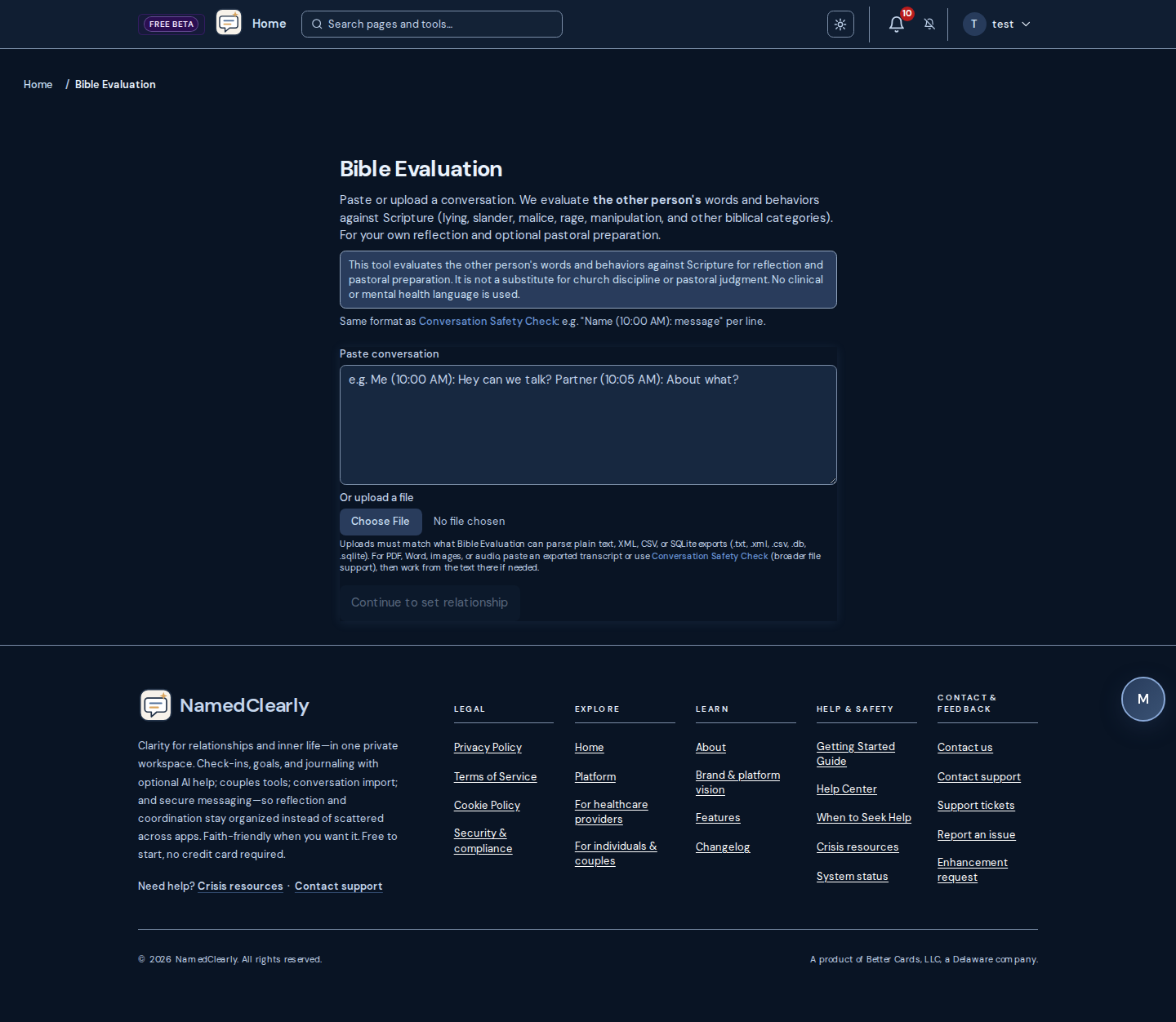
Pastor's Lens
Pastor's Lens frames a situation through biblical pastoral requirements—e.g. guard heart from bias, clarify the charge in biblical terms, both sides heard, evidence and witnesses, Matthew 18 steps, proportional discipline, path to restoration. You open it from a Safety Check result: click "View Pastor's Lens" to see a scorecard of requirements with status and short recommendations. You can then "Generate pastor package" and "Download report" (plain text) to share with a pastor. This is for pastoral preparation only; it does not replace a pastor's judgment or church process.
How to use Pastor's Lens
- Run a Safety Check (paste or upload a conversation, set relationship, run analysis)
- On the result page, click "View Pastor's Lens"
- Review the scorecard: each requirement shows status (e.g. applicable, needs attention) and Scripture refs
- Click "Generate pastor package" then choose whether to include short anonymized message excerpts (checkbox). "Download report" or "Print or save as PDF" uses your choice; leave the checkbox unchecked for maximum privacy.
- Optionally "Create share link" to get a time-limited link; anyone with the link can view the package. Shared view does not include message excerpts.
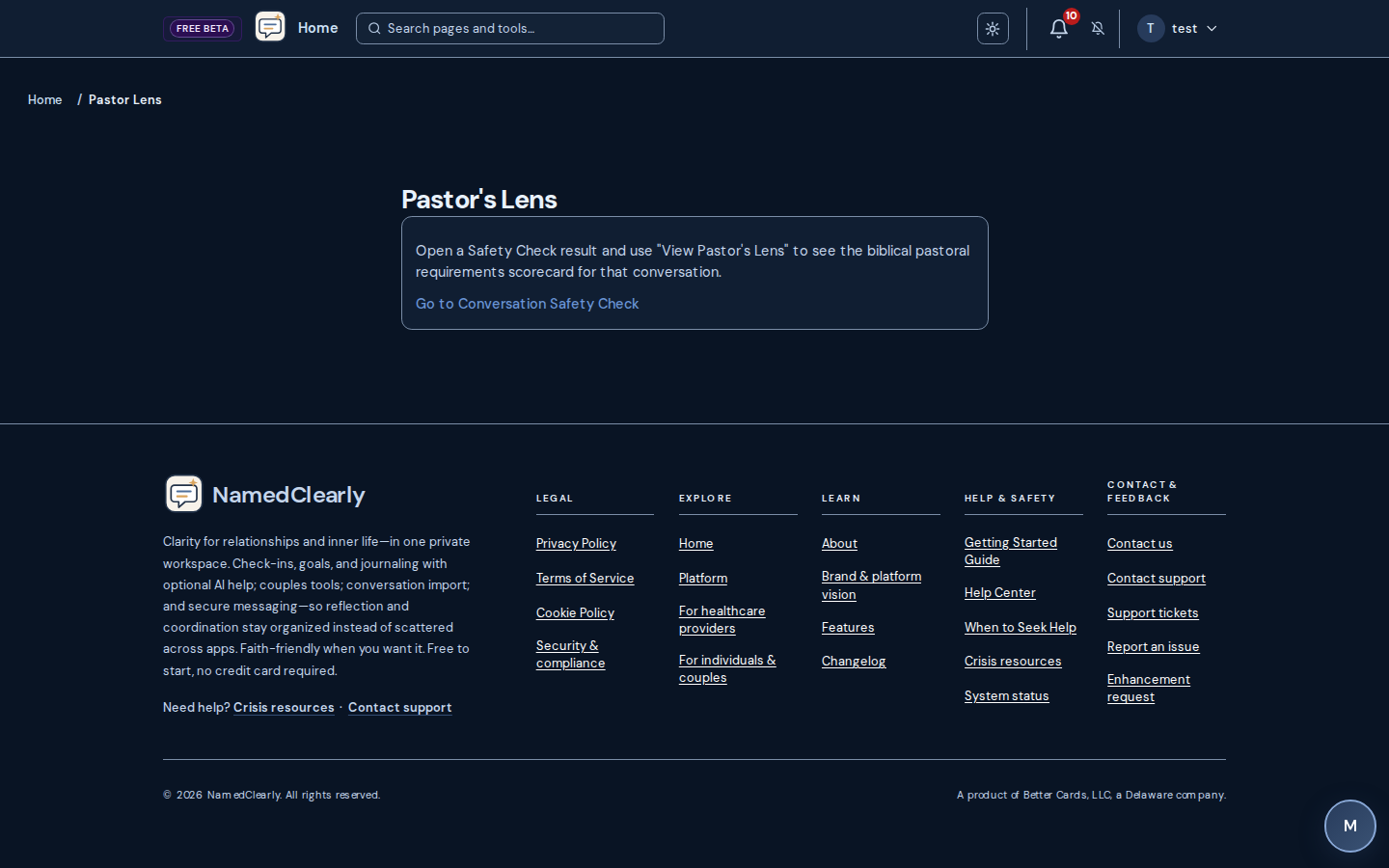
Law Evaluation
Law Evaluation flags potential criminal-statute and civil-tortconcerns under Iowa and federal law (e.g., harassment, cyberstalking, defamation / false factual statements) based on the other person's messages in the excerpt. Civil-tort rows are reflection flags—not criminal charges. For reflection and possible attorney referral only; not legal advice. Open the saved run and use Refresh law evaluation in the Law section (or Run Law Evaluation if none was saved yet). You can also re-run Safety Check with Law evaluation enabled.
Confidence scores
- Each row shows a confidence score (0–100%) indicating how strongly the quoted lines match that category
- Color-coded badges:green (≥85% high confidence), amber (roughly 70–84% medium), filtered out when below the row's threshold
- Confidence floor: default 0% for criminal and civil-tort rows (any scored row with quote support can appear). Filtered rows may appear under Filtered out when a higher floor is configured on the server
What to look for in the report
- Impact on you — how the messages may have affected you
- Exposure for other party — potential criminal and/or civil themes for the other person (cautious language only)
- Specific violations — statute references (e.g., Iowa Code § 708.7, 18 U.S.C. § 2261A) with quoted message examples
- Processing notes — transparency about any guardrails applied (confidence threshold, line citation enforcement, duplicates removed)
Important: Always consult a qualified attorney licensed in your jurisdiction for legal guidance. The Law Evaluation lens is designed to reduce false positives and help you identify situations worth discussing with a professional—not to provide definitive legal conclusions.

Longitudinal Evaluation
Longitudinal Evaluation is a report that summarizes patterns from your Safety Check history, therapeutic sessions, and escalation alerts over a chosen time window (e.g. 90, 180, or 365 days). It shows whether certain pattern domains (such as emotional volatility, interpersonal manipulation, or grandiosity and deflection) are elevated, partially elevated, or not elevated based on your data. It is for personal reflection and trend awareness only; it is not a clinical diagnosis, professional advice, or a substitute for therapy.
DSM-5-TR longitudinal report: Some accounts also have Dashboard → Longitudinal report, with an At a glance summary and jump links. Use Simple view for collapsible relationship and domain sections, or Technical for arc metrics, detector notes, and the term glossary—still not a clinical diagnosis.
How to use Longitudinal Evaluation
- Open the dashboard and click the "Longitudinal Evaluation" card
- Choose the time window (90, 180, or 365 days)
- Optionally filter by relationship context (e.g. a specific person) to see trends for that relationship only
- Review the report: each domain shows Elevated, Partial, or Not elevated with evidence
- Use the summary and evidence for your own reflection; share with a professional if you choose
Reports are cached for 24 hours. The report includes a disclaimer that it does not constitute a diagnosis and is not a substitute for professional evaluation.
For official DSM references use APA DSM resources and APPI DSM-5-TR. For term definitions used by these reports, see Abuse terms glossary.
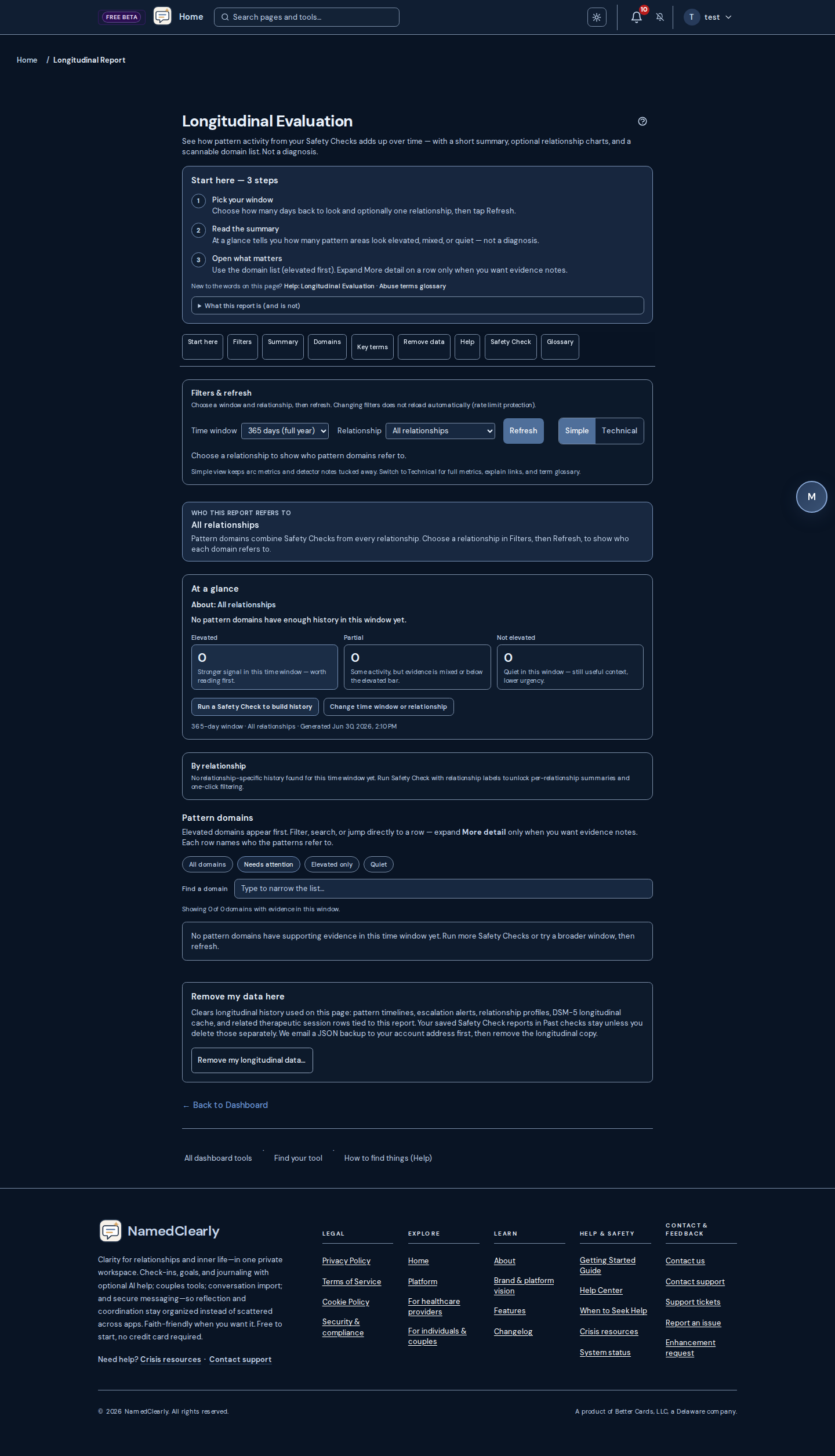
DSM-5-TR & clinical documentation (for clinicians)
Licensed clinicians use DSM-5-TR as one structured source for formulation and record-keeping. The steps below are a concise workflow reference only—always follow your license, supervision, institutional policy, and the full text of the manual you are licensed to use. This site does not reproduce DSM criteria and does not perform diagnosis.
Core documentation steps
- Clinical interview — Gather history, mental status, and presenting symptoms; document context and collateral when appropriate.
- Compare to Section II criteria — In your licensed DSM-5-TR source, check required symptoms, duration, thresholds, and exclusions for each disorder under consideration.
- Differential diagnosis— Rule in or out substances, general medical conditions, and other mental disorders that could better explain the presentation; use the manual's structure and cross-cutting tools as aids.
- Specifiers — Apply permitted specifiers (e.g. severity, course) when they change care or communication.
- Functioning / impairment — Document impact on role functioning when clinically or administratively required. The WHO publishes WHODAS 2.0 as one standardized disability measure; your setting may use other instruments or narrative assessment.
Key considerations
- Rule out better explanations — Do not finalize a diagnosis if another mental, medical, or substance-related condition accounts more fully for the findings.
- Developmental lens — Interpret symptoms in light of age and development; the manual is organized with lifespan presentation in mind.
- Clinical judgment — Criteria support trained professional judgment; they are not a substitute for it.
- ICD-10-CM — Record diagnoses with correct ICD-10-CM codes per current CMS guidance and payer or institutional rules.
Six-step differential sequence (typical structure)
Many training programs teach a fixed order for ruling out alternatives before naming a primary disorder. Exact criteria live only in your licensed DSM-5-TR text.
- Malingering / factitious concern — When appropriate, consider intentional falsification or exaggeration of symptoms for gain or for the sick role.
- Substances and medications — Exclude presentations better explained by drugs, alcohol, or medication effects.
- General medical condition — Exclude syndromes attributable to physical illness that mimics a mental disorder.
- Primary mental disorder — Among remaining options, apply Section II criteria to the best-fit diagnosis.
- Adjustment disorders — Separate stress-linked, often time-bound reactions from chronic disorders when criteria apply.
- Normality boundary — Distinguish clinically significant distress or impairment from expectable human reactions or subthreshold presentations.
What clinicians usually document for a disorder
- Symptom count and pattern— Minimum items from the manual's lists where required.
- Duration — Meet thresholds stated in Section II (e.g. minimum weeks or months per disorder).
- Clinical significance — Distress or impairment in social, occupational, or other important areas, as defined in the manual.
- Specifiers — Severity, course, subtype, and other tags when permitted and clinically useful.
Assessment tools tied to the manual
Licensed clinicians may use decision trees, cross-cutting symptom measures, the Cultural Formulation Interview, and dimensional severity tools where training and license allow. The APA publishes educational material about these resources.
APA DSM-5-TR educational resources · DSM-5-TR fact sheets (patient/family summaries—not full criteria) · APA DSM hub
Not for self-diagnosis
The American Psychiatric Association emphasizes that DSM-5-TR is for trained professionals, not for the public to self-label. Misreading criteria can increase distress or delay care for treatable conditions.
NamedClearly tools (including Longitudinal Evaluation and Safety Check lenses) summarize patterns in user-provided text or history; they are not a substitute for interview, examination, or manual-based formulation. Maintainer reference: docs/reference/DSM5_TR_ACCESS.md.
Wizards & Multi-Model Consensus
From the dashboard Wizards section you can run guided flows that send your content to the Consensus Wizard (Frankenstein Language Analyzer). One query is sent to multiple AI providers and you get a single synthesized answer with confidence and per-model breakdown. For reflection and analysis only; not clinical or legal advice.
Wizard types
- Frankenstein Language Analyzer – Paste or load content, choose preset and providers (or let AI select), run synthesis. Copy result or send to AI Chat.
- Consensus Wizard (
/dashboard/wizards/consensus) – Same full workspace as the Language Analyzer (paste, presets, providers, synthesis); opens on the wizard route without a redirect card. - Pre-process Wizard – Paste content, choose actions (summarize, extract key points, format, anonymize, discussion questions), then send to Consensus.
- Prompt Wizard – Build or paste a prompt, pick an analysis preset, send to Consensus Wizard.
- Legal Wizard – Paste legal document or contract excerpt; analyze in Consensus with Legal Document Review preset (structural review only).
- Code Wizard – Paste code; analyze in Consensus with Code Review preset.
- Summarization Wizard – Paste long text; get a multi-model summary via Consensus.
- Decision Wizard – Describe a decision or situation; get pros, cons, and synthesis from multiple models.
- Email Wizard – Describe recipient and purpose; get a draft (subject + body) via Consensus.
- John Gottman Language Wizard – Enter what you want to say; get reframes using Gottman principles (soft startup, I-statements, avoiding the Four Horsemen) via Consensus.
- Attachment Type Wizard– Short questionnaire on attachment style; optional "NamedClearly Consensus Wizard" for reflection only.
Communications Wizard
From Dashboard → Communications Wizard you can draft or refine messages with guided AI feedback before sending them. The flow helps you clarify intent, tone, and structure. You can optionally send drafts to the Consensus Wizard (multi-model analysis) for deeper reflection.
Safe Chat Storage
Safe Chat Storage gathers communications from In-app messages, Communications Wizard, and Universal chat. You can filter by thread, save content into slots for different programs, and send to Multi-model (Frankenstein) or open in the analyzer with one click.
Devotion Connect
Devotion Connect offers daily devotionals with points and badges. Grow your faith with short, focused content alongside your personal growth.
Getting Started
- Open Devotion Connect from the main menu or /devotion-connect
- Complete daily devotionals to earn points
- Unlock badges as you progress
Reflection Questions and Your Saved Answers
Each devotional includes Reflection Questions. Use "Answer with Wizard" to complete them. Your answers are saved automatically when you finish the wizard.
When you return to Devotion Connect, your saved reflection appears in the section "Your reflection (saved)" below the devotional. You can edit by opening the wizard again. Doing a devotional "Do with a friend" saves your response for that friend to see and shows theirs in a separate section.
Prayer Wizard & Prayer Requests
Prayer Wizard (Dashboard → Prayer Wizard) helps you structure prayer requests and reflections with a guided flow. You can optionally use multi-model consensus for analysis. Prayer Requests (Dashboard → Prayer Requests) lets you create and manage prayer requests and share them with friends; friends can mark when they have prayed.
Getting started
- Open Prayer Wizard or Prayer Requests from the dashboard
- Create a prayer request or use the wizard to structure your reflection
- Optionally share requests with friends from your friends list
Coach Program
The Coach program provides guided growth with roleplay, reflection prompts, and feedback. Practice communication and scenarios in a safe space.
What You Can Do
- Roleplay conversations with AI feedback
- Use reflection prompts and get structured feedback
- Practice difficult conversations
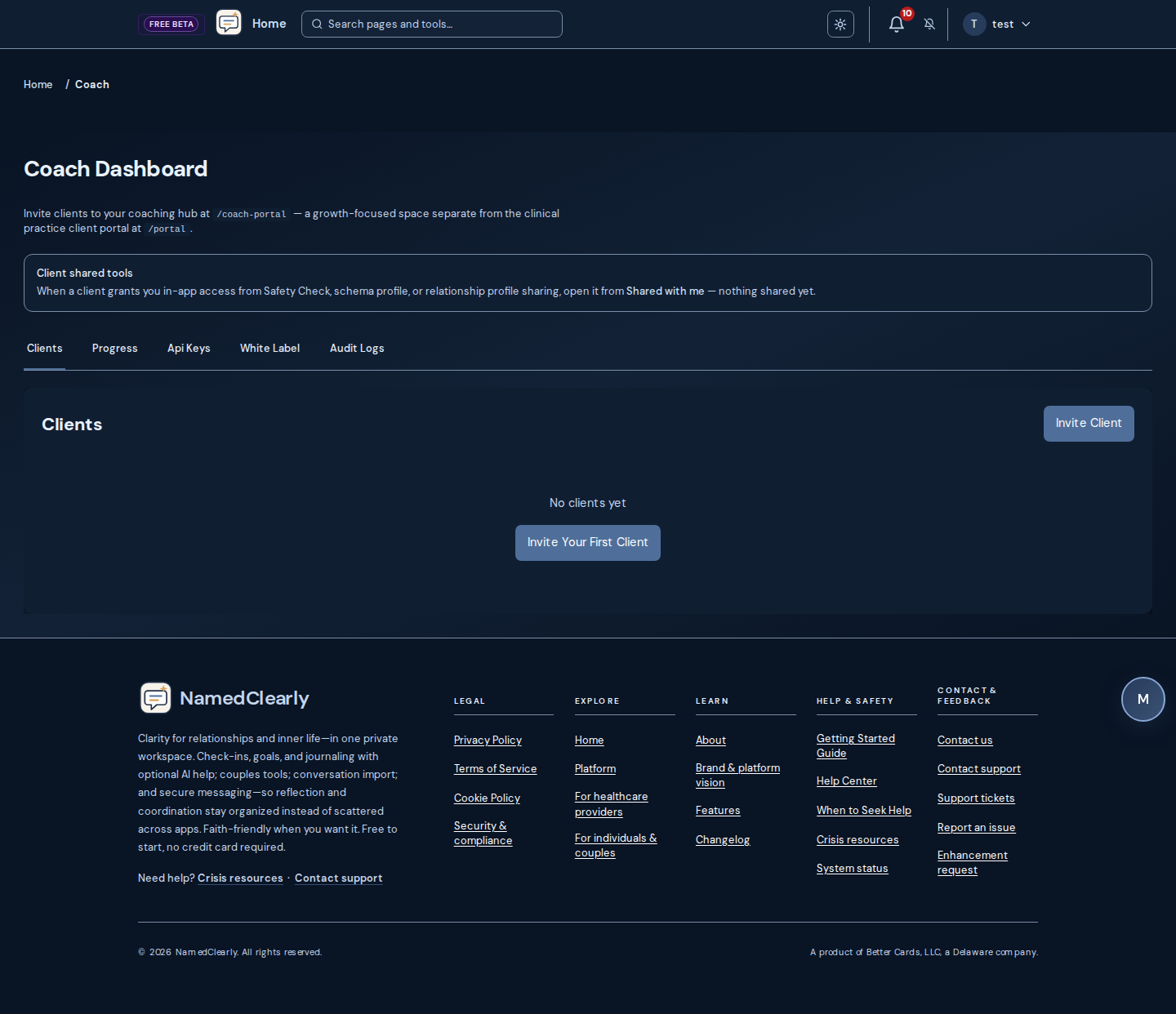
Coach tier: data boundaries & diligence
The Coach subscription adds practice-oriented workflows; it does not, by itself, establish HIPAA compliance for a covered entity. Review these boundaries before diligence or marketing claims:
- Therapeutic persistence — Schema, Safety Check, exercises, DSM summaries, and preferences live in separate domains; there is no single merged clinical record for every tool.
- Partner / household AI context — Cross-account sharing into AI prompts is preference- and category-governed (Couples Connect transparency, AI context settings); nothing implies automatic full-record sharing.
- Model roster — Available providers and model IDs depend on deployment configuration, not a fixed global catalog.
- Database enforcement — Authorization is enforced in application code; row-level database policies are not the primary isolation layer today.
- Inference & PHI — Map every route that may touch sensitive content to named vendors, BAAs, and retention before HIPAA-style claims.
For BAAs and deployment checklists, see Compliance overview and BAA template.
Telehealth (practice video)
For practice and coach-tier providers when video is configured: start HIPAA-oriented sessions from Practice → Telehealth or from today’s schedule. Clients join from the portal after you admit them. Join URLs use a secure token (?t=…) and expire after about an hour—start a new session if you see "not allowed to join." Use Copy patient join link only for the client; keep your dashboard-open link for host features such as cloud recording when enabled under Practice → Configuration. Not for emergencies—use crisis resources when needed.
Hearing each other on a video call:The in-app room plays your care team's voice through dedicated audio playback (video tiles stay muted to reduce echo). Allow mic/camera for the site, interact with the page if prompted, and check device volume if one side sees video but not sound.
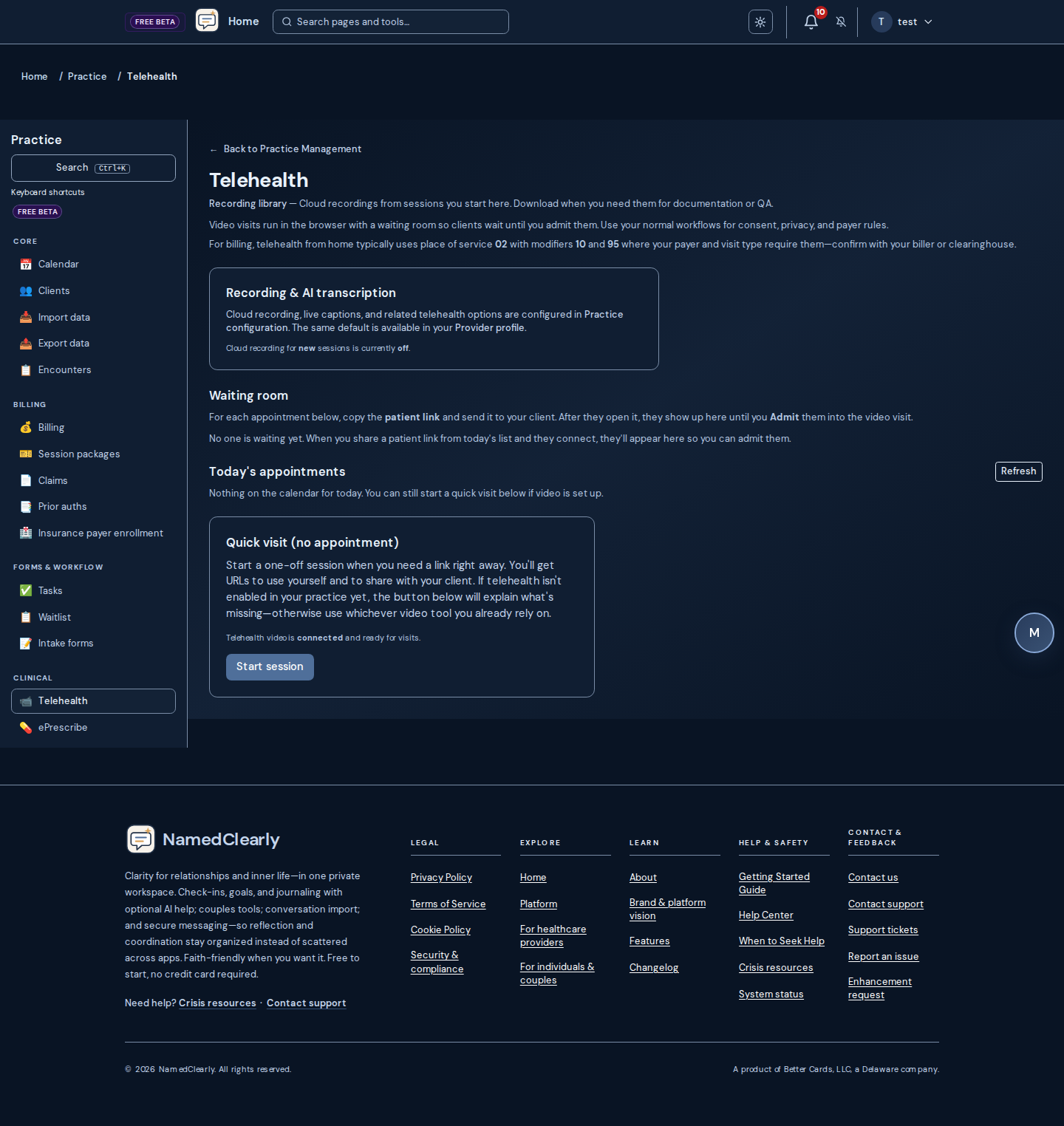
Practice: insurance card OCR
On Dashboard → Practice → Client chart, when you Add insurance plan, use Upload insurance card to photograph the card. The app can suggest payer name, member ID, and group number—always review before saving.
Your deployment needs image OCR enabled the same way as other AI features. An admin sets keys under Dashboard → Admin → API Keys (Gemini, Google Cloud Vision, or OpenAI vision as configured). If you see a notice that extraction is not configured, enter the plan manually or ask an admin to add keys.
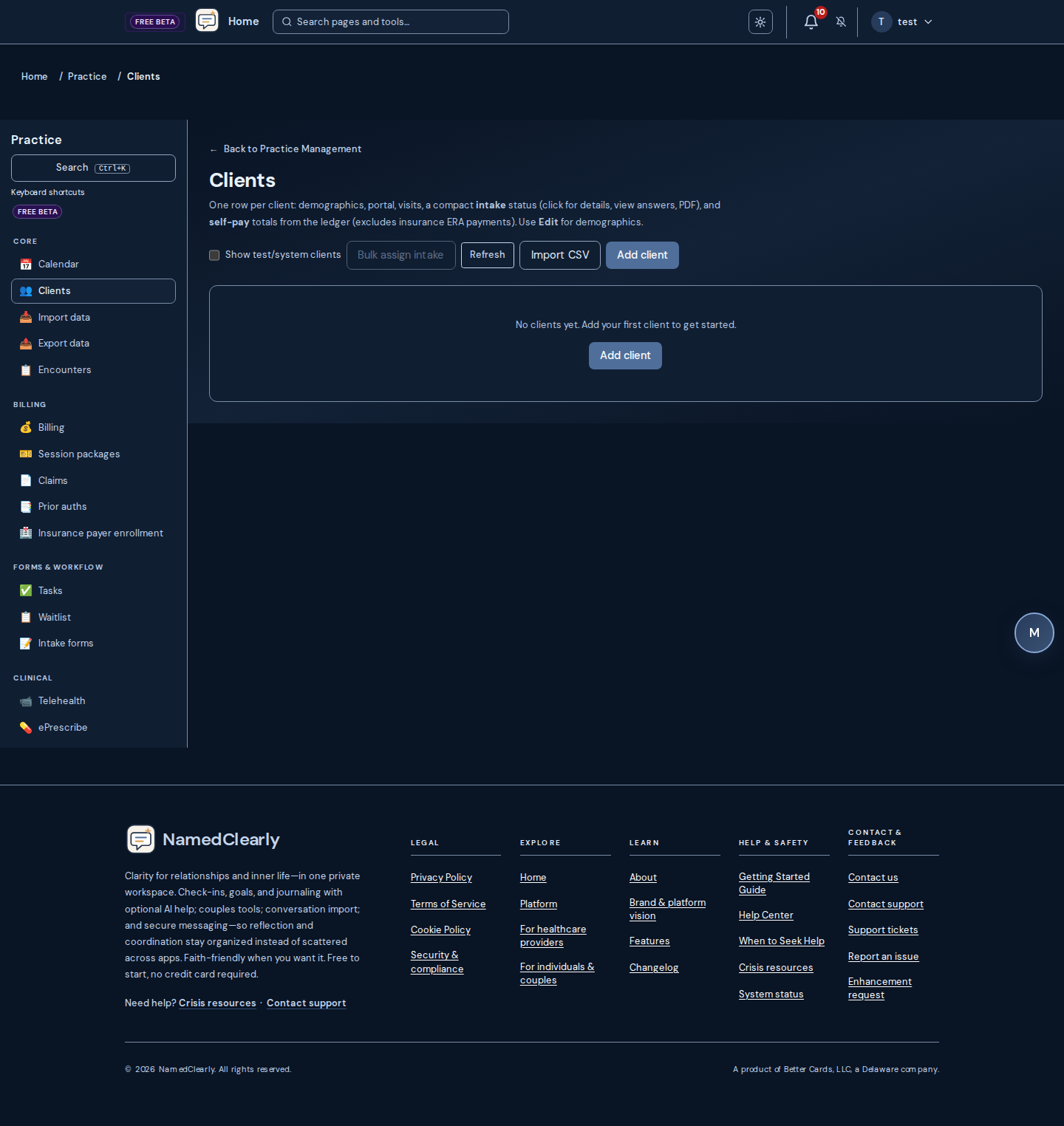
Practice ePrescribe
For prescribing clinicians on Coach (Practice Management): open Dashboard → Practice → ePrescribe (/dashboard/practice/eprescribe). The practice prescription log works without a vendor—record, edit, void, print, and export CSV. From a client chart, use ePrescribe to scope the log to one client.
Live pharmacy routing requires operations to enable a certified vendor and the per-clinician ePrescribe add-on. When connected, prescriptions can transmit to the pharmacy network; controlled substances need EPCS enrollment and two-factor step-up at sign time. On the prescribe form, use Start EPCS step-up before entering the vendor token and transmitting.
EPCS (controlled substances)
- Complete vendor enrollment and EPCS identity proofing on the Setup tab.
- When recording a controlled prescription, check Controlled substance and tap Start EPCS step-up.
- Enter the short-lived EPCS token from your vendor, then save and transmit.
The Pharmacy inbox tab lists refill requests, cancellations, and fill notifications when a vendor is connected.
The same hub includes Insurance billing (Stedi EDI payer enrollment) for staff with claims permissions. This is not clinical decision-making or legal advice.
Why a certified vendor? NamedClearly owns the chart workflow and practice log; live pharmacy routing in the U.S. requires certified networks, EPCS, state PDMP connectivity, and licensed drug data—similar to using Stedi for claims EDI while you own billing UX. The practice log works without a vendor; live transmit does not.
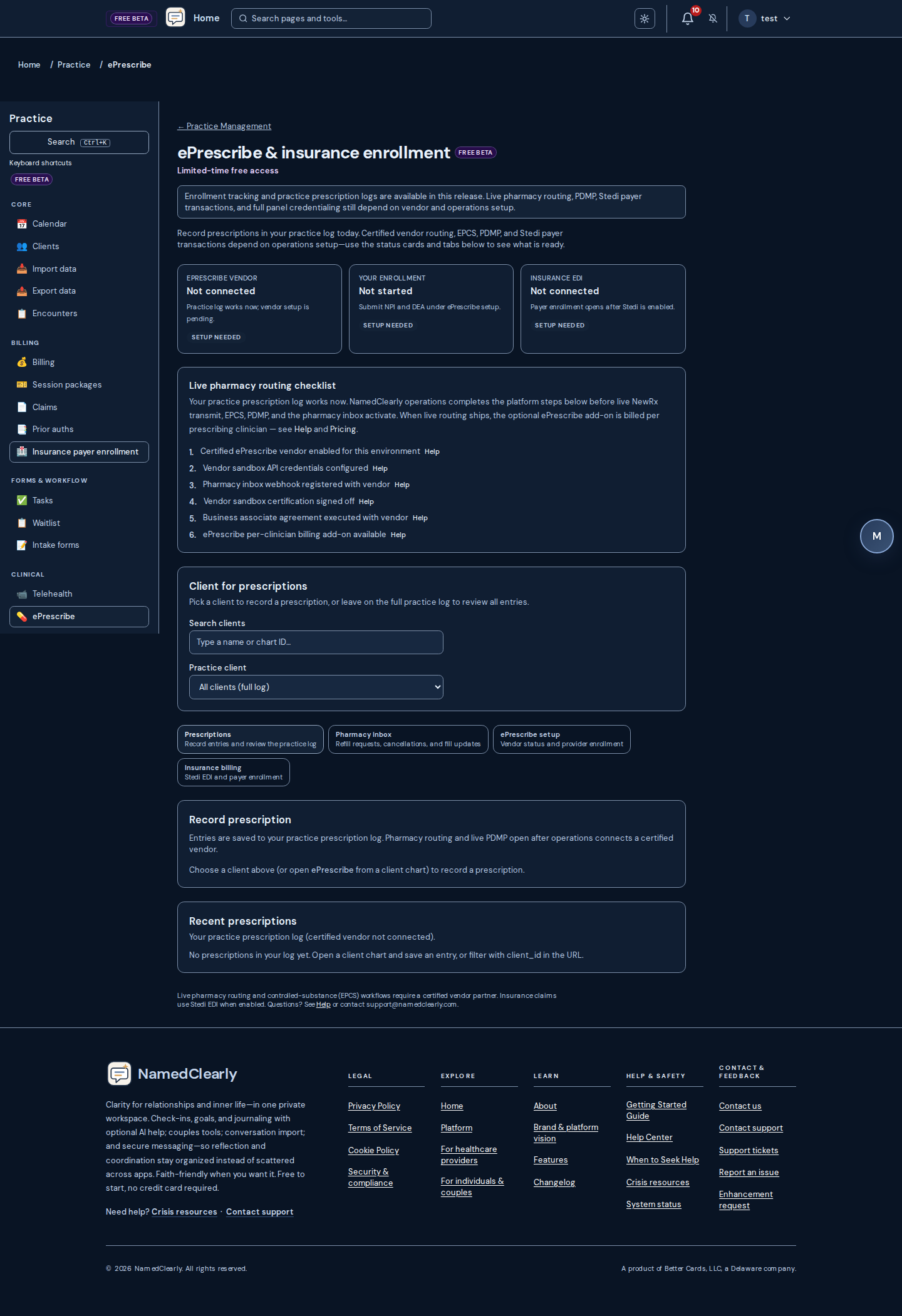
Practice Manager: billing automation
For providers on tiers that include Practice Manager: open Dashboard → Practice → Configuration (/dashboard/practice/config). Under Billing & Claims you can enable Auto-submit claims when encounters are saved as Ready to bill (subject to insurance setup and permissions), and Auto-create draft invoice for those encounters (draft only; the single-encounter draft total stays aligned with the encounter amount while it remains Ready to bill).
When a matching draft exists, Practice → Encounters shows Open draft invoice. Practice → Billing also accepts ?invoice_id= with a valid invoice id to open the edit dialog for that draft.
This does not replace payer rules, contracts, or your own billing compliance review.
Practice Manager: superbills, card on file, measures, session complete
For providers on tiers that include Practice Manager (when Stripe and billing are configured): download superbills from Practice → Billing or encounters; save a card on file on the client chart or Portal → Billing with optional AutoPay; assign GAD-7 and PHQ-9 on the client Measures tab (clients complete from Portal → Wellbeing); and use Complete session from calendar, encounters, tasks, or the practice hub after visits.
Scoring and superbills support practice operations—they are not diagnoses, legal billing advice, or guaranteed reimbursement.
Practice Manager: waitlist slot offers
From Dashboard → Practice → Client waitlist, staff can Offer slot when a time opens. The client receives email with a link to /book/your-slug?waitlist_offer=… where they Confirm this time or Decline. Confirming books the visit; declining releases the held appointment.
Production hosts should set WAITLIST_OFFER_SECRET. Links expire at the earlier of 14 days or the appointment start.
Practice Manager: team roles and role matrix
Organization owners and admins assign practice staff roles on Dashboard → Practice → Team (/dashboard/practice/team). The Role matrix (/dashboard/practice/role-matrix) shows minimum-necessary read/write access by role for clients, calendar, billing, and related areas.
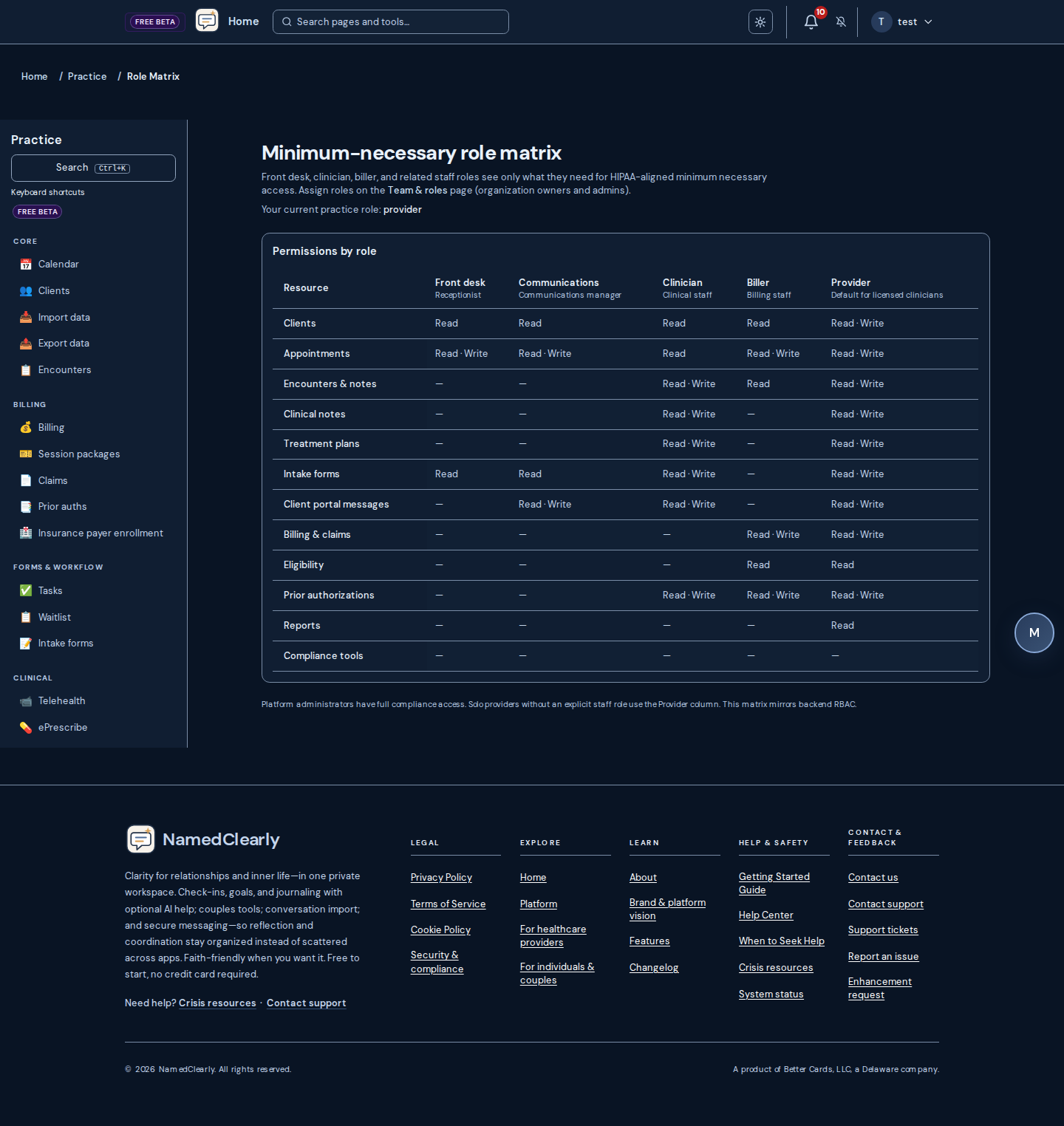
Practice Manager: session prep (since last visit)
On a client chart or from Practice → Calendar (Session prep link), clinicians see context since the last encounter: prior note excerpt, measure updates, and related chart signals. Optional Refresh summary adds an AI narrative when your tier and keys support it—not a diagnosis or treatment plan.
Practice Manager: clinical education (staff)
On Dashboard → Practice → Clinical education (/dashboard/practice/clinical-education), staff ask general modality and protocol questions against the indexed protocol library. Optional AI synthesis cites retrieved excerpts when practice AI is enabled. After you search, use Read summary, Read excerpt, or Read all sections to listen (cloud voice when enabled, browser speech as fallback). Do not enter client names or chart text—this surface is for staff learning, not client care documentation.
Messages
Connect with friends in your growth community through direct messages. View your friends list, start conversations, and see when friends are online or when they were last active.
Status indicators
- Green dot– The person is online or "Active now".
- Clock icon with time– The person is offline; the time shows when they were last active (e.g. "Last active today at 3:00 PM" or "Last active yesterday at…"). The clock only appears for offline users with recent activity—it never appears next to "Active now".
Adding and removing friends
Use the friends list to add friends (by user ID or email when the feature is enabled). To remove a friend, open the friends list, find the person, and use the remove (X) button. Removing a friend does not delete past messages but stops new direct messages.
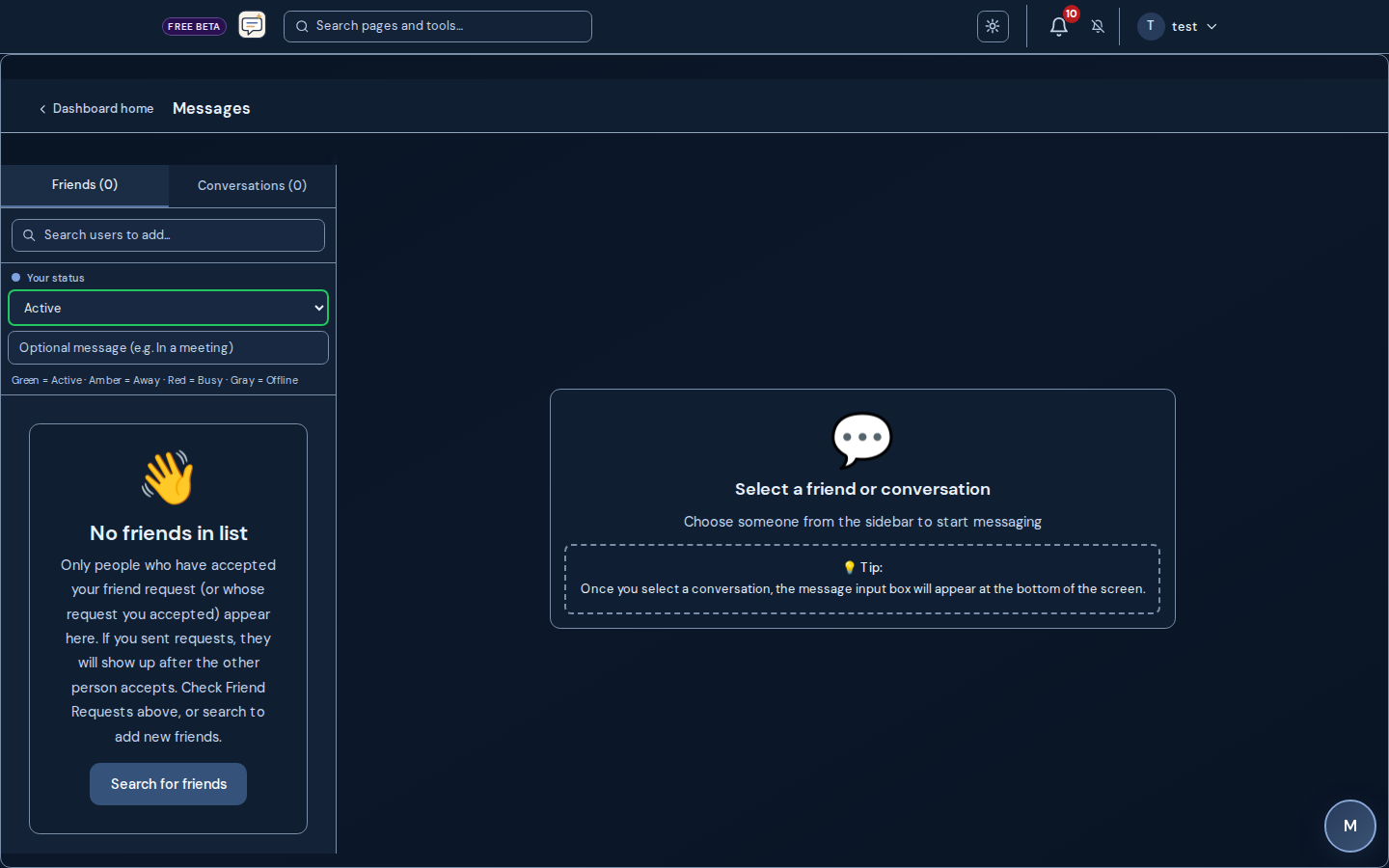
Roleplay (Profiles & Sessions)
From Dashboard → Roleplay you can create relationship profiles and run roleplay sessions with AI feedback. Practice communication and scenarios in a safe space; use reflection prompts and get structured feedback. This is part of the Coach and growth toolkit—not therapy.
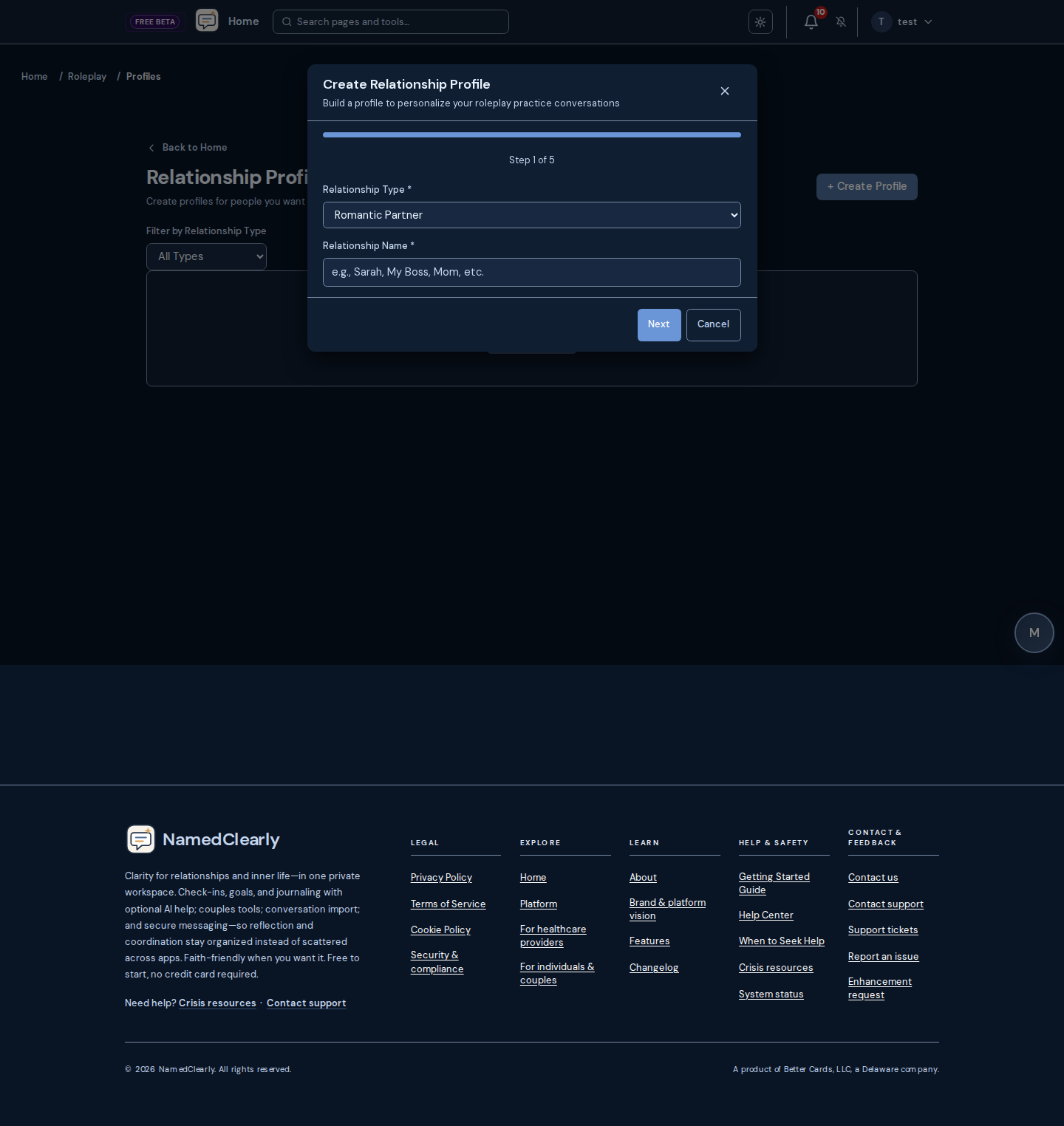
Phone number and SMS sign-in
Open Dashboard → Preferences → Phone and SMS sign-in when your site has transactional SMS enabled. Add your mobile number and confirm the verification code sent by text message.
You can optionally enable SMS two-step sign-in (requires your account password). Only one second factor is active at a time—SMS or an authenticator app, not both.
Under Notification preferences, you can turn on SMS per notification type after your phone is verified and outbound SMS is configured on the platform (Telnyx). Couples calendar morning summaries and practice portal alerts use the same verified number—there is no separate mobile field for those features.
Notifications
In-app: When enabled for your account, the bell in the dashboard top bar (near help) lists recent alerts.
Email: Session summaries may be sent after sessions. Password reset and security mail are sent when needed. On Dashboard → Preferences, you can tune categories such as Devotion Connect (daily devotional email), reminders, and—if you use practice features—practice-related email types (appointments, billing, intake, and similar). Security emails (for example password reset and account verification) stay on when required; they are not turned off by those preference toggles.
Daily devotional email: which items and what time
On Dashboard → Preferences → Daily devotional email, choose exactly which devotional emails you receive and when they arrive:
- Today's devotional is ready— a daily email when your couple's devotional is ready to read.
- Reminder if not completed— a gentle nudge when you have not finished today's devotional.
- Devotion Connect daily email — your free standalone daily devotional link.
- Prayer & Bible study reminder — your daily prayer and Bible study focus.
By default everything is turned on and sent at midnight in your local timezone, so the full daily bundle (devotions, reminders, prayer, and more) arrives together at the start of each day. You can change the timezone and the send timein 30-minute steps (for example 12:00 AM, 7:00 AM, or 8:30 PM). Each item is sent at most once per day, so if you are in more than one couple you no longer receive duplicate "devotional ready" emails. Turn any item off to stop just that email while keeping the others.
Activity History (Sessions)
View your session history from Dashboard → Sessions. See how much time you have invested in reflection, goals, check-ins, and chat. Track accomplishments and activity over time. Session summaries can be sent by email when enabled.
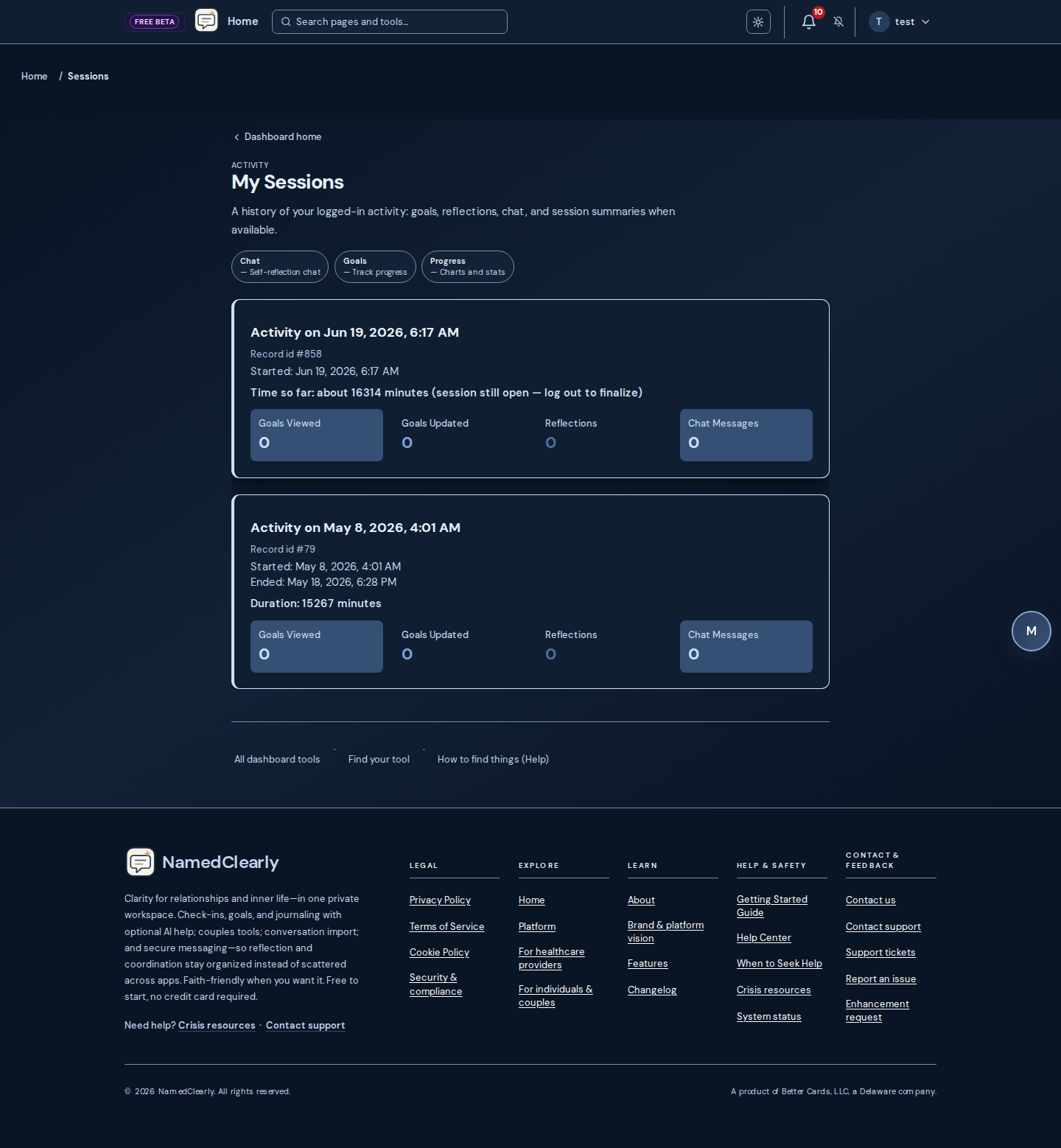
Import (conversations & chat)
There is one place for all conversation imports: the Import page. Use it for SMS, iMessage, WhatsApp, Signal, Telegram, Messenger, Slack, Discord, and any other chat app that can export to CSV, JSON, XML, TXT, or SQLite.
On the Import page you can: upload and save conversations, analyze patterns, get goal suggestions, merge multiple imports into one, create an AI chat persona (with or without saving), and use token-reduction for long threads when sending to AI Chat. Full instructions—including how to export from Android and iPhone, supported file formats, and privacy details—are all on that page.
For detailed iPhone export steps (iMazing, iExplorer, iCloud, and more), see the guide linked from the Import page ("View iPhone export guide").
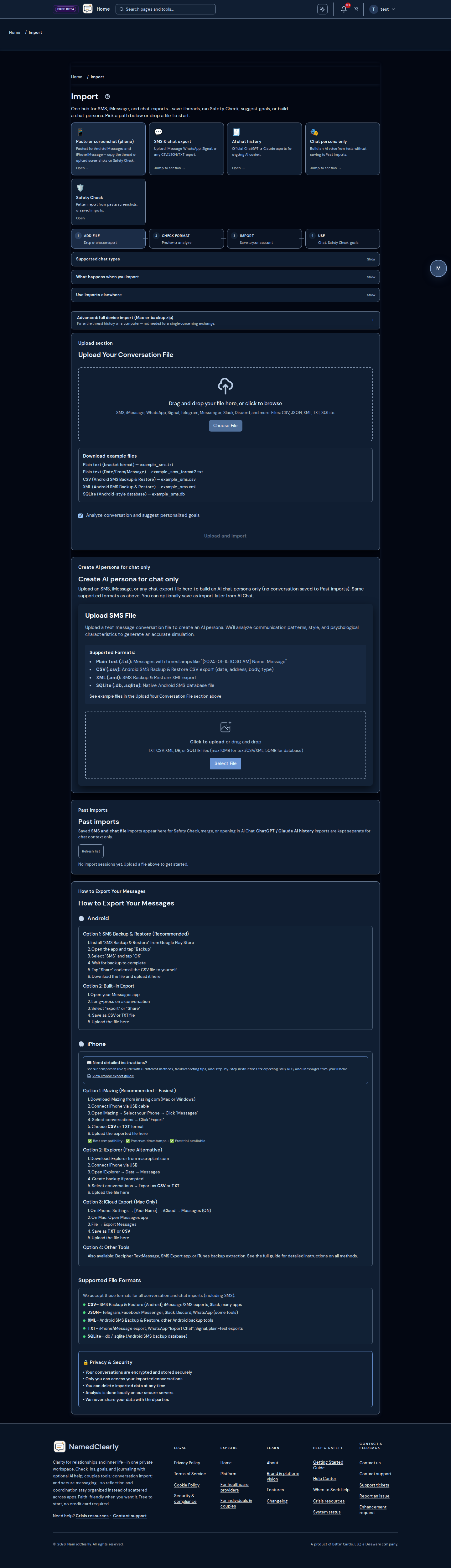
Mobile device SMS companion (optional)
The NamedClearly member app on the App Store or Google Play (when listed) and this SMS companion are not HIPAA-compliant wellness tools—not for emergency use or protected health information you must keep under HIPAA.
Separate from the website, an experimental Android shell in this repository can call the same member account with a Bearer JWT (link code from Hard conversations or paste from the portal). It can register the handset, sync selected thread lines to the portal for context, and request schema-informed SMS drafts using the same psychoeducation guardrails as the schema toolkit. Nothing is sent automatically: you review the draft on the device and send with SmsManager only if you choose to.
Google Playheavily restricts SMS permissions; shipping a consumer app that reads the full inbox often requires becoming the user's default SMS app or a very narrow, policy-reviewed scope. Treat this companion as a developer / internal testing path until policy and legal review are complete.
API routes (authenticated member only): POST /api/mobile/sms/device, /sync, /suggest, /telemetry. Maintainer reference: docs/features/MOBILE_DEVICE_SMS_ADDON.md in the product repository.
App Store and Google Play listing URLs
When you fill App Store Connect or Google Play Console, use these HTTPS links on the public site (no login required). Both stores require a privacy policy URL.
- Privacy policy URL: https://namedclearly.com/legal/privacy
- Terms: https://namedclearly.com/legal/terms
- Support: https://namedclearly.com/app-support
- Marketing / website: https://namedclearly.com/marketing
- Android application ID (SMS companion):
com.namedclearly.smsscompanion
Maintainer copy-paste table: docs/mobile/APP_STORE_LISTINGS.md
Relationship issue resolution (repair plan)
Use this phased flow when both people can participate safely and you want repair, not a win: agree one topic and a time box; regulate before debating; align on what happened (observable sequence) before motives; share impact and needs with reflection; choose one or two small experiments and a follow-up date. If there is fear, coercion, or violence—or either person is too flooded to listen—pause and use appropriate safety and professional resources; this is not therapy or mediation.
In NamedClearly: Couples Features (Fight Room for AI-moderated dialogue, shared calendar and tasks, relationship contract), Communications Wizard for drafting hard messages, Communication & Safety when imported or pasted text may show harm patterns (still not a substitute for in-person safety planning). Maintainer playbook (phases, failure modes, route map): docs/features/RELATIONSHIP_ISSUE_RESOLUTION_PLAN.md in the product repository.
Couples Features
Fight Room (AI-moderated conflict resolution):
From Dashboard → Couples → Fight Room you can run a structured, AI-moderated conversation with your partner. Pick a Focus mode ( Calm, Express, Understand, Resolve), choose Speaking as yourself or partner practice, and use Quick reply starters above the composer. Optionally enable Moderator softens my draft before it posts to review softened text before sending. Save and resume sessions; works best when both partners are connected in Couples Connect.
On Dashboard → Couples → Conflicts, record issues with title, category, and intensity; open Enter Fight Room from any row. Archive hides a row until you turn on Show archived or tap Restore; Delete removes it from your list and Fight Room. Either partner in an active couple link can archive or delete.
Couples Connect sticky notes:
On Dashboard → Couples Connect, each partner can leave one short note that appears like a sticky on the screen (your partner sees yours; you see theirs). Save updates your note; clear the text and save to remove it. Placement is chosen once and stays consistent for both of you.
Relationship Health Tracking:
- Track relationship health across multiple dimensions
- Manage boundaries with mutual consent
- Use conflict resolution frameworks
- Assess and track love languages
- Sync data between partners
Date Night Spinner:
- Get randomized date night activity suggestions
- Add custom activities
- Track past date night activities
Shared calendar:
On Couples or Couples → Events, schedule shared events and date nights (date, time, location, recurring options, all-day when used). Use Edit on a row to update an event—changes apply for both partners after you save.
- Add to Calendar (.ics) downloads a standard file for that event. On iPhone, open it in Files or use Share → Calendar to add it to Apple Calendar. The same file works in Google Calendar and most desktop apps.
- When you have at least one upcoming event, Export upcoming (.ics) downloads one file with all events from today forward.
Shared tasks (Together tab):
- Open Dashboard → Couples and the Together tab to add Shared tasks (both partners) or Regular tasks (one partner).
- Import a list: Photo (handwritten or printed list), Text file (.txt, .md, or .csv, one task per line, up to 25), or Paste list. Review suggested lines, then add as shared tasks, regular tasks for one partner, or your personal goals.
- On the Couples Overview, the Shared tasks tile opens the Together tab and scrolls to the task list.
- Optional due date and reminders: off, once when due, or repeating daily/weekly until marked done. Partner notifications follow your usual in-app and email settings.
Relationship contract (Couples overview):
- Weekly Relationship Health first: viewing, editing, signing, or AI-generating agreement terms requires that bothpartners have submitted this week's 💚 check-in on Couples → Growth → Relationship Health. If one of you is still missing, the app shows a clear notice and the contract APIs stay locked until both are done.
- Create a titled agreement with agreement parts: each part has a heading and what you agree to. Use Add section, Move up / Move down, or Remove to organize parts. Generate sections with AI suggests parts you can edit—no JSON editing required. Both partners sign the active draft to lock it in.
- Edit draft is available while the active agreement is not fully signed. If you change the title or agreement parts, signatures clear so you both affirm the updated text.
- After both have signed, use Propose new revision to start a new version: the previous one stays in revision history, and the new draft needs both signatures again. Optional What changed notes help your partner see the intent of the update.
- Log review records that you revisited the signed agreement, updates the next review date from your review frequency, and can append an optional note for both of you. Revision history lists versions (active vs archived), signature status, and last reviewed dates when recorded.
Shared Memories:
- Create shared memories together
- View memories in chronological order
- Attach photos to memories
- Reactions: tap an emoji to add yours; tap the same emoji again to remove it; counts reflect your couple or friend connection
- Comments: post a short comment; delete your own anytime; your partner may get in-app (and optional email) notifications when you comment on their memory
Partner activity (dashboard & Couples):
When an administrator turns on partner activity summary (Admin → Settings → Partner visibility), you may see a Partner activity card on your main dashboard. It lists tools your connected partner has used recently (within about the last 30 days): only the name of the tool and how long ago they last used it—not the content of check-ins, chats, or messages.
Tool names in the summary link to the same area of the app so you can jump there quickly. Open More detail (exact times) on the card for local date and time of each last use. The list updates when you return to the tab or refresh; it is not shared with anyone outside your account.
If the card is missing, your admin may have disabled this feature, you may not have a connected partner yet, or your partner has no qualifying activity in the window above.
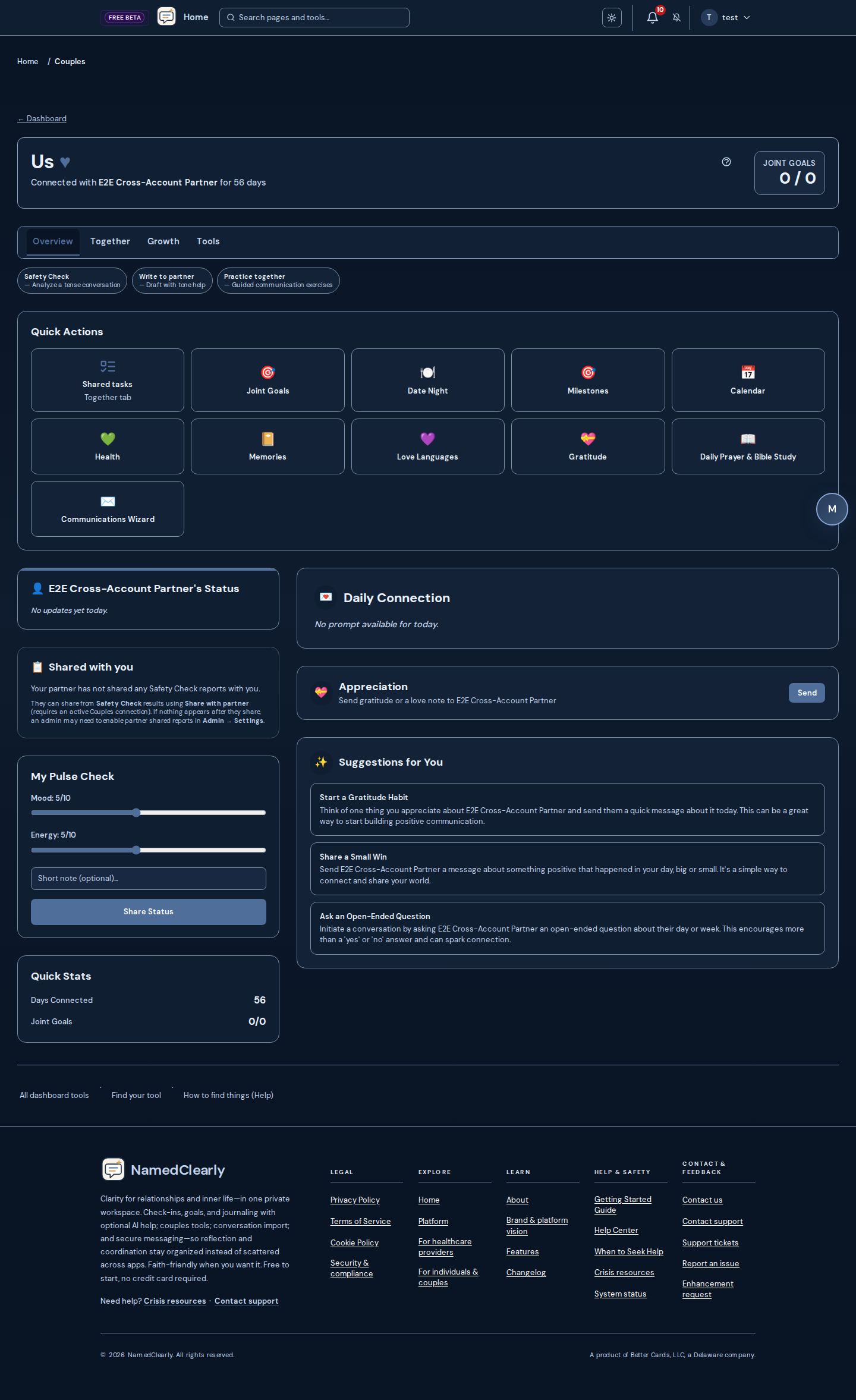
Refer friends (rewards)
- On the main Dashboard, use Refer Friends, Get Rewards (or open Dashboard → #invite-a-friend when your layout includes that shortcut). Copy your personal sign-up link or send an invite from the platform address.
- Invite email style: show your name; email only without your display name; or outreach-style copy that does not name you as the referrer—your link still tracks rewards.
- With an active or pending Couples Connect link, suggested partner or invite emails may appear as shortcuts; send one invite at a time (rate limited).
Kids Connect
From Dashboard → Kids Connect, families can use parent–child activities, co-parenting guidance, biblical parenting resources, Family Connect (invite or join a household with a code), and Family Communication (static meeting prompts, whole-family prompts, and simple frameworks to copy—not personalized server-side from your YSQ-R). Optional private reminder: On Family Communication, Activities, Co-parenting, and Biblical parenting, when you are signed in and GET /api/schema-therapy/ysq/history returns scored data, the browser may show a short asidewith theme-area hints for your reflection only—it does not rewrite the prompt lists and does not expose your workbook to children's accounts or to Family Connect members. These tools support connection and reflection at home—they are educational and relational supports, not therapy or diagnosis. For how this relates to YSQ-R overall, see Schema Therapy Program (YSQ-R).
- Family Connect (invite) — share a code with a co-parent or family member
- Join family with a code — if someone already invited you
- Household memories — shared list for every active family member
- Activities
- Co-parenting
- Biblical parenting
- Family Communication
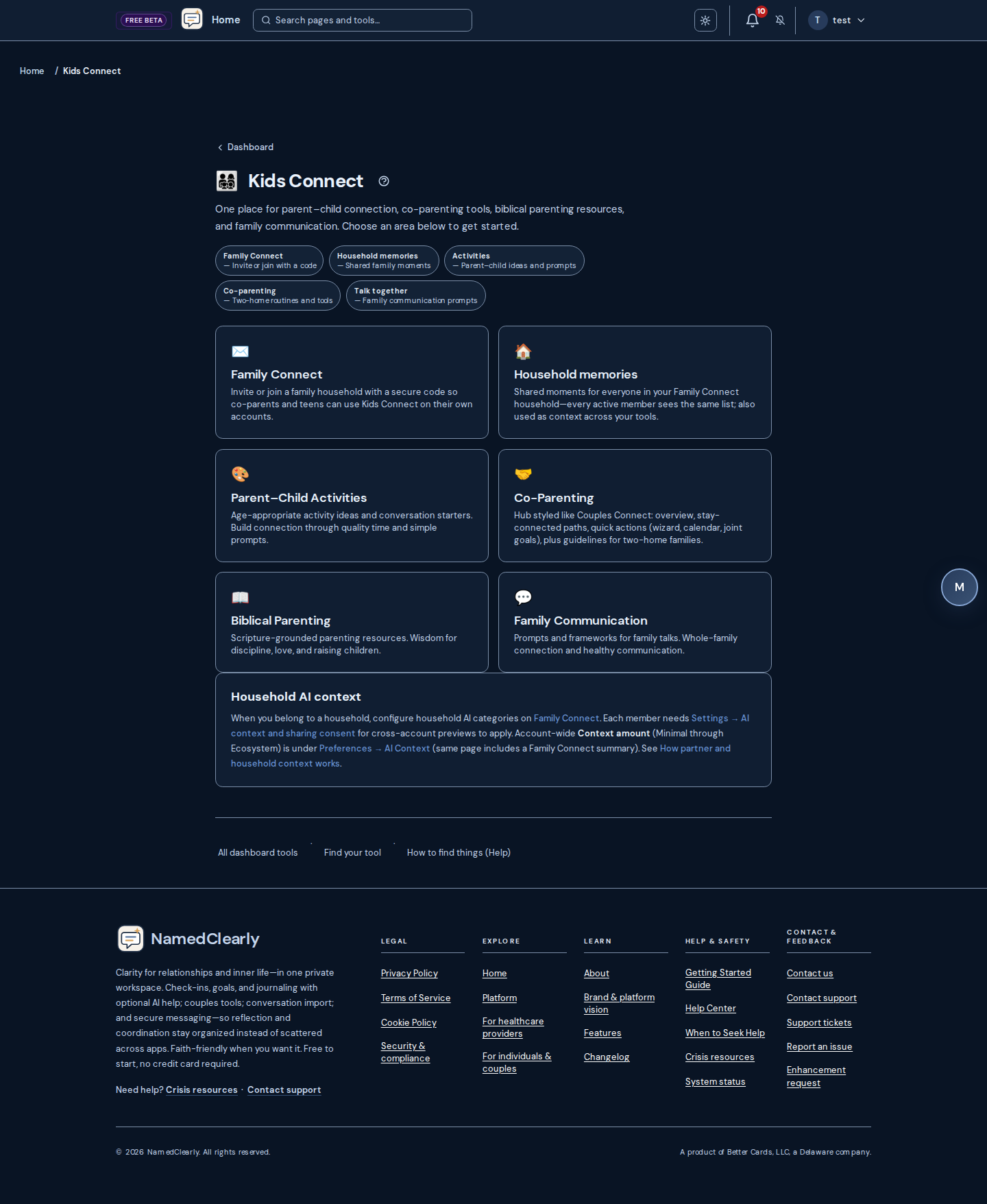
Crisis Resources
If you're in crisis or need professional help, we provide 24/7 resources: National Suicide Prevention Lifeline (988), Crisis Text Line (text HOME to 741741), and when to seek professional care. NamedClearly is not therapy or medical advice—please reach out when you need professional care.
Admin Dashboard
Authorized administrators only. Sign in as an administrator and open /dashboard/admin. That page is the admin hub: the first section is Safety Check with one entry into the unified operator console (safety-check-unified): global Report # lookup plus tabs for upload, charts, all reports, training lab, and synthesis review. Older safety-check-* URLs redirect into that console. Product-wide Safety Check settings stay under Global settings. Other hub sections cover operations, users, practice compliance, support, marketing, AI, API keys, and more.
Navigation: On admin pages, the top strip includes a single Safety Check link to the unified console. From the main member dashboard, open Admin in the welcome row and choose Safety Check. On mobile, one shortcut after Admin opens the same console.
Common routes (prefix /dashboard/admin/)
- Safety Check (operator) — canonical safety-check-unified. Legacy paths (safety-check, safety-check-upload, etc.) redirect here with ?tab=… deep links preserved.
- User management — users (accounts and settings). Related: Registration approvals — approvals; Invites — invites; Plan change requests — plan-change-requests.
- Bug reports — bugs (user reports and enhancement requests).
- QA testing — qa-testing (manual release campaigns; grant QA tester on users first). See QA testing (manual campaigns).
- AI prompts — prompts (chat, goals, reflections, Bible search, and related experiments). The hub also lists model browsers, MCP servers, datasets, and similar tools.
- AI providers — ai-providers (per-provider status). After repeated 401/403 auth failures the host auto-skips that provider in routing until you re-enable here—rotate keys under api-keys first.
- Lead management — leads (lead magnet submissions, list/pagination, and per-lead fields such as unsubscribe status).
- Analytics — analytics (hub with links to Conversion — analytics/conversions, A/B tests — analytics/ab-tests, Performance — analytics/performance, Network — analytics/network). API costs — api-costs.
- Token limits — token-limits lets admins adjust Universal Chat message quotas and cost ceilings by account type, plus per-response token caps for supported AI features.
- Theme editor — theme-editor for site-wide light and dark semantic color tokens (CSS variables) wherever the published theme applies.
- Dashboard layout presets — dashboard-header-presets for naming welcome-strip menus and publishing the site default for members on Default top links (per-user custom header orders are unchanged).
- Global settings — settings: app-wide options including Session idle timeout (minutes, 0–1440). After that many minutes of no activity (mouse, keyboard, etc.), users see the Session paused modal to extend or log out. Set to 0 to disable. Changes take effect immediately.
Also from the hub: Operations & backups — operations; Deployments — deployments; Practice compliance (HIPAA hub under the practice dashboard); Email marketing — email-marketing; Send documents — send-documents; API keys — api-keys; Stripe setup — stripe-setup; Token limits — token-limits; and other cards as your deployment exposes them.
Markdown mirror: docs/HELP.md (#admin-dashboard, #admin-theme-editor, #admin-dashboard-header-presets, #admin-eprescribe-platform, #admin-qa-testing).
ePrescribe platform (operators)
Authorized administrators only. Open /dashboard/admin/eprescribe-platform for a read-only view of vendor env, platform live transmit, billing gate status, and the six-step go-live checklist (no PHI). After vendor sandbox credentials land in prod .env.prod, run ./scripts/deployment/verify_eprescribe_config.sh. Use EPRESCRIBE_PILOT_PRESCRIBER_USER_IDS for certification pilots before Stripe checkout ships.
QA testing (manual campaigns)
Authorized administrators only. Use this for structured manual QA before or after a release—not the same as Bug reports (user-submitted defects).
Admin: /dashboard/admin/qa-testing (also on the admin hub). Create a campaign, set status to active, grant QA tester on Admin → Users for each tester, then Assign checklist (tiers such as p0,p1). Review pass, fail, and blocked on the results board.
Testers: Sign in as a user with QA tester enabled. Open /qa-portal or search QA portal on the dashboard. For each item, follow the route hint, set status and notes, then Save result. Fail and blocked notify admins in-app (email when notification prefs allow).
Admin Theme Editor
Location: /dashboard/admin/theme-editor
Operators edit light and dark semantic color maps (CSS variables such as sage, slate, cream, and related UI tokens). Publishing saves overrides the app serves alongside built-in defaults—useful for brand alignment without editing frontend source.
After changes, spot-check public pages and the signed-in dashboard in both themes for contrast and UI chrome.
Dashboard Header Presets
Location: /dashboard/admin/dashboard-header-presets
Build named presets for the member dashboard welcome strip (top quick links). Publishing chooses the deployment default for accounts whose header preference is Default top links. Members on a custom welcome strip keep their own order.
Performance monitoring
Location: /dashboard/admin/analytics/performance
Features
- Real-time system health metrics (CPU, memory, disk usage)
- Web Vitals tracking (LCP, FID, CLS, FCP, TTFB)
- API response time monitoring
- Service status indicators
- Performance alerts and warnings
- Historical trend charts
How to use
- Open the Performance Monitoring dashboard
- View real-time system metrics
- Check Web Vitals for user experience insights
- Review slow endpoints and performance alerts
- Monitor trends over time using historical charts
Analytics & reporting
Available dashboards
- Conversion analytics (/dashboard/admin/analytics/conversions): conversion funnel, engagement stats, performance by variant and source, conversion rate tracking.
- A/B testing analytics (/dashboard/admin/analytics/ab-tests): variant comparison, statistical significance, conversion analysis, winner detection.
- Network monitor (/dashboard/admin/analytics/network): API request patterns, usage stats, request frequency, performance metrics.
- API costs (/dashboard/admin/api-costs): external API usage, cost analysis, billing insights.
Benefits
- Data-driven decision making
- Performance optimization insights
- Marketing effectiveness tracking
- System health monitoring
- Cost optimization
Your Data
We store only what you create: account info, reflections, goals, check-ins, chat history, and (if you use them) couples and Bible data. We use it to run the product and personalize your experience. We do not sell your data. Retention follows our Privacy Policy.
Export: From your account settings you can export all your data (JSON). Delete: You can permanently delete your account and all associated data at any time. Your data is yours.
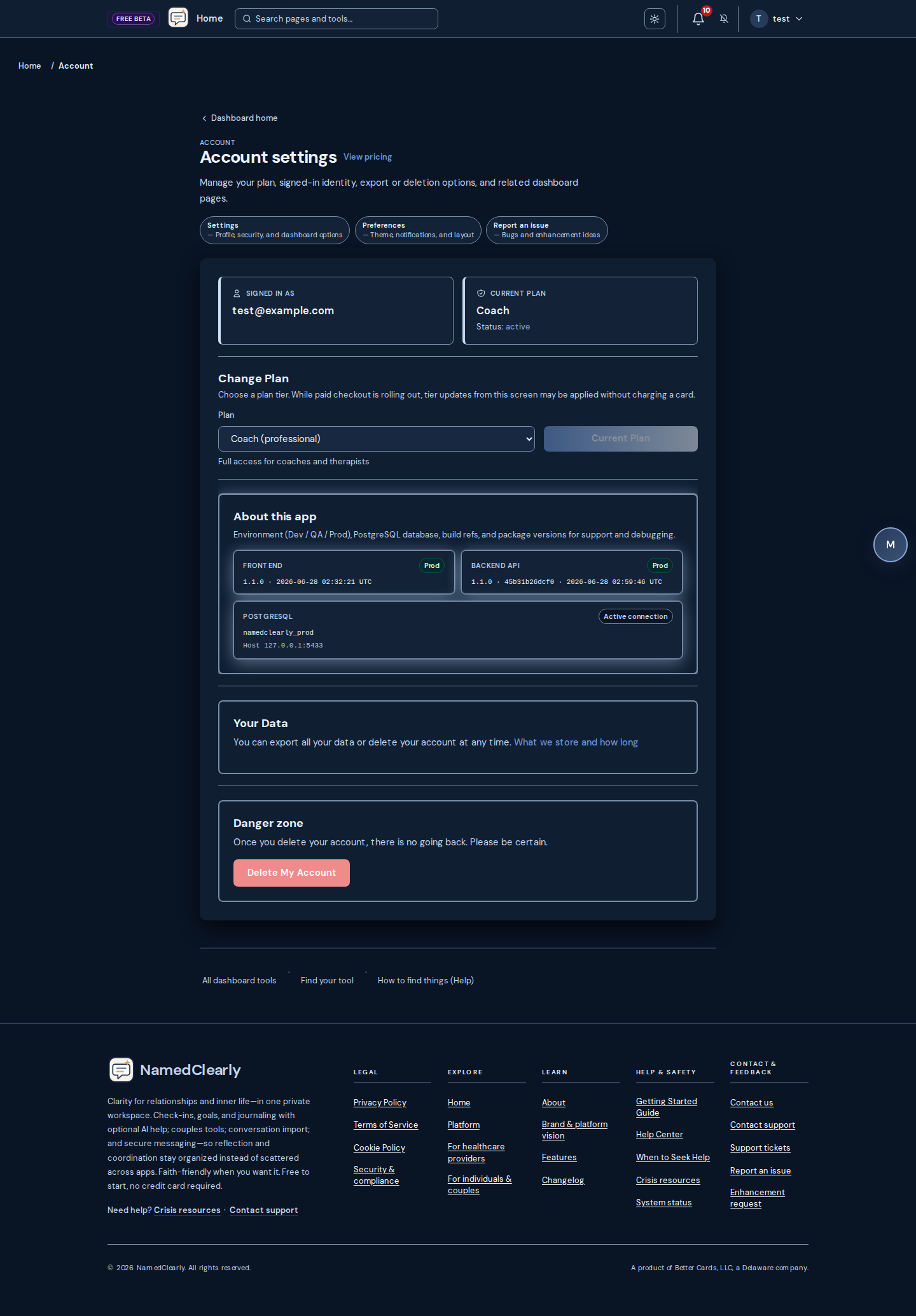
How AI is used
NamedClearly uses AI to suggest prompts, summarize reflections, and provide personalized growth guidance. Your answers and conversations are private and are not used to train public AI models. We use industry-standard security and only use your data to improve your experience within the product. You can export or delete your data at any time from your account settings.
Is my data used to train AI? No. Your reflections, chat messages, and other content are not used to train public or third-party AI models. Your data is used only to provide you with personalized guidance within the product.
Models and providers: Different features may use different models or vendors behind the scenes; what you see can depend on your plan. This remains a growth and reflection product—not clinical care. Export and deletion options are described above and under Your Data.
For a read-only summary of where therapeutic-related aggregates live on your account (counts and flags—not full reports), open Dashboard → Settings. More detail: Therapeutic context overview.
Therapeutic context overview
Dashboard → Settings includes a short AI context card: what merged personalization is for, a link to Preferences → AI Context, and an optional training-data checkbox. It does not list database counts or show raw merged text on Settings—the merge still powers AI behind the scenes.
Partner transparency when you have an active Couples Connect link is summarized on the couples hub; category toggles and consent follow Cross-account AI context.
Maintainer documentation: docs/features/THERAPEUTIC_RECORD_ARCHITECTURE.md.
Cross-account AI context
When AI ecosystem context is enabled, small labeled summaries from a linked partner (Couples Connect) or household (Family Connect) can be merged into your AI prompts. By default, each category is allowed (donor outbound and recipient inbound) until someone turns it off in those hubs—still subject to account-level AI data sharing, admin cross-account settings, and role-aware safety rules (for example, rich child-to-adult goal or check-in summaries stay blocked even when other toggles are on).
Dashboard tools vs partner visibility:Full Safety Check reports, chat threads, and YSQ workbooks are not automatically visible on someone else's account unless you use explicit sharing flows (for example partner-shared Safety Check results or timed YSQ share links). Cross-account AI context only adds short summaries into your prompts when mutual toggles and account-level consent allow.
Configure preferences on the Couples Connect hub and Family Connect; a short summary also appears under Preferences → AI Context. Each account also needs Settings → AI context and sharing consent for cross-account previews to apply when categories allow. This is not clinical care; policy changes are audited server-side.
Adding the dashboard or an AI chat to your device home screen as a Progressive Web App (PWA) is only a local shortcut—it does not change these consent rules or expose extra chat transcripts to your partner or household. See Install the app (PWA).
Research & Evidence
NamedClearly is built on proven practices from research on relationships with God, your partner, and yourself. We integrate evidence from randomized controlled trials, meta-analyses, and decades of couple and spiritual growth research so you get one of the most evidence-grounded growth systems available.
- Relationship with God: Daily structured reflection (Examen-style) has been shown in RCTs to improve life meaning, satisfaction, and hope in as little as two weeks. Research from the Center for Bible Engagement (100,000+ people) shows that engaging Scripture four or more days per week is the strongest predictor of spiritual growth—which is why we support devotionals, Bible study, and consistent engagement.
- Relationship with your partner:Gottman's Sound Relationship House and "Love Maps" (knowing your partner's inner world) are backed by 40+ years of research. Studies show that responding to your partner's preferred ways of receiving affection (love languages) and expressing gratitude boost relationship satisfaction. We build these into couples exercises, gratitude, and conflict guidance.
- Relationship with yourself:Self-compassion is strongly linked to well-being in meta-analyses. Daily reflection and journaling improve distress, meaning, and resilience in RCTs. We support this through reflections, daily check-ins, goals, and "one small step" habits.
Our goal is to be the very best evidence-based system for integrated growth in faith, relationship, and self—backed by research, not just opinion.
Session paused (idle timeout)
If you leave the dashboard inactive for a while (no mouse, keyboard, or touch), a "Session paused" modal may appear. This is for your security so your session is not left open on a shared device.
What to do
- Extend session– Click "Extend session" to stay logged in. Your session is refreshed and the timer resets. Any activity (clicking, typing, scrolling) also resets the timer before the modal appears.
- Log out– Click "Log out" to sign out now.
If you do nothing, you will be logged out automatically after 60 seconds. The number of minutes of inactivity before the modal appears is set by the site (typically 30 minutes). On mobile, if you are on the Messages section, the idle timeout is not applied so you can read or reply without being logged out.
Troubleshooting
Common Issues
I can't login
- Verify your email and password are correct
- Use "Forgot Password" if needed
- Contact support if issues persist
Dashboard not loading
- Clear your browser cache
- Try a different browser
- Check your internet connection
- Refresh the page
I saw "Session paused"
After a period of no activity, the site shows this modal for security. Click "Extend session" to stay logged in or "Log out" to sign out. See Session paused (idle timeout) for details.
Getting Support
If you need additional help, you can:
- Use the help button (?) on any page for context-specific help
- Contact support through your account settings
- Report an issue using the "Report an Issue" button
- Check our When to Seek Help guide
Response Time:
- We aim to respond within 24-48 hours
- Urgent issues are prioritized
- Bug reports are tracked and updated
Reporting Issues
How to Report:
- Click "Report an Issue" from the footer or dashboard
- Select the type (bug or enhancement request)
- Describe the issue clearly
- Include steps to reproduce (if applicable)
- Submit your report
What to Include:
- Clear description of the issue
- Steps to reproduce (if applicable)
- What you expected to happen
- What actually happened
- Browser and device information (automatically captured)
Enhancement Requests:
- Share your ideas for improvements
- Describe the feature you'd like
- Explain how it would help you
- All requests are reviewed
For complete documentation, see our Getting Started Guide or contact support through your account settings.